Instructions for Side by Side Printing
- Print the notecards
- Fold each page in half along the solid vertical line
- Cut out the notecards by cutting along each horizontal dotted line
- Optional: Glue, tape or staple the ends of each notecard together
Bio Lab Exam 1
front 1 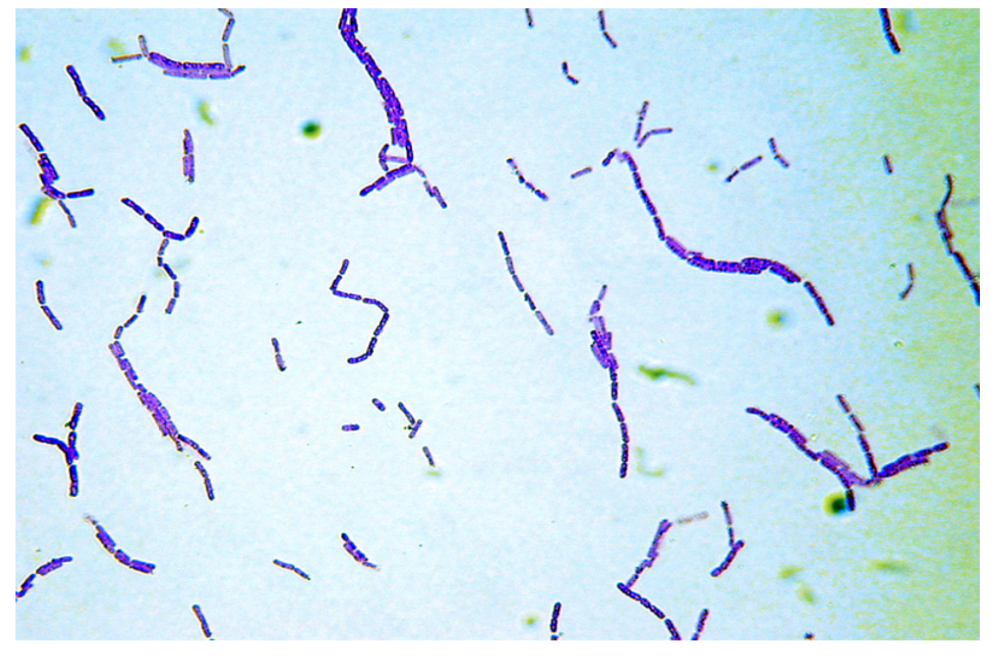 | back 1 Bacillus |
front 2 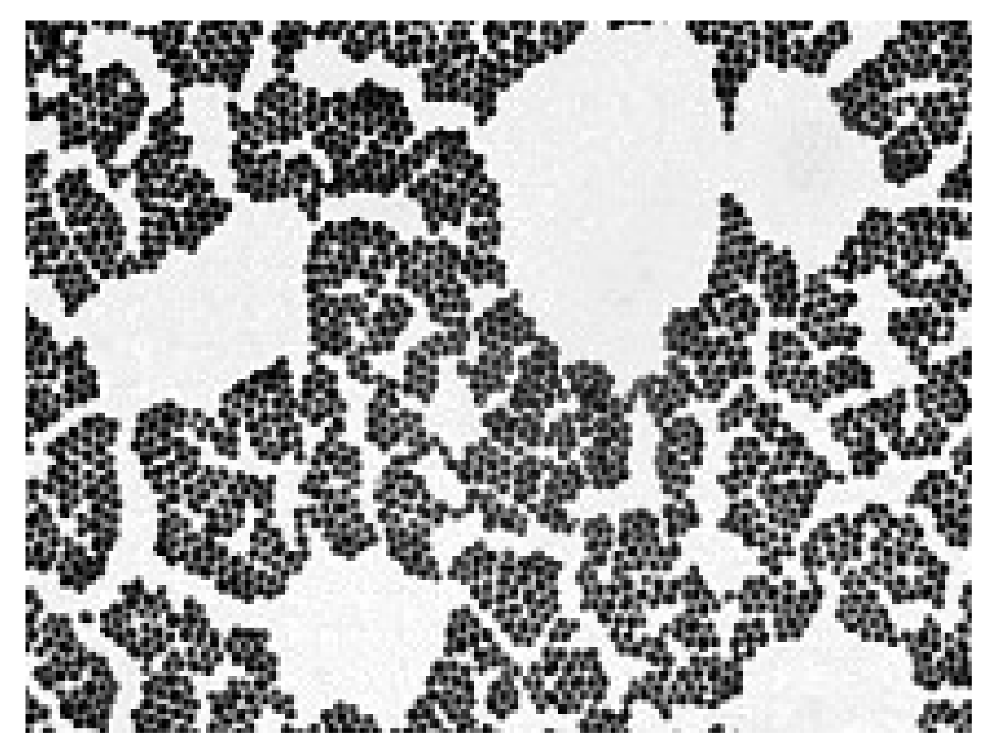 | back 2 Cocci |
front 3 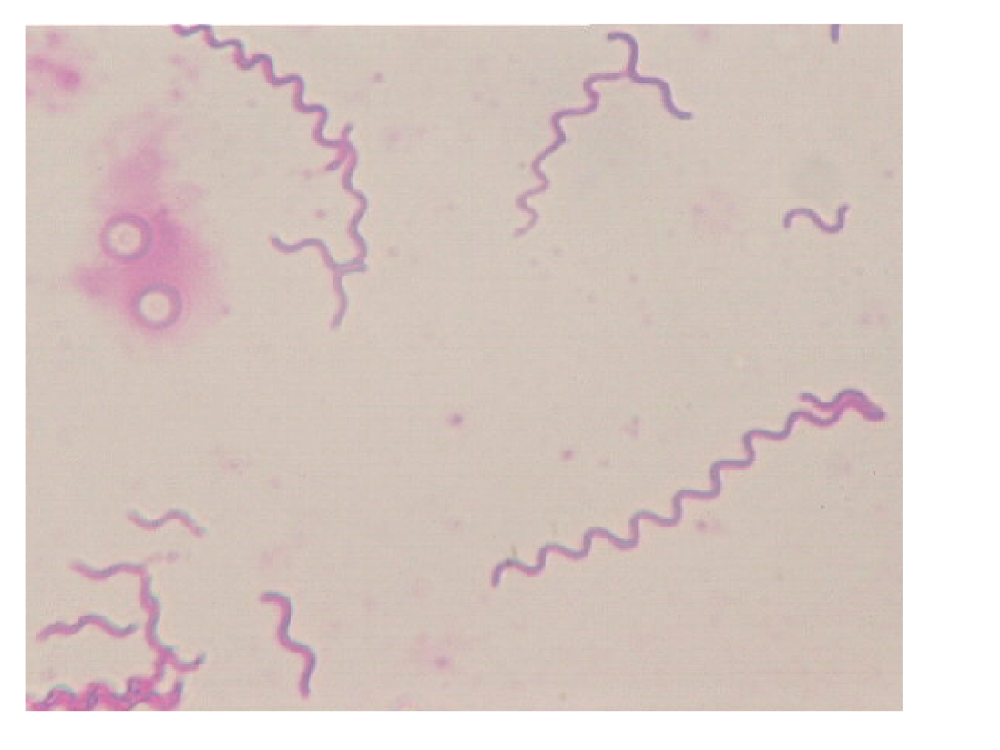 | back 3 Spirili |
front 4 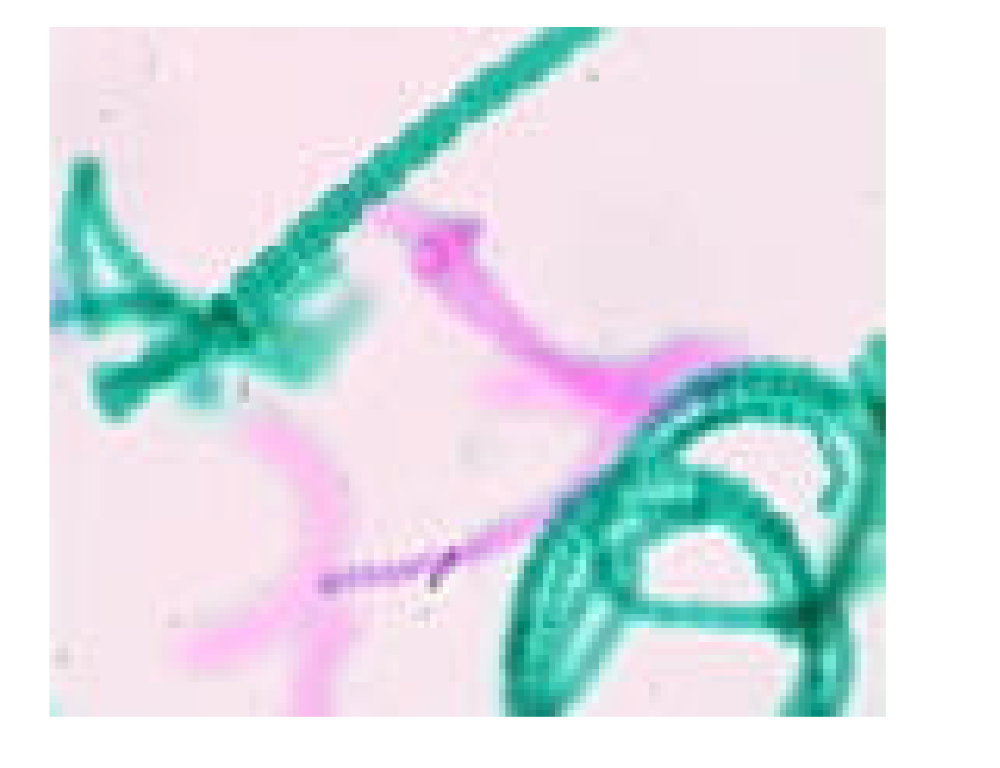 | back 4 Anabaena |
front 5 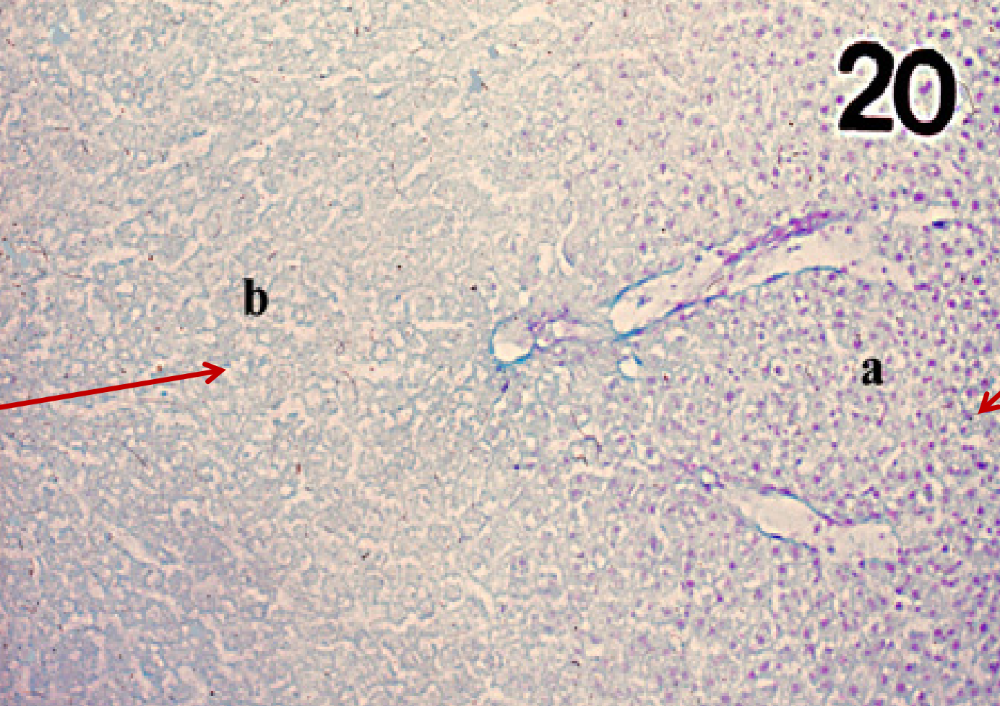 | back 5 (a) DNA liver sec Feulgen -> DNA Liver Feulgen |
front 6 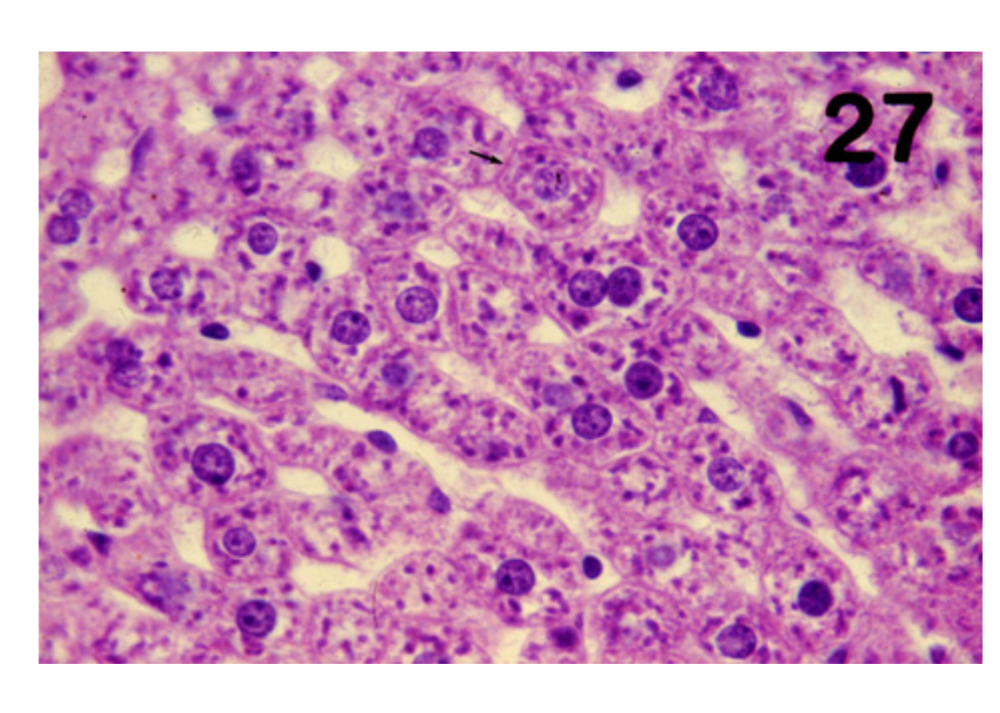 | back 6 Glycogen Liver -> Glycogen liver sec |
front 7 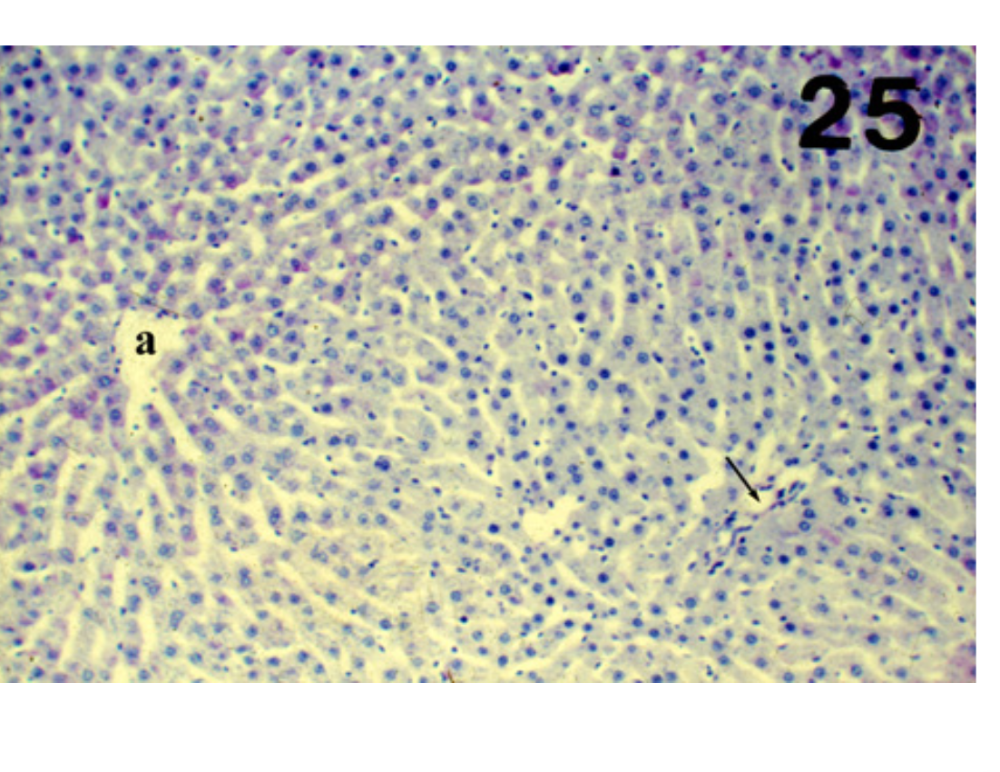 | back 7 Amylase Liver -> Liver sec amylase treated |
front 8 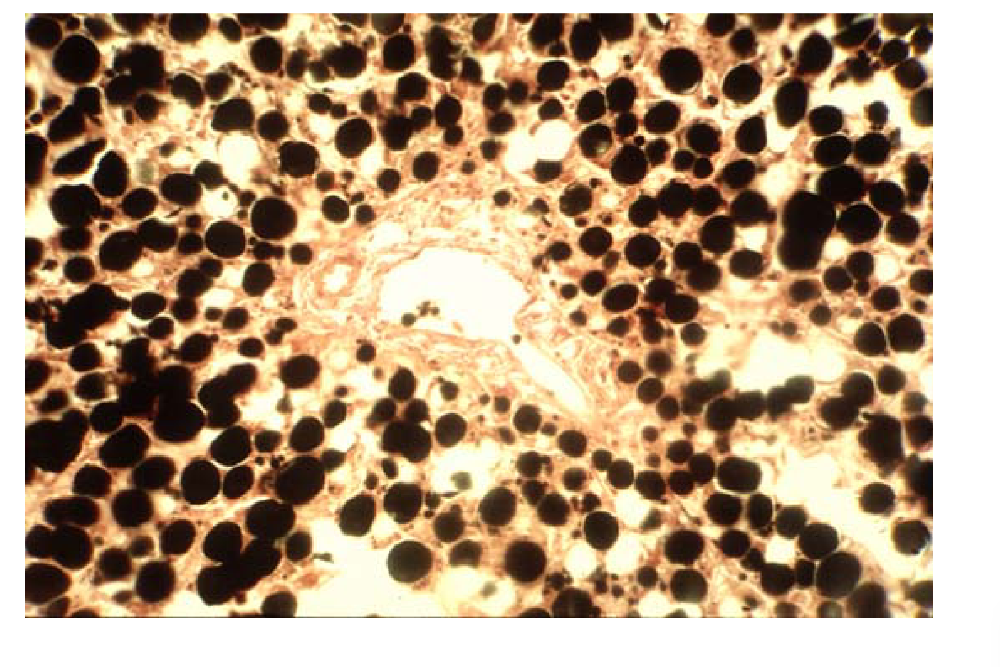 | back 8 Adipose Osmium treated -> Lipids liver sec. osmic acid |
front 9 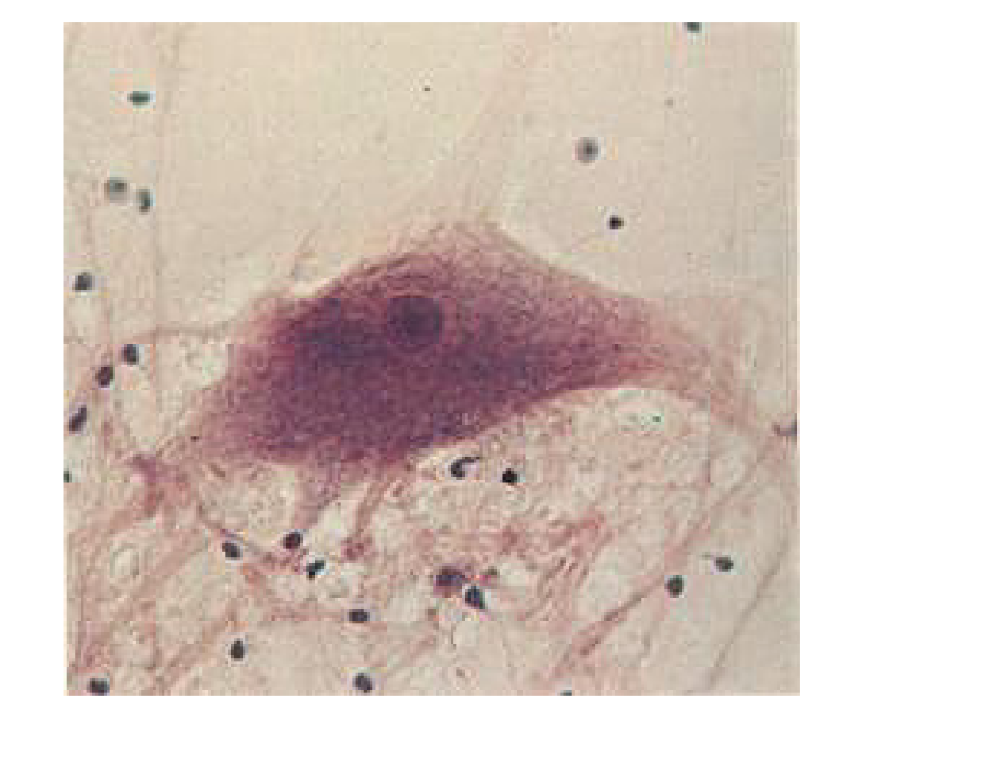 | back 9 Neuron |
front 10 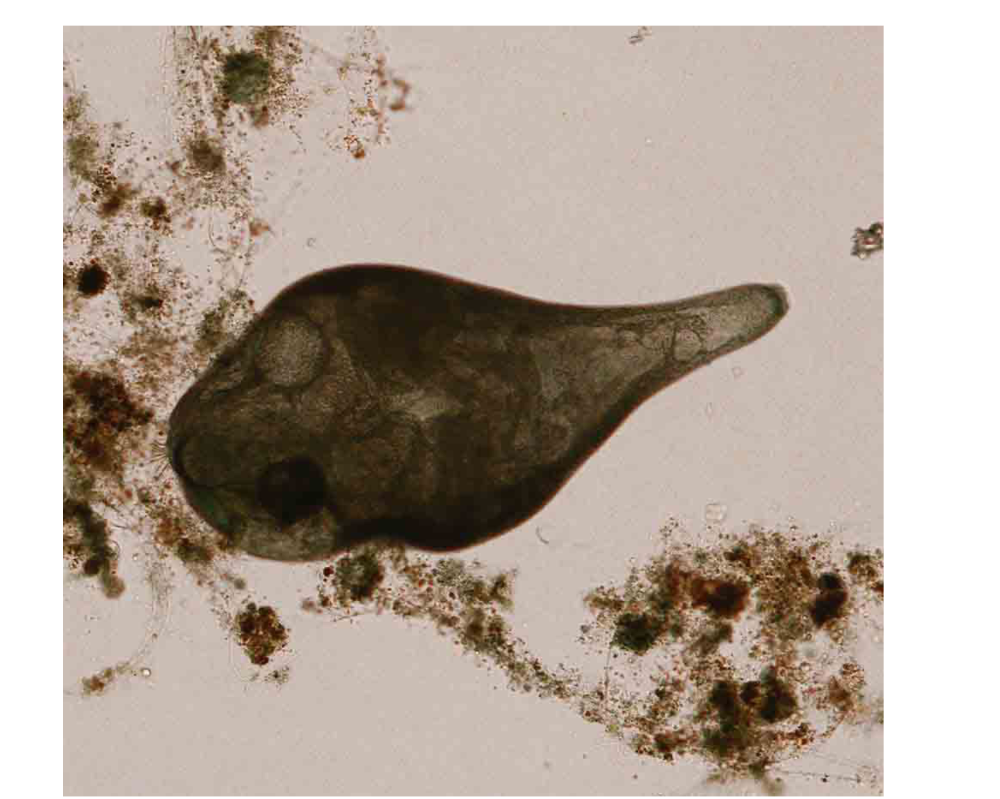 | back 10 Stentor |
front 11 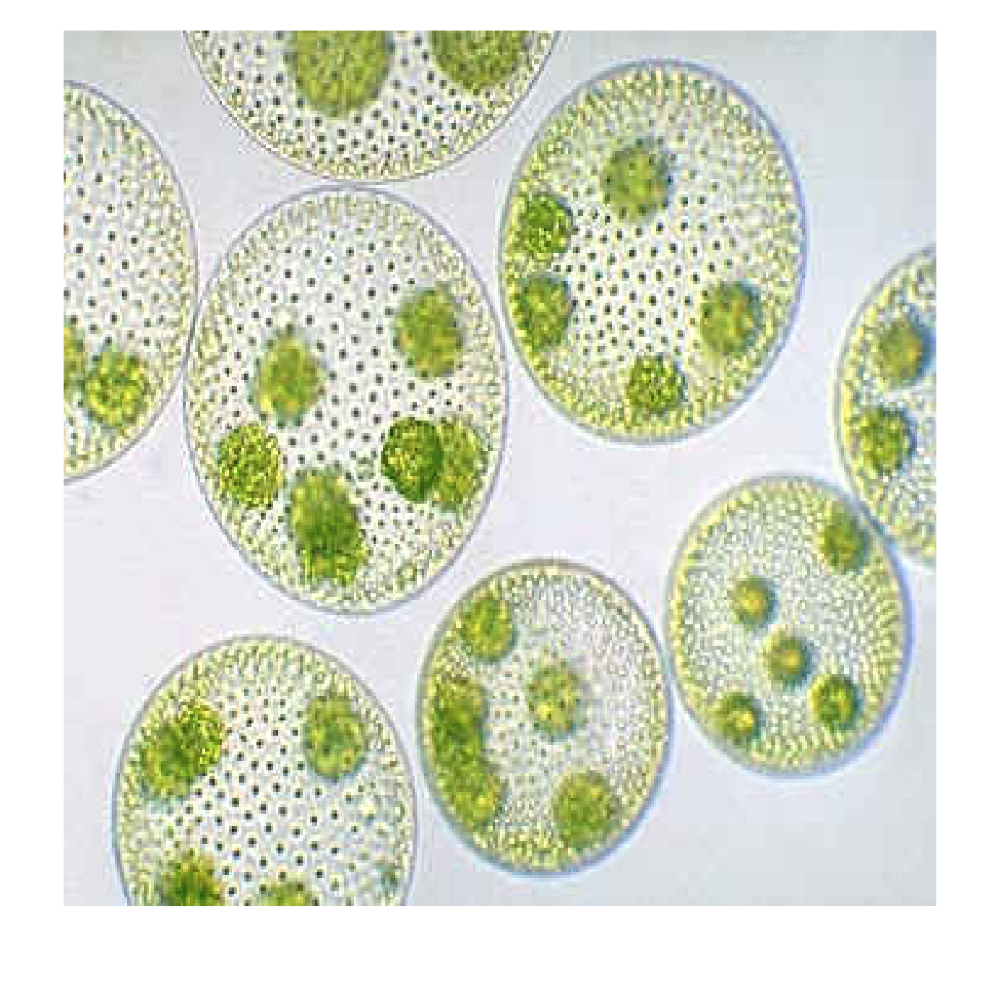 | back 11 Volvox |
front 12 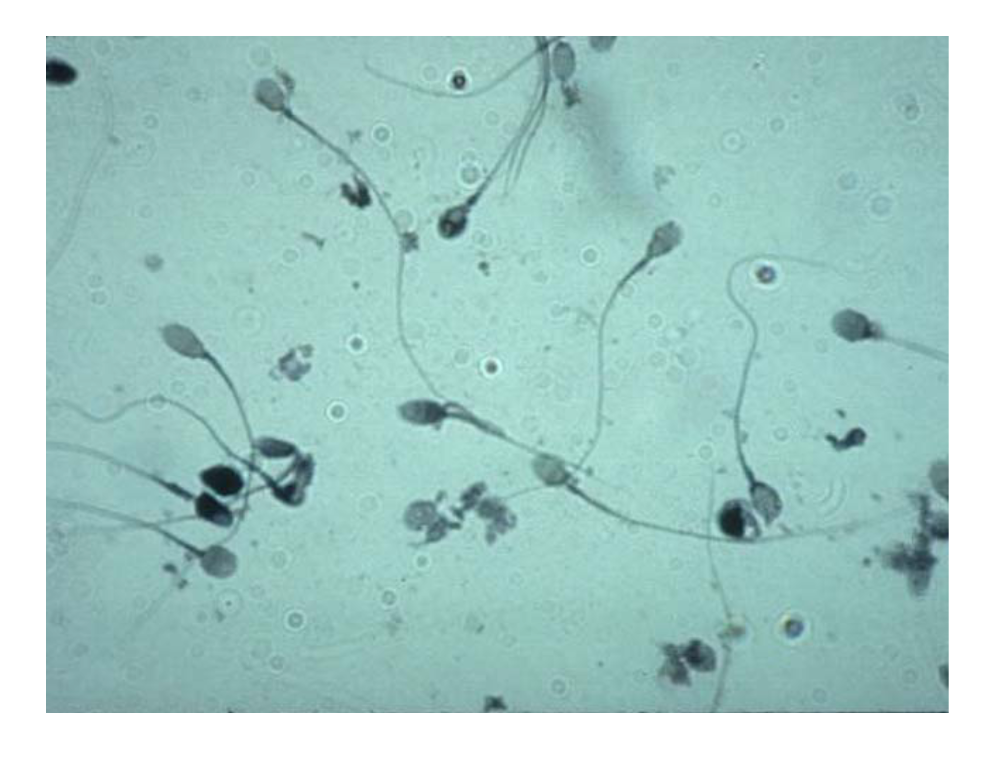 | back 12 Human Sperm |
front 13 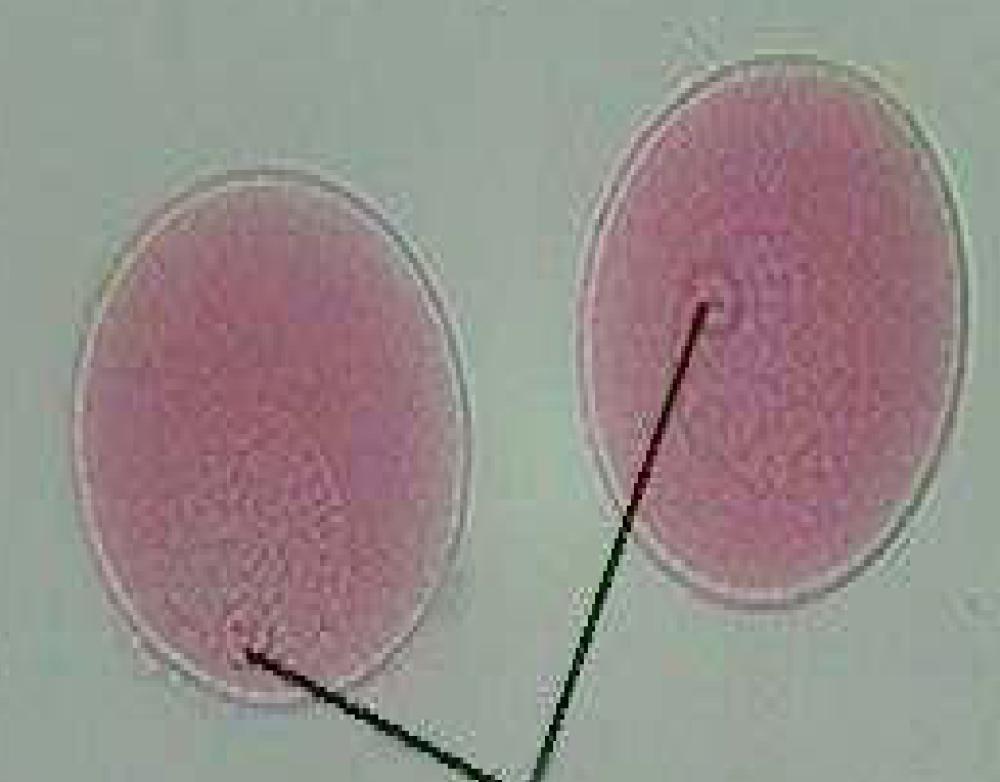 | back 13 Starfish Germinal Vesicle |