Instructions for Side by Side Printing
- Print the notecards
- Fold each page in half along the solid vertical line
- Cut out the notecards by cutting along each horizontal dotted line
- Optional: Glue, tape or staple the ends of each notecard together
small animal dental instruments
front 1 periodontal probe | back 1 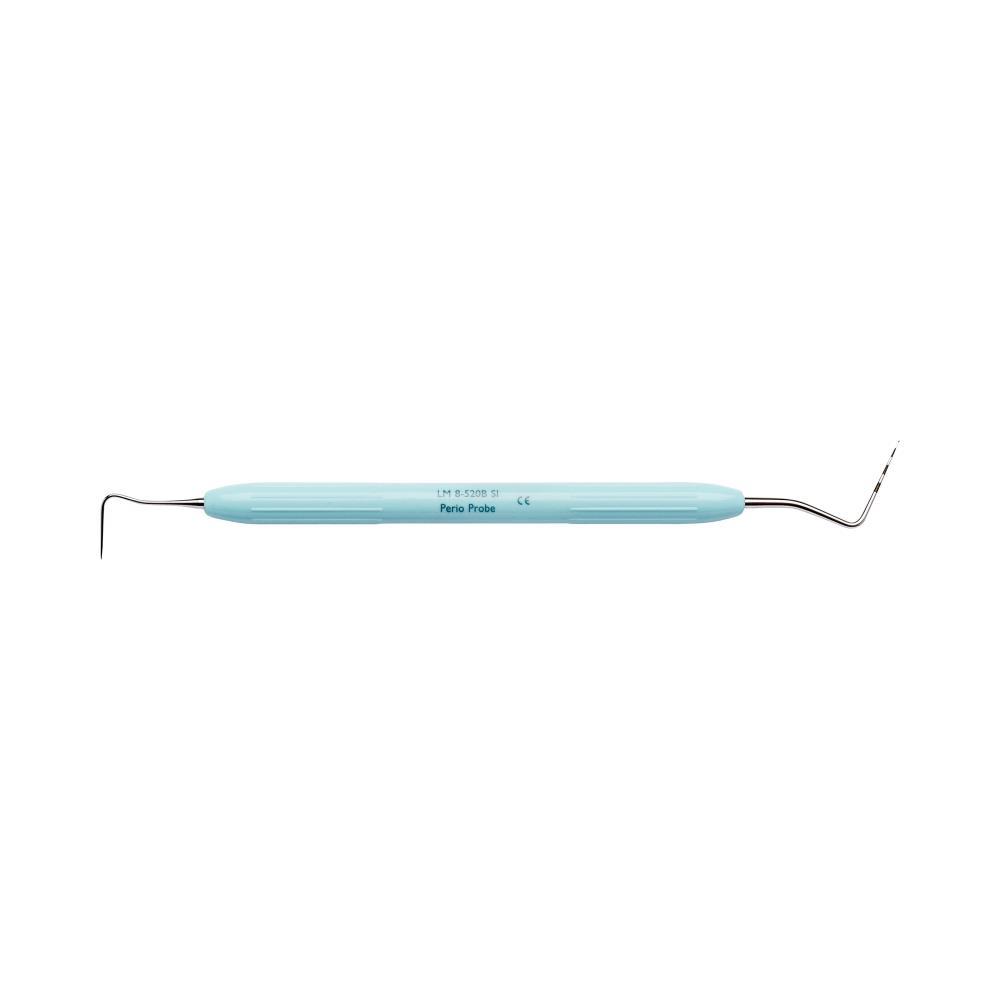 the working end of this instrument is basically a small calibrated stick for measuring periodontal pockets or other lesions |
front 2 explorer probe | back 2 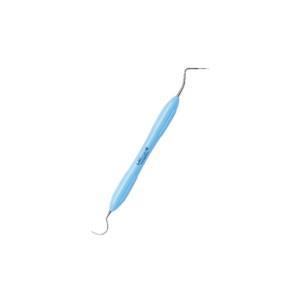 this is a combination instrument with an explorer probe (aka shepherd's hook) on one end and a periodontal probe on the other end |
front 3 mouth gag | back 3 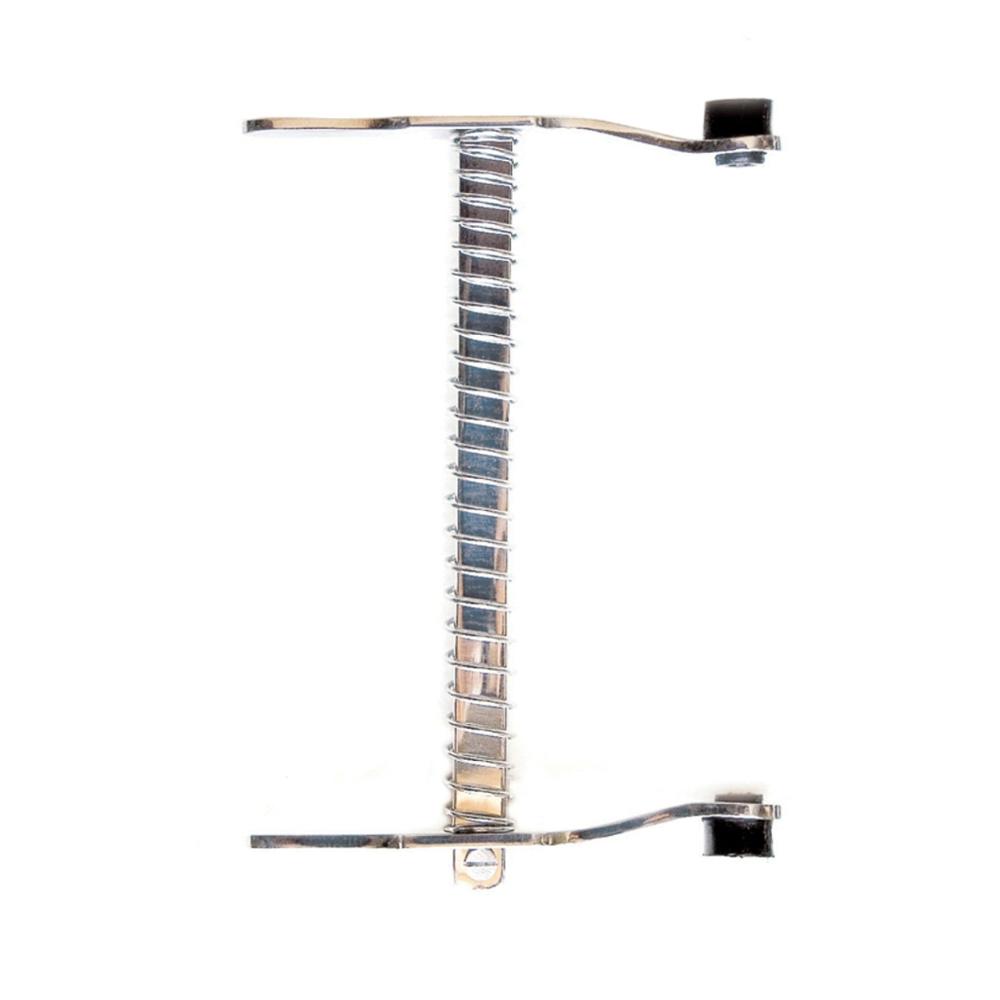 this spring loaded tool is used to hold the mouth open for dental procedures |
front 4 scaler | back 4 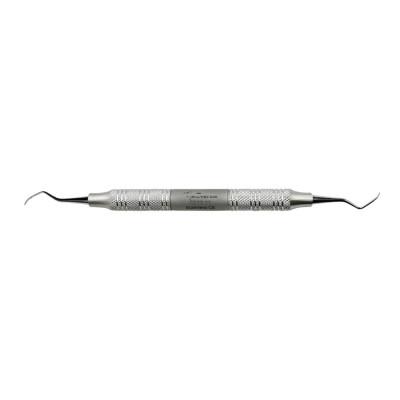 this tool is used to remove calculus and plaque from the exposed (supragingival) tooth surface |
front 5 root elevator | back 5 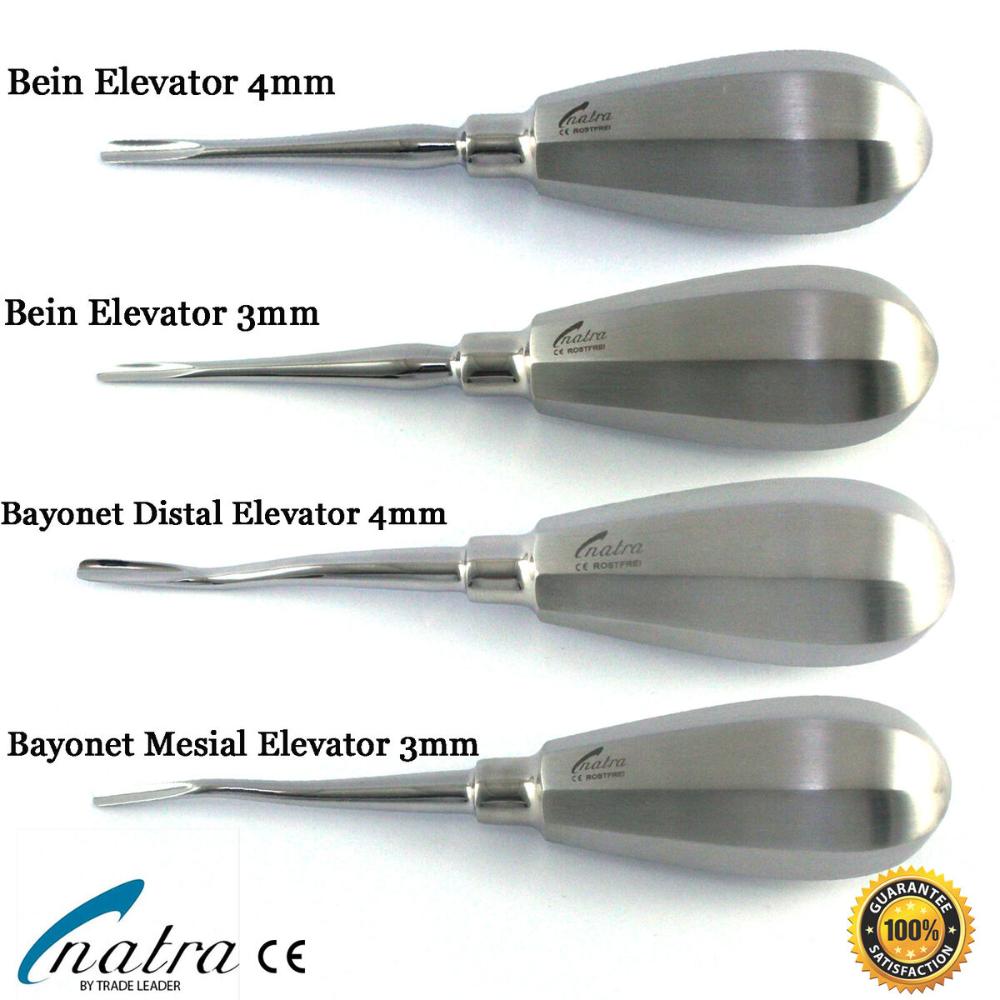 this tool loosens up the periodontal ligament and is generally used as the 1st step of the tooth extraction process |
front 6 extractor | back 6 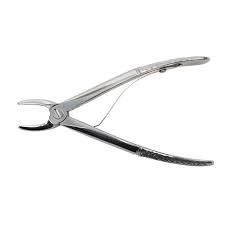 this tool is used to remove the tooth or the tooth fragments from the socket after the tooth has been loosened |
front 7 curette | back 7 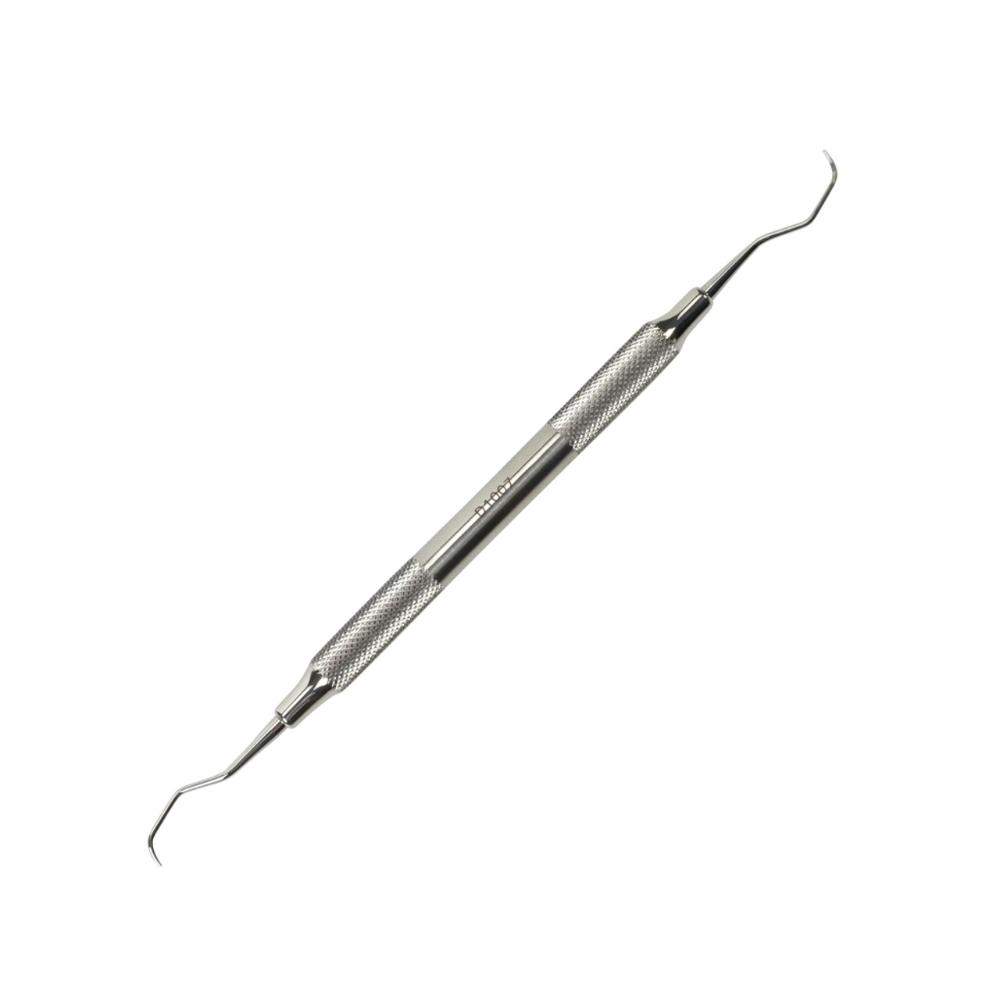 this tool has a smoother tip and is designed to scale the part of the tooth surface that is covered by the gingiva, the subgingival area |