Instructions for Side by Side Printing
- Print the notecards
- Fold each page in half along the solid vertical line
- Cut out the notecards by cutting along each horizontal dotted line
- Optional: Glue, tape or staple the ends of each notecard together
Lab Practical I : Endocrine System
front 1 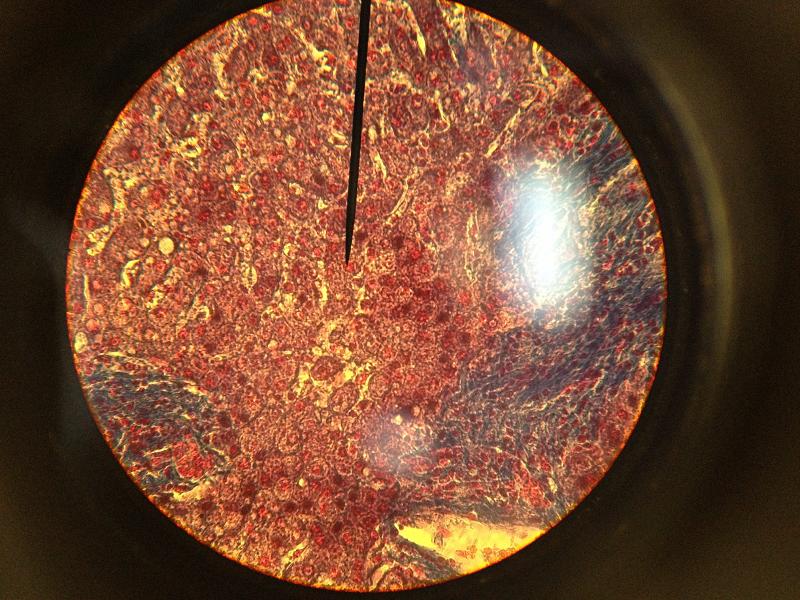 What type of tissue is this? | back 1 Liver tissue |
front 2 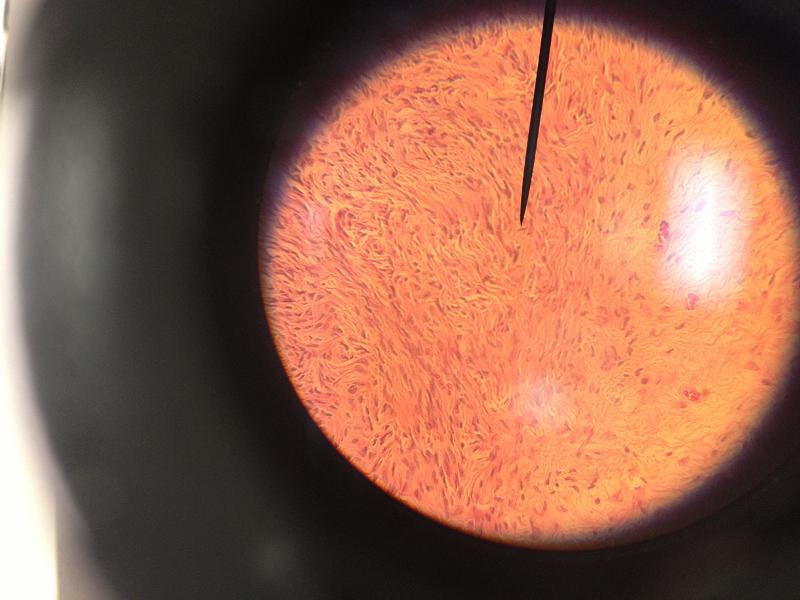 What type of tissue is this? | back 2 Ovaries tissue |
front 3 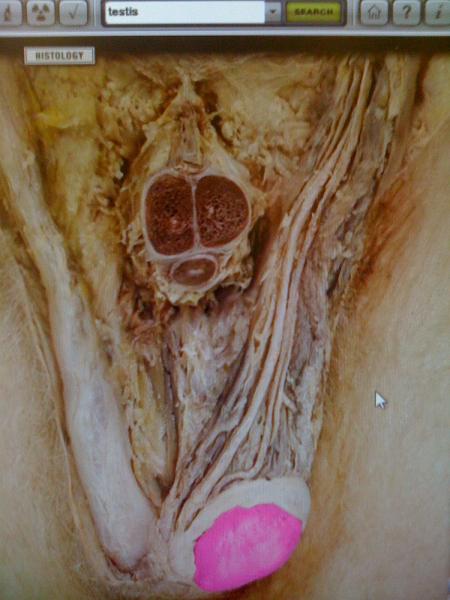 Which glands are pictured? | back 3 Testis |
front 4 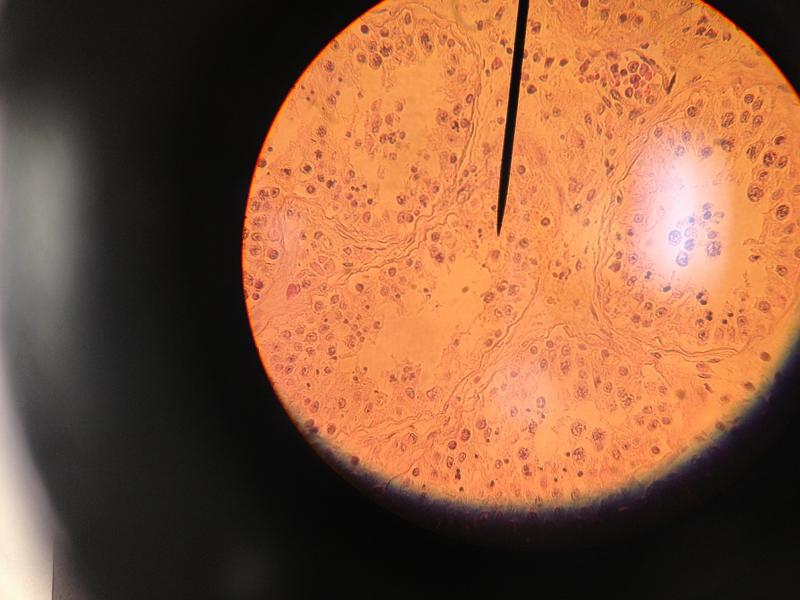 What type of tissue is this? | back 4 Testis tissue |
front 5 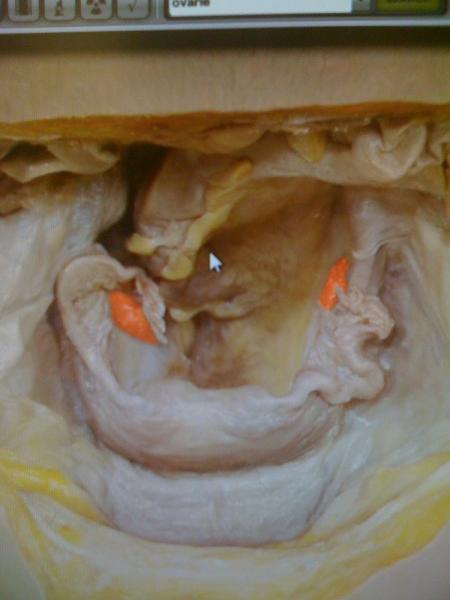 Which glands are pictured? | back 5 Ovaries |
front 6 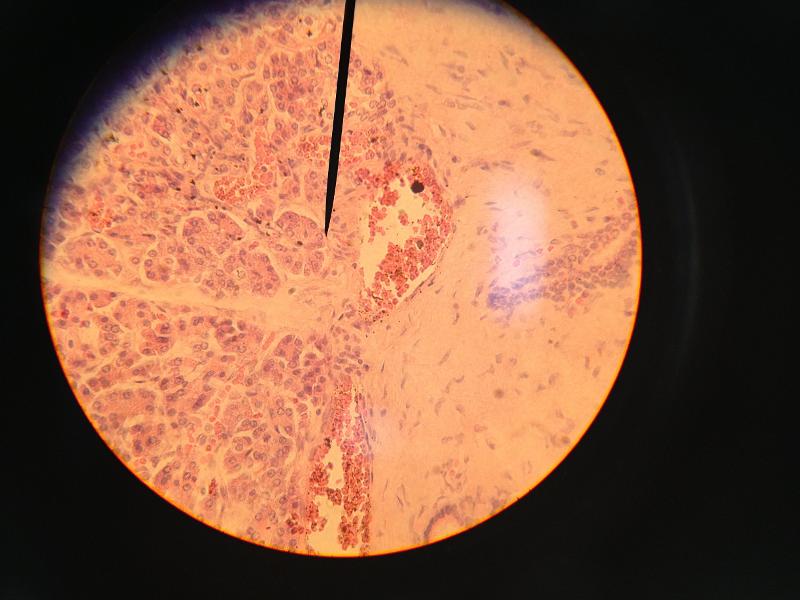 What type of tissue is this? | back 6 Pancreas tissue |
front 7 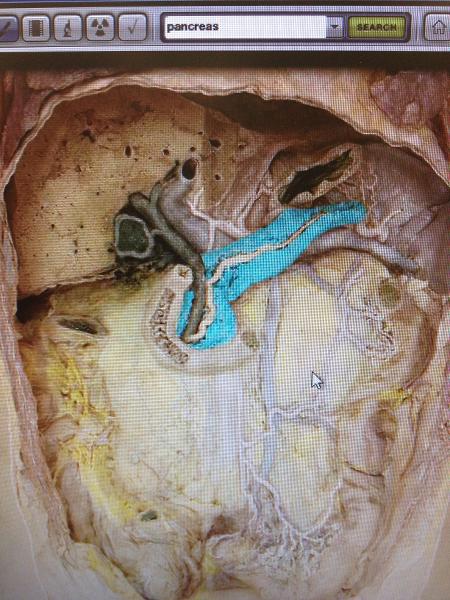 Which gland is this? | back 7 Pancreas |
front 8 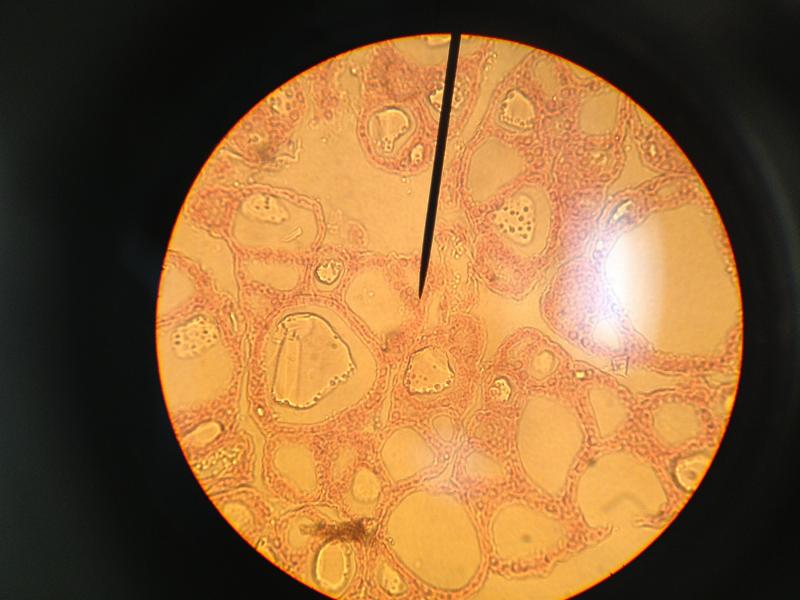 What type of tissue is this? | back 8 Thyroid tissue |
front 9  Which gland is this? | back 9 Thyroid |
front 10 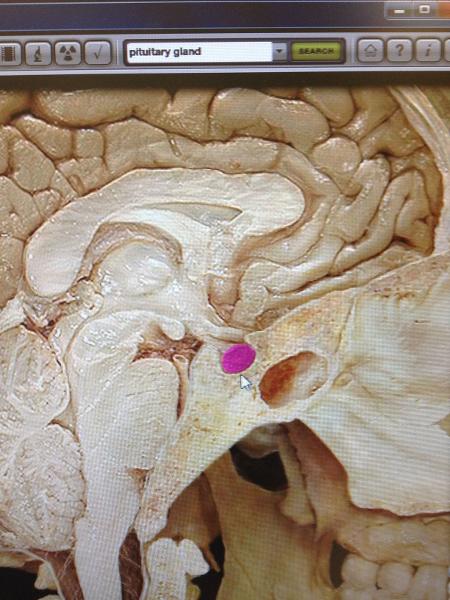 Which gland is this? | back 10 Pituitary |
front 11 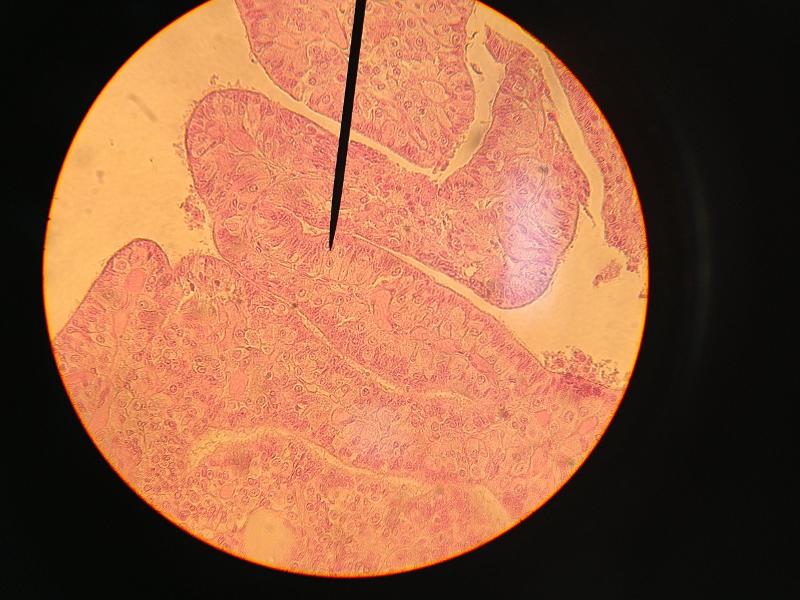 What type of tissue is this? | back 11 Anterior pituitary |
front 12 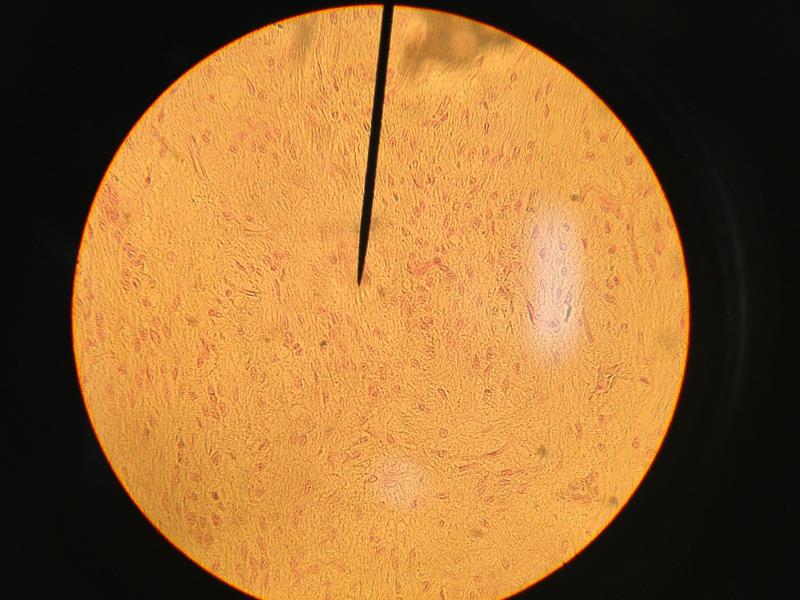 What type of tissue is this? | back 12 Posterior pituitary |