Instructions for Side by Side Printing
- Print the notecards
- Fold each page in half along the solid vertical line
- Cut out the notecards by cutting along each horizontal dotted line
- Optional: Glue, tape or staple the ends of each notecard together
pmap heart model
front 1 anterior interventricular artery | back 1 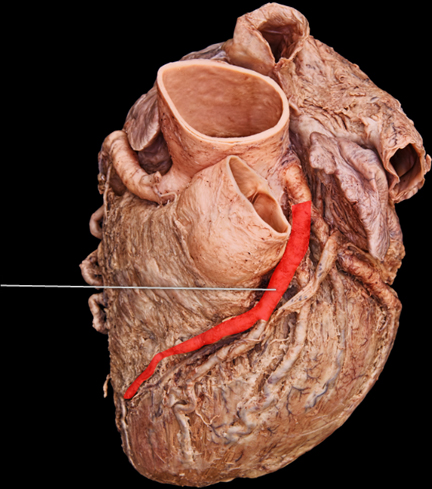 |
front 2 aortic semilunar valve | back 2 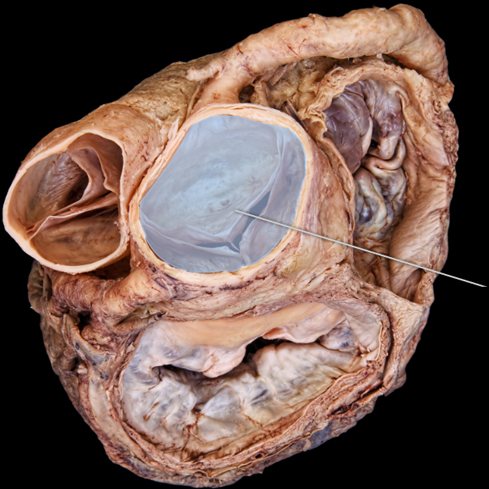 |
front 3 ventricular systole | back 3 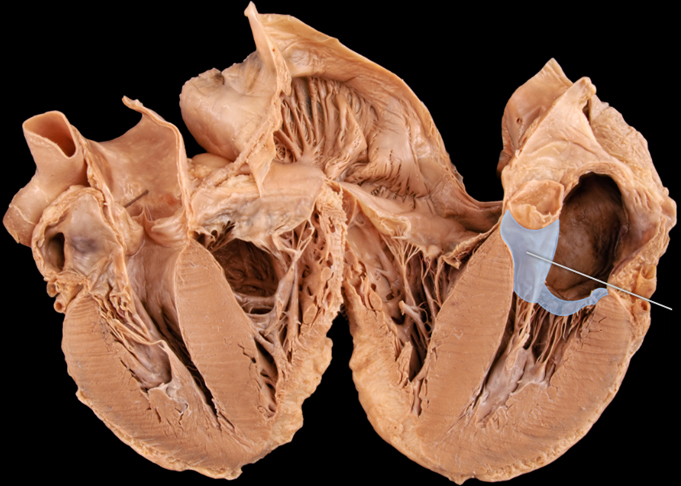 |
front 4 chordae tendineae | back 4 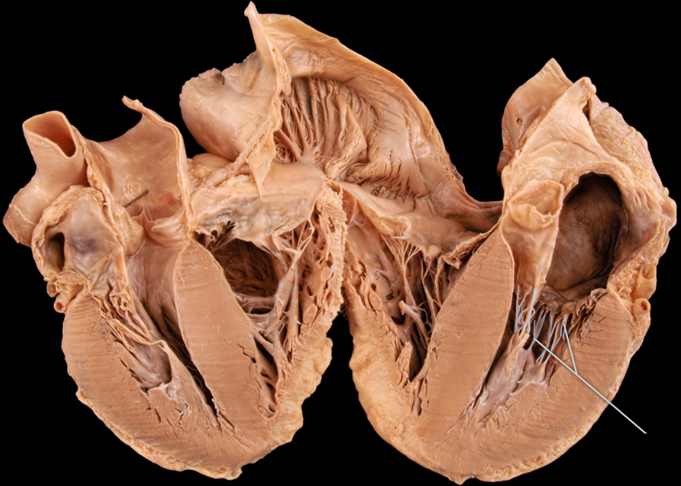 |
front 5 coronary sinus | back 5 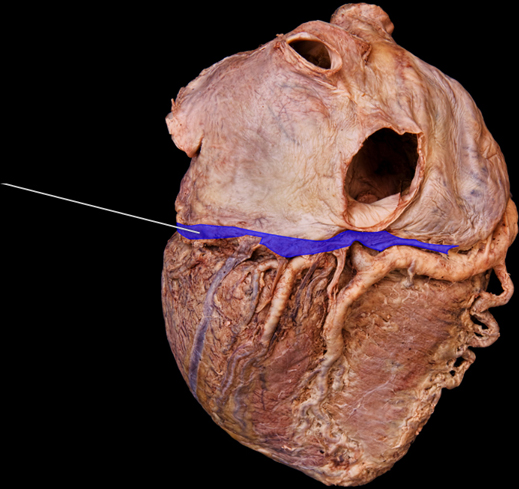 |
front 6 fossa ovalis | back 6 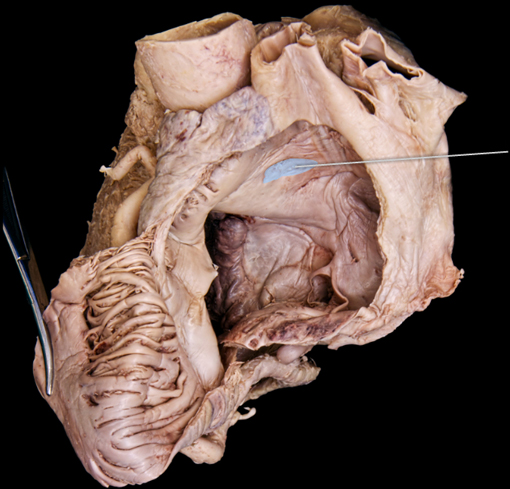 |
front 7 interventricular septum | back 7 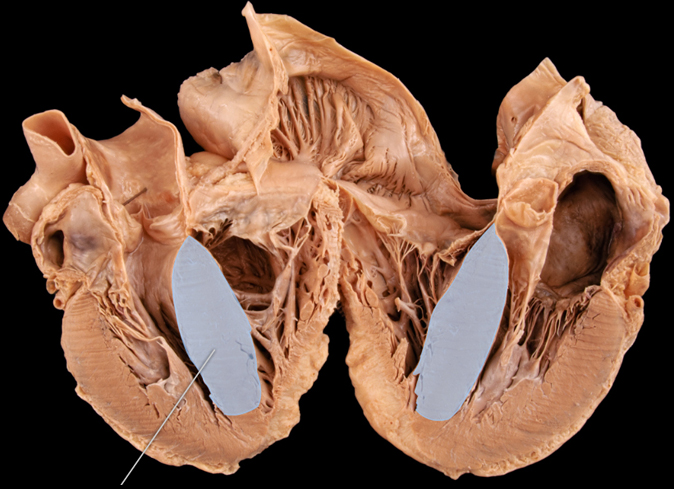 |
front 8 pulmonary veins | back 8 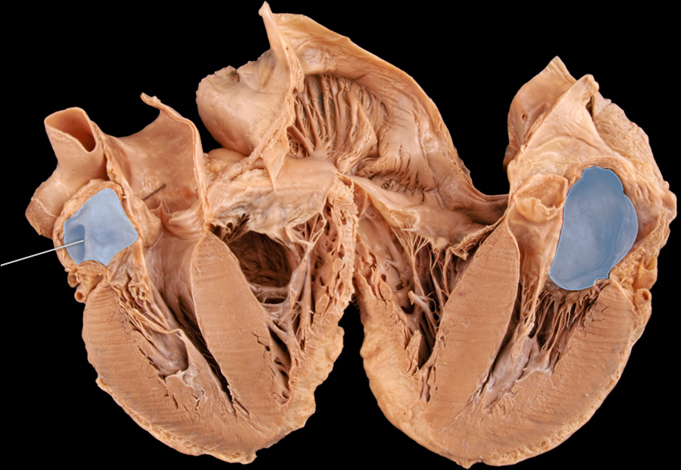 |
front 9 circumflex artery | back 9 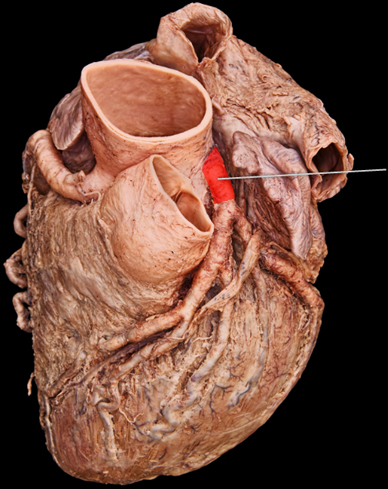 |
front 10 left ventricle | back 10 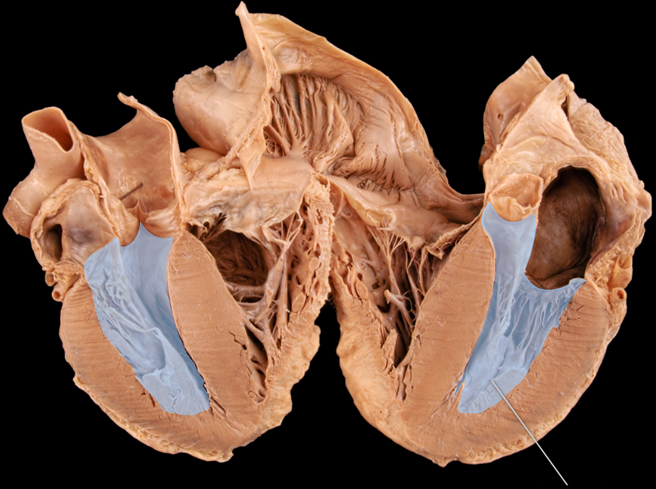 |
front 11 middle cardiac vein | back 11 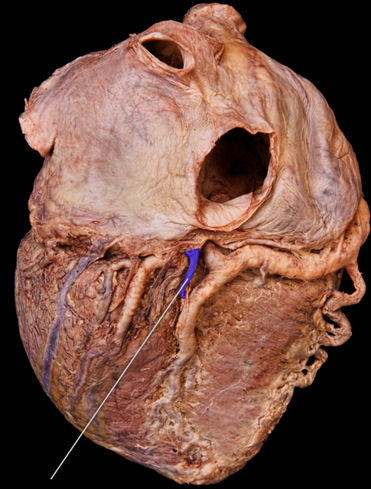 |
front 12 papillary muscle | back 12 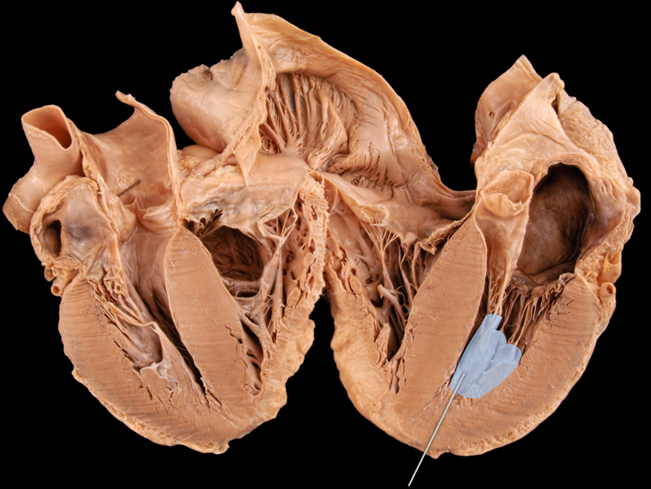 |
front 13 posterior interventricular artery | back 13 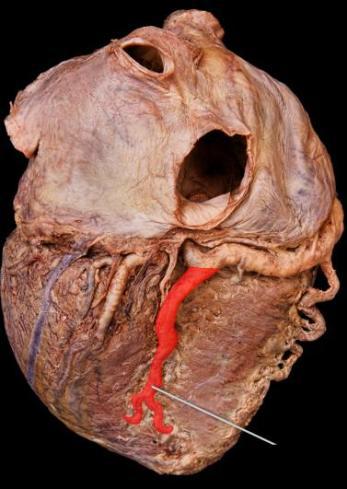 |
front 14 pulmonary semilunar valve | back 14 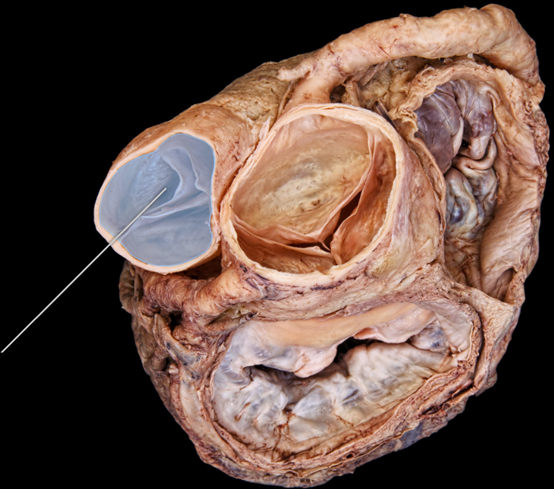 |
front 15 pulmonary trunk | back 15 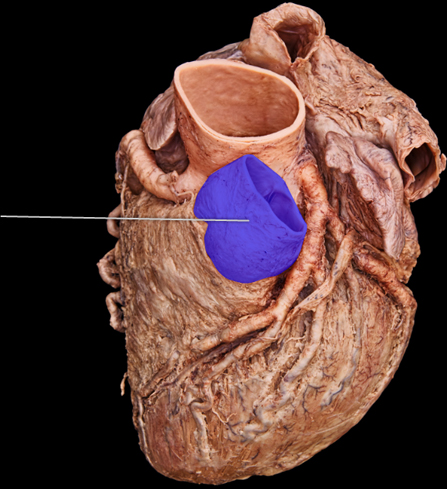 |
front 16 right coronary artery | back 16 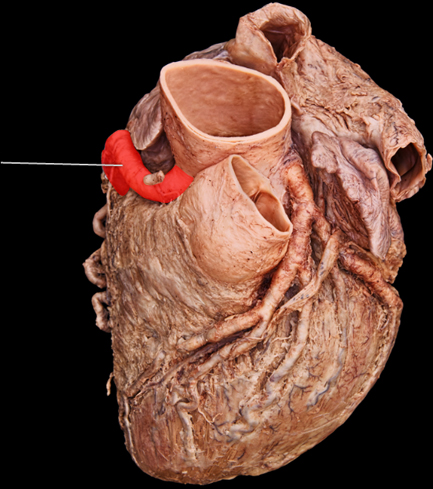 |
front 17 superior vena cava | back 17 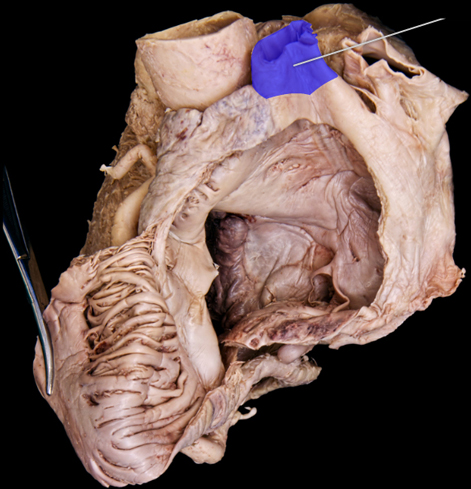 |
front 18 anterior interventricular artery | back 18 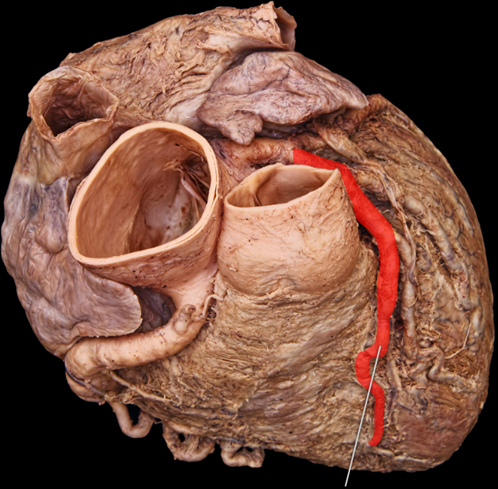 |
front 19 ascending aorta | back 19 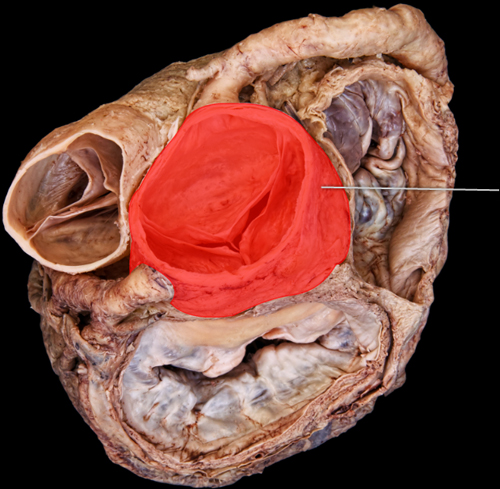 |
front 20 bicuspid valve | back 20 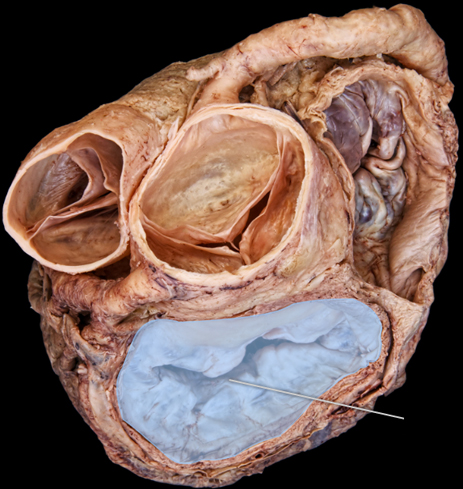 |
front 21 circumflex | back 21 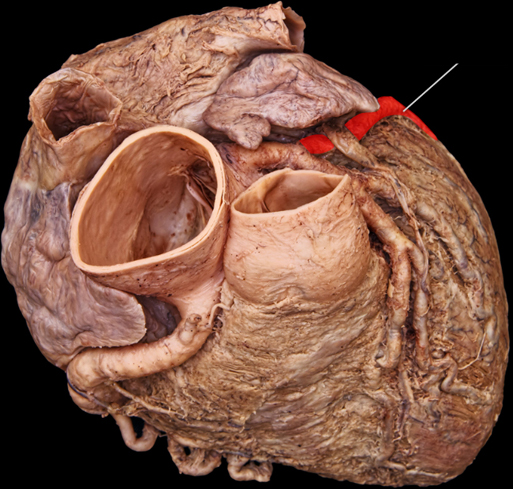 |
front 22 pericardium | back 22 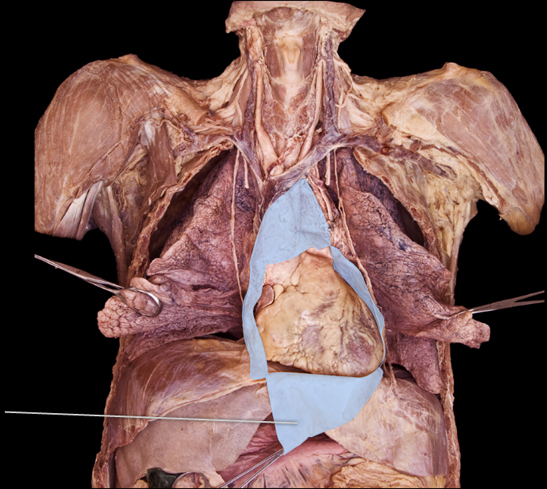 |
front 23 great cardiac | back 23 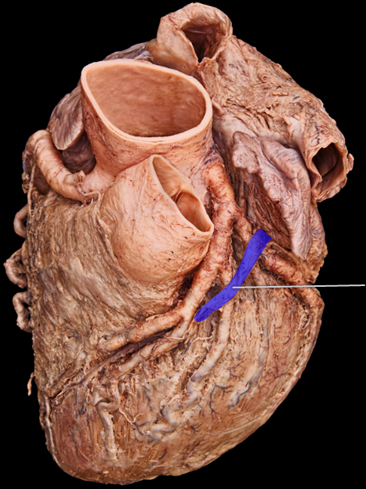 |
front 24 inferior vena cava | back 24 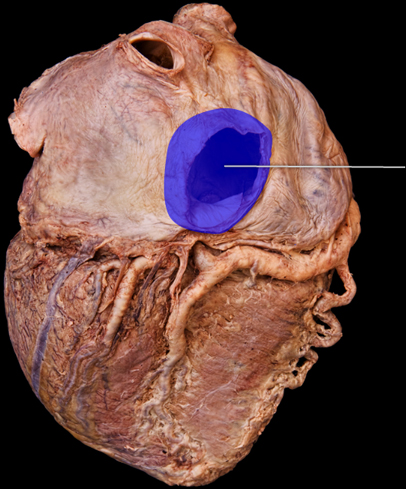 |
front 25 pulmonary veins | back 25 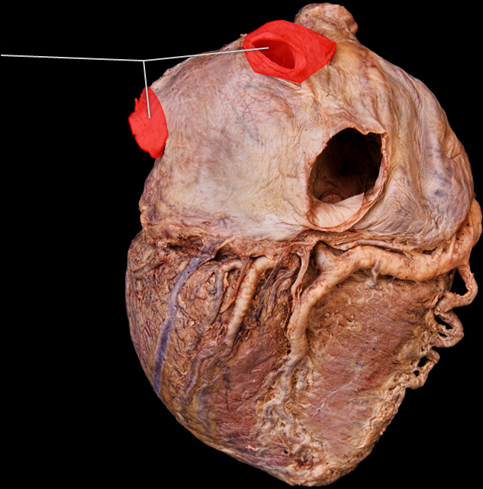 |
front 26 right coronary artery | back 26 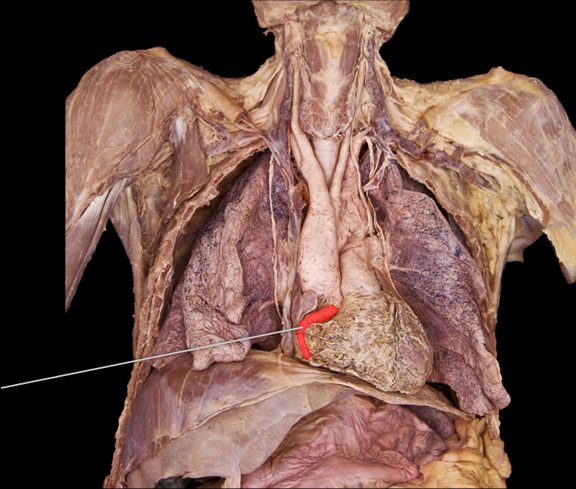 |
front 27 right marginal artery | back 27 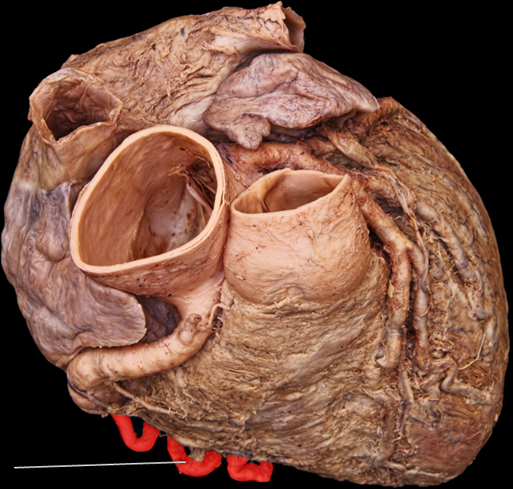 |
front 28 superior vena cava | back 28 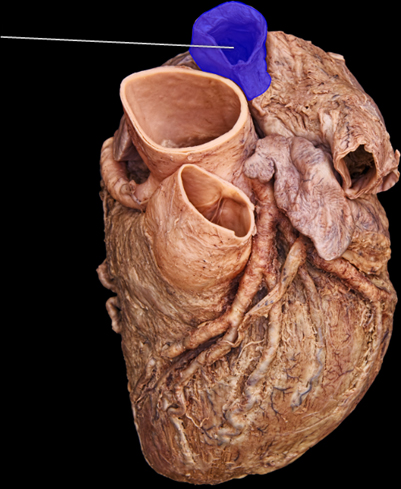 |