Instructions for Side by Side Printing
- Print the notecards
- Fold each page in half along the solid vertical line
- Cut out the notecards by cutting along each horizontal dotted line
- Optional: Glue, tape or staple the ends of each notecard together
Saxophone Fingerings Flash Cards
front 1 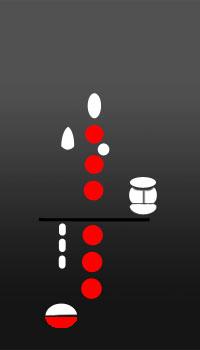 What is the note name? | back 1 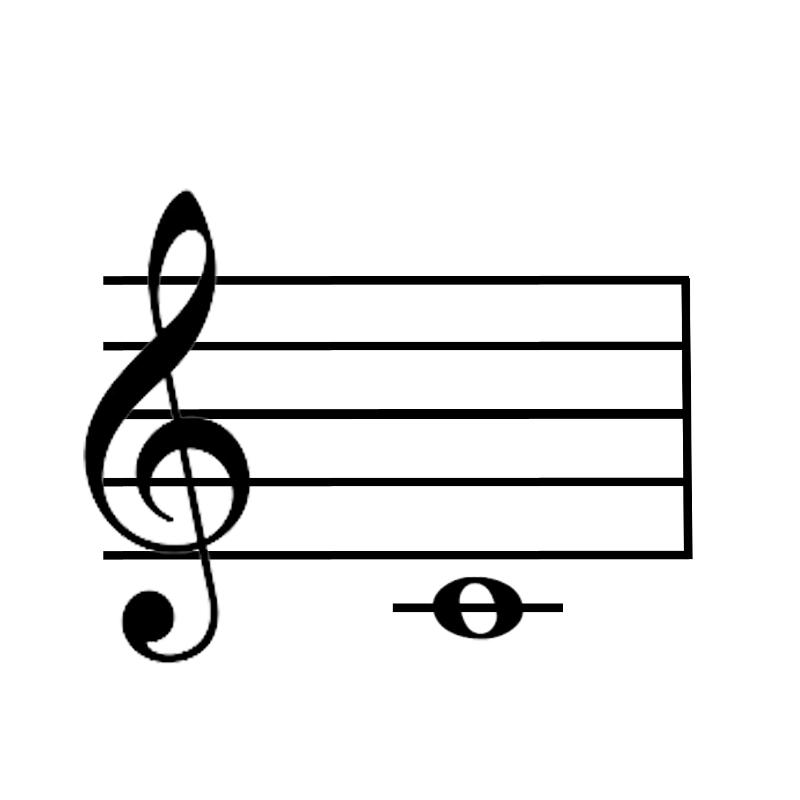 C |
front 2  What is the note name? | back 2 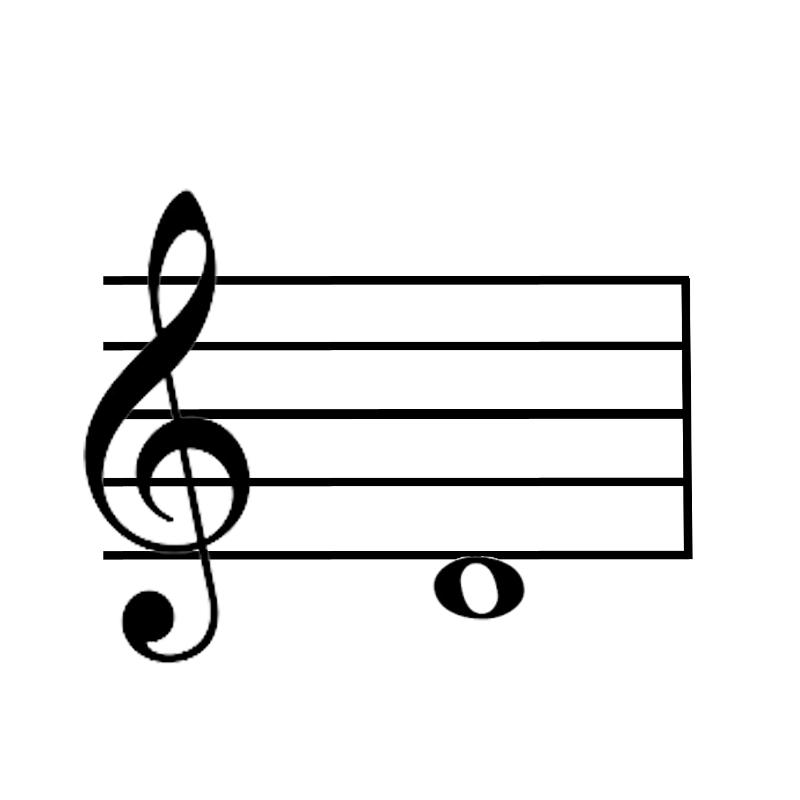 D |
front 3 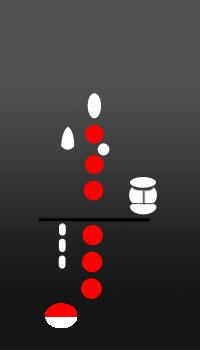 What is the note name? | back 3 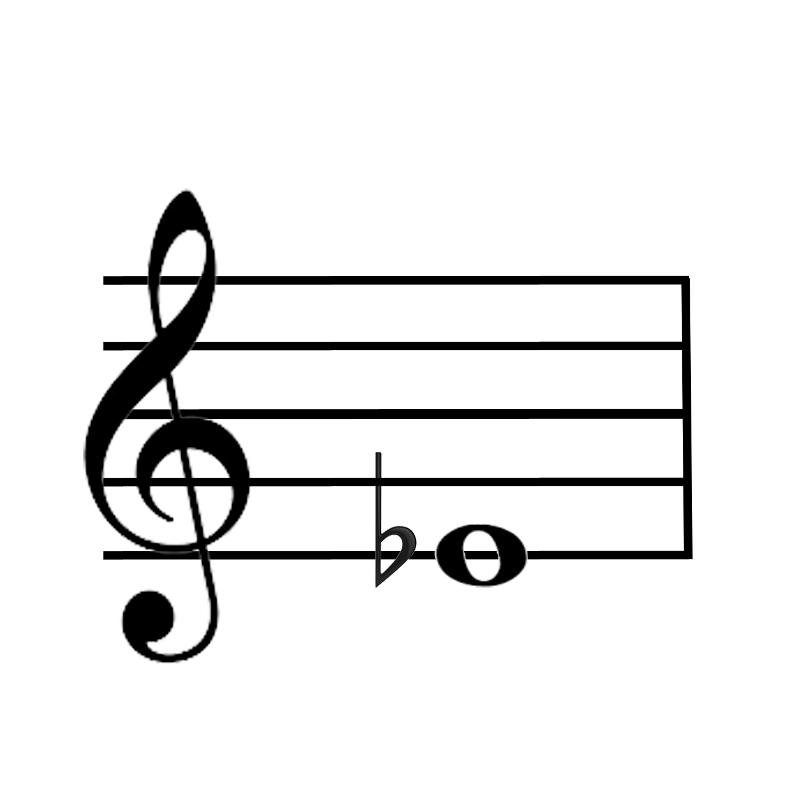 Eb |
front 4 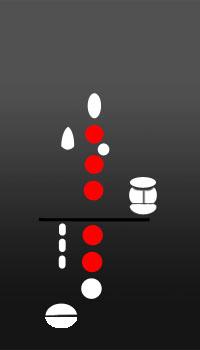 What is the note name? | back 4  E |
front 5 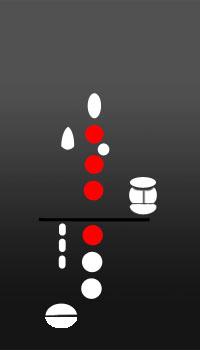 What is the note name? | back 5 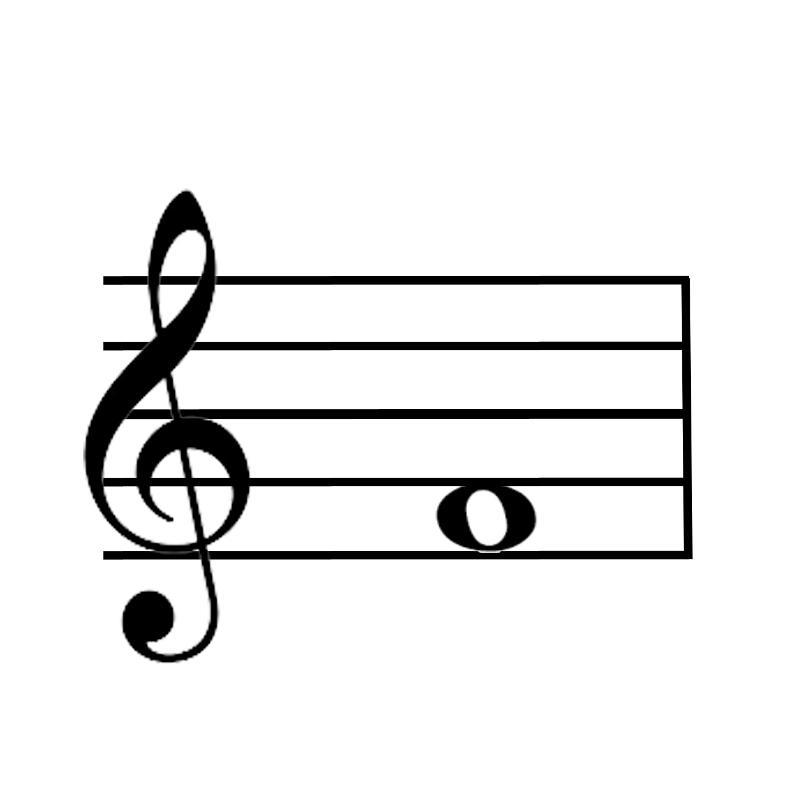 F |
front 6 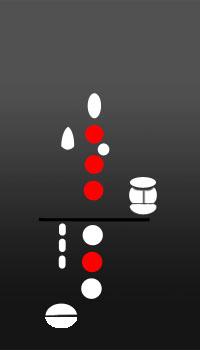 What is the note name? | back 6 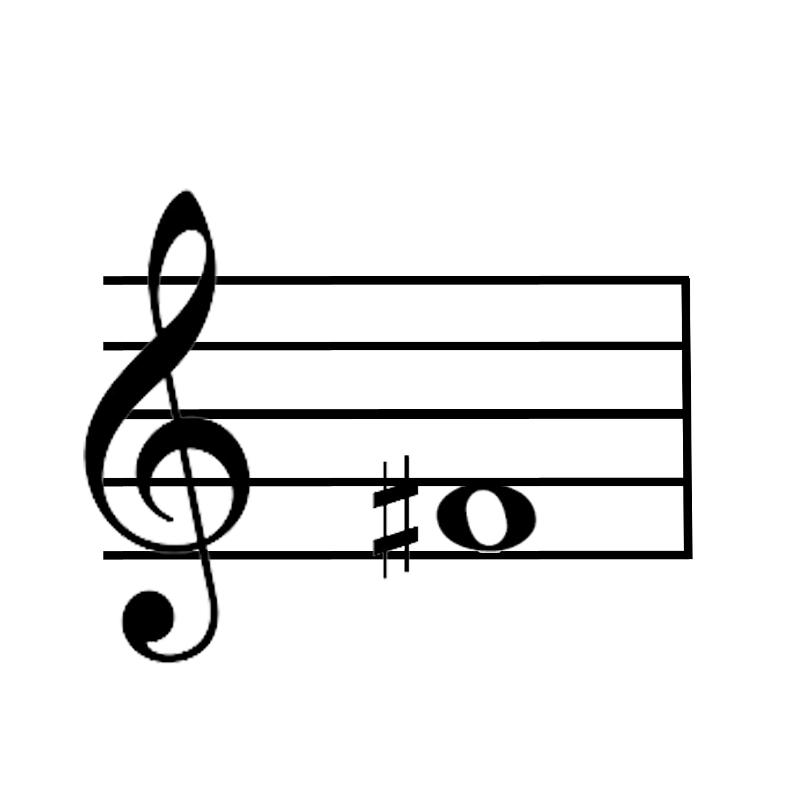 F# |
front 7  What is the note name? | back 7 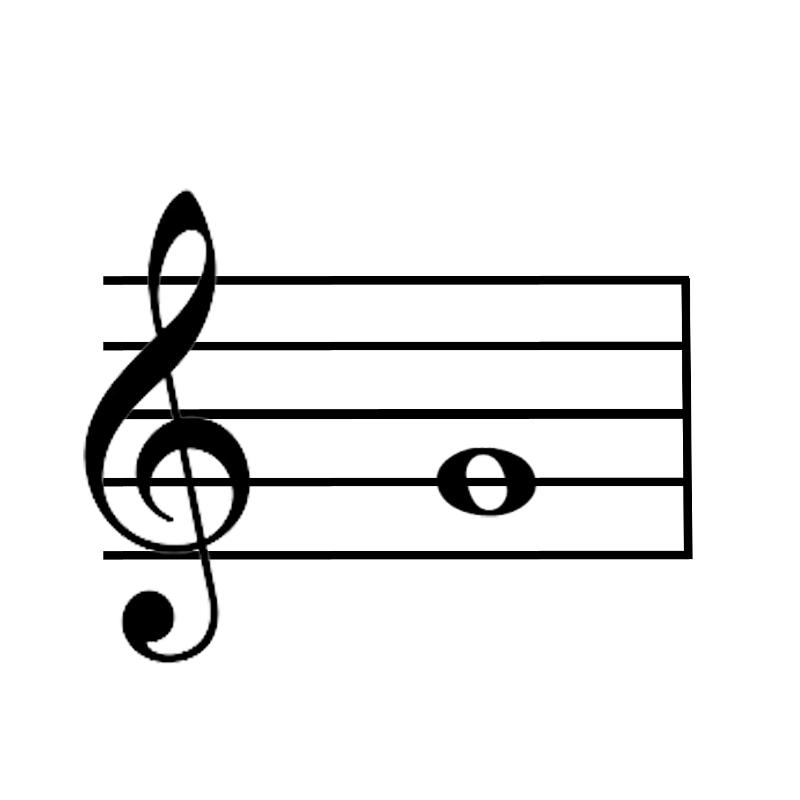 G |
front 8 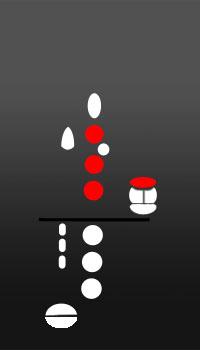 What is the note name? | back 8 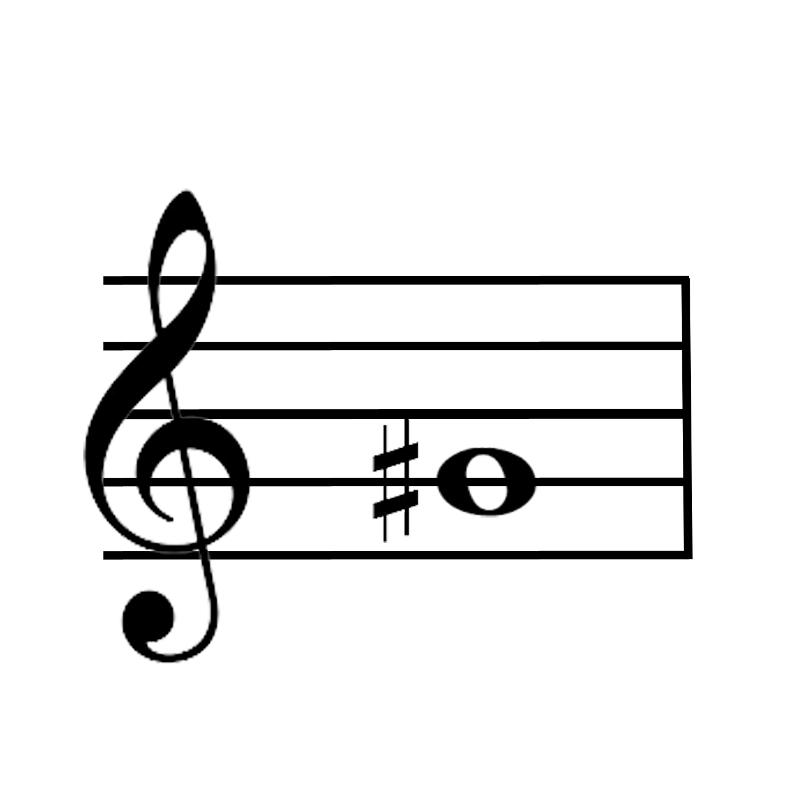 G# |
front 9 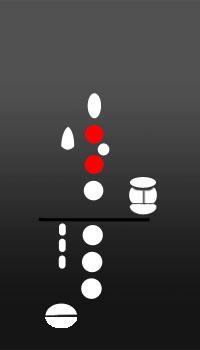 What is the note name? | back 9 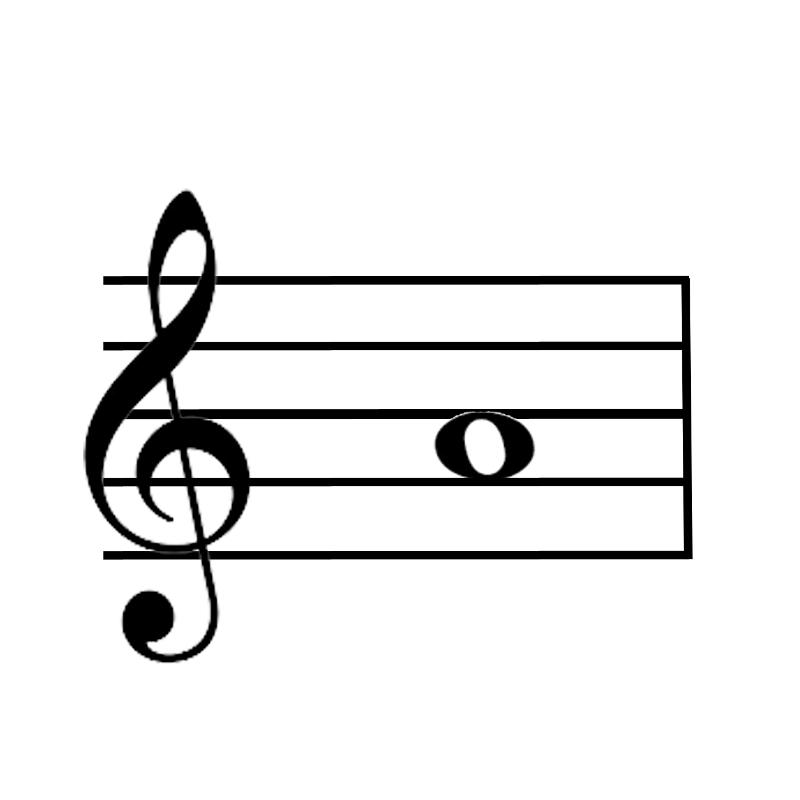 A |
front 10 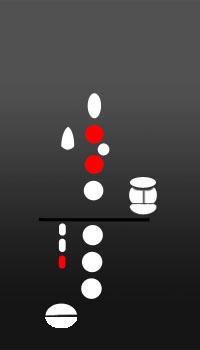 What is the note name? | back 10 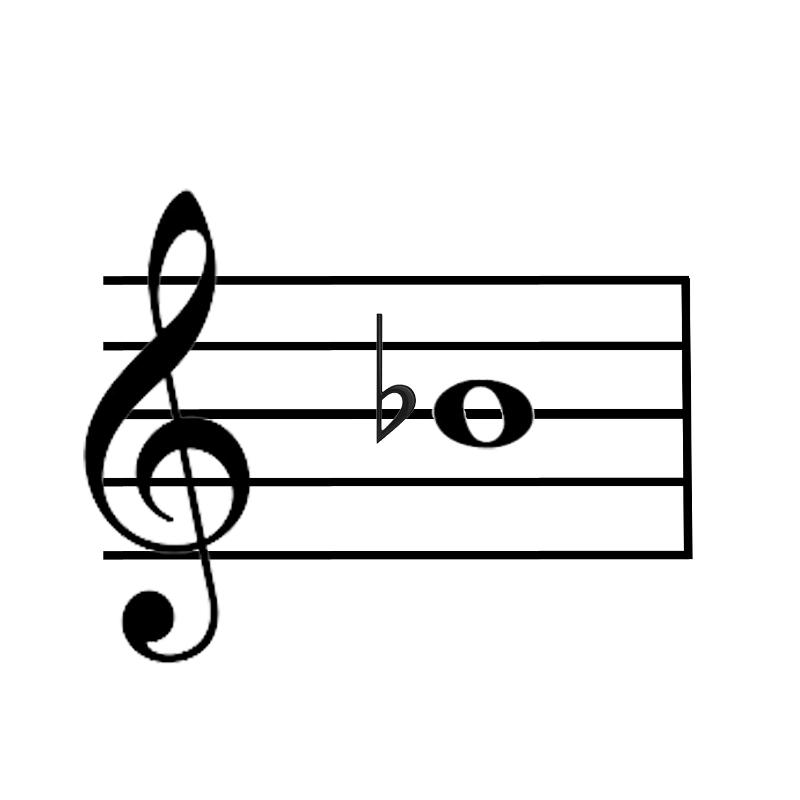 Bb |
front 11 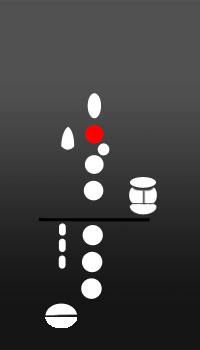 What is the note name? | back 11 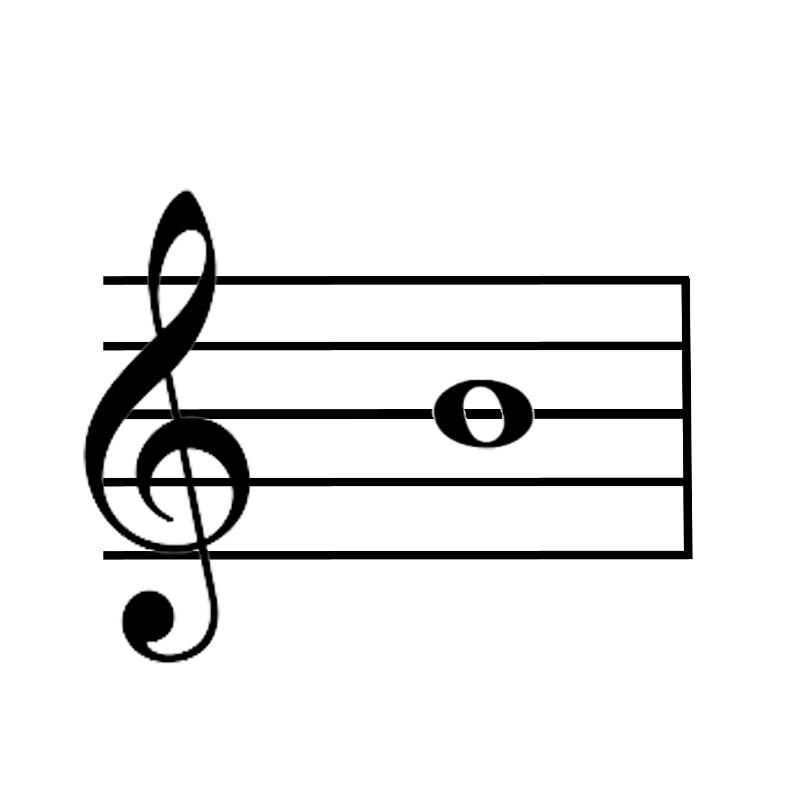 B |
front 12 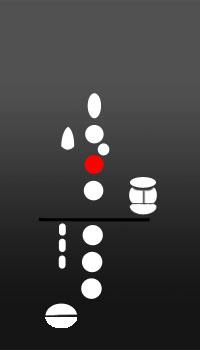 What is the note name? | back 12 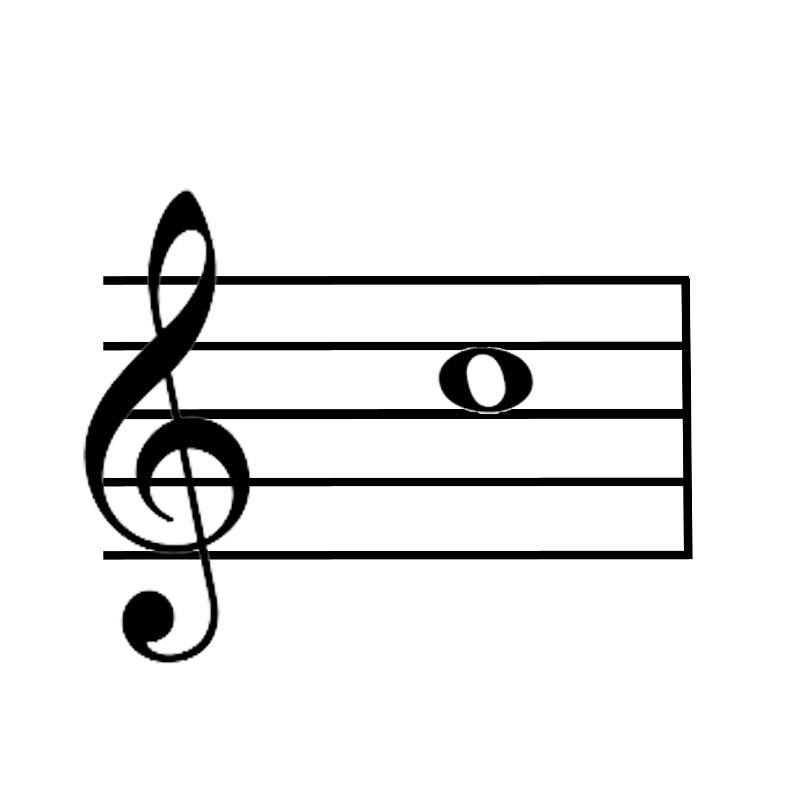 C |
front 13 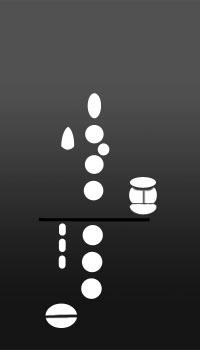 What is the note name? | back 13 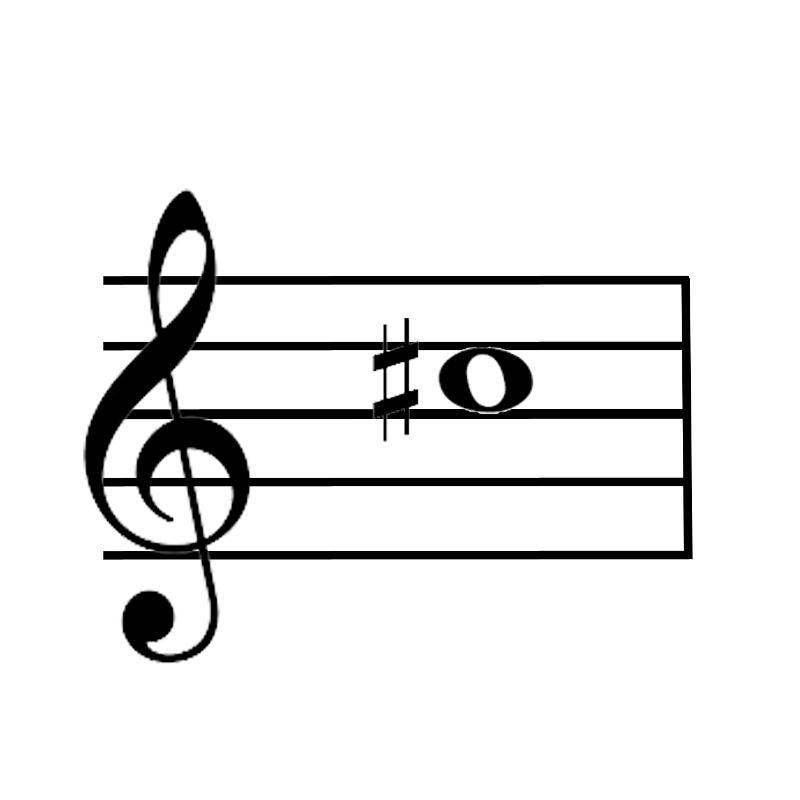 C# |
front 14 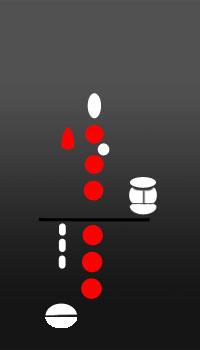 What is the note name? | back 14 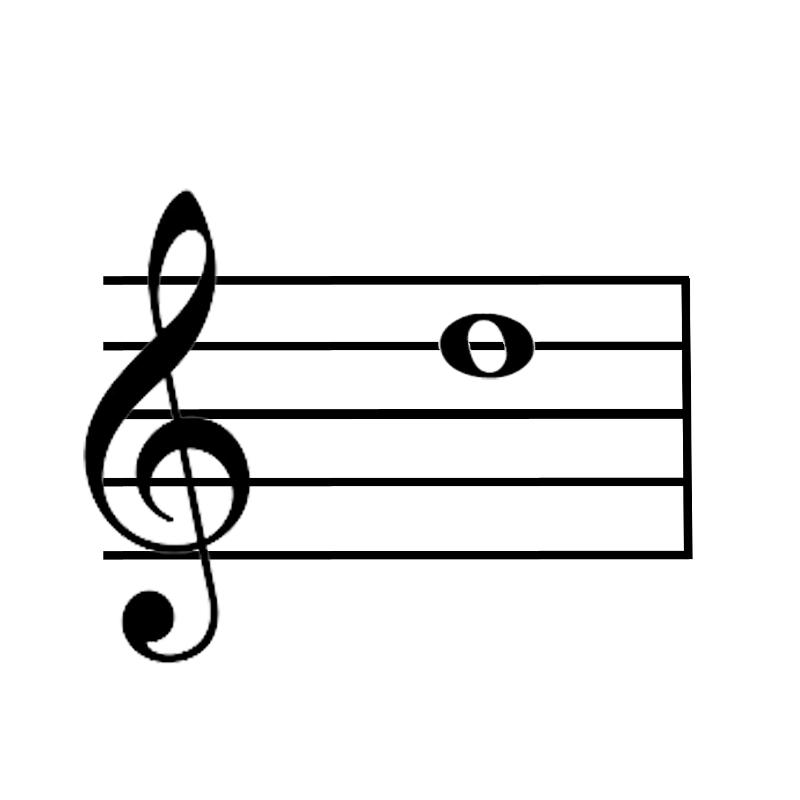 D |
front 15 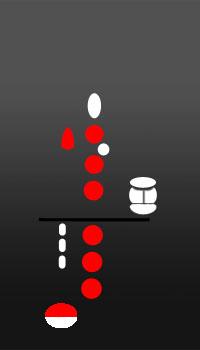 What is the note name? | back 15 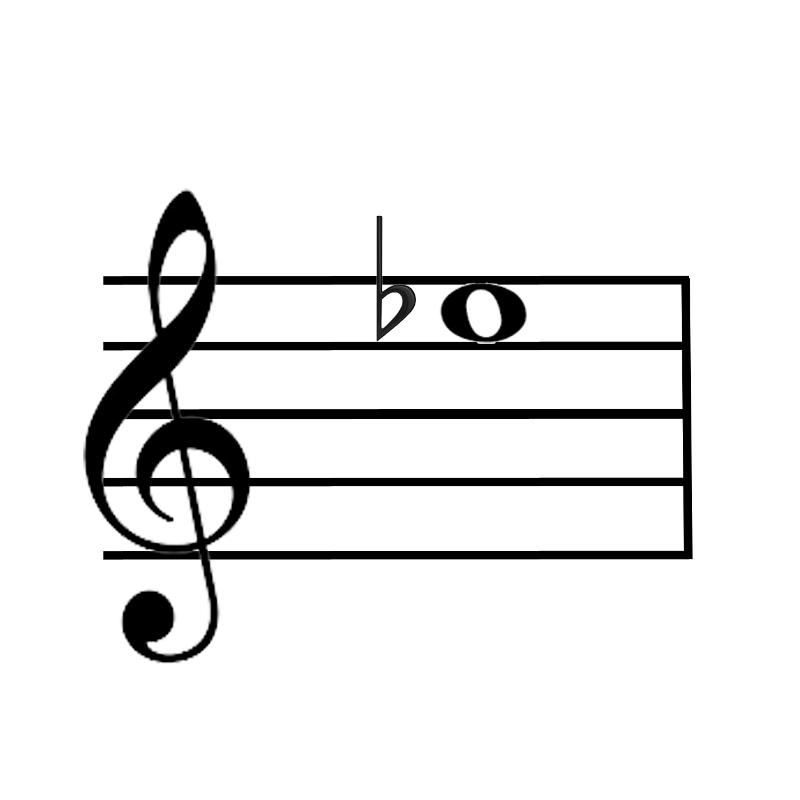 Eb |
front 16 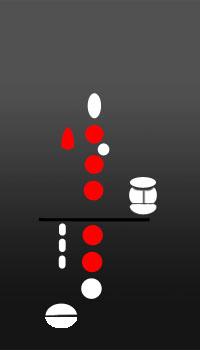 What is the note name? | back 16 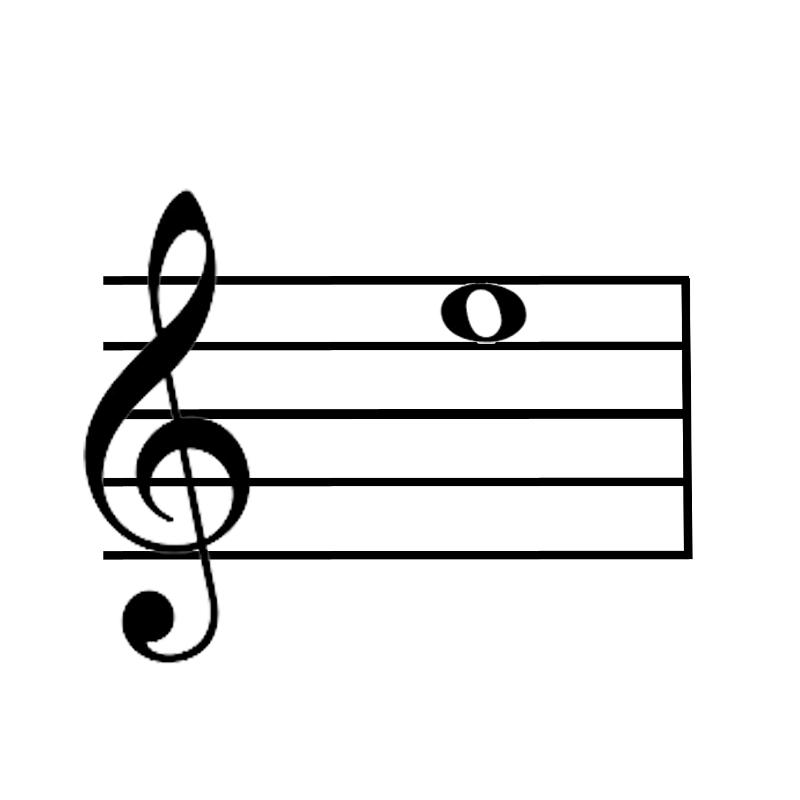 E |
front 17 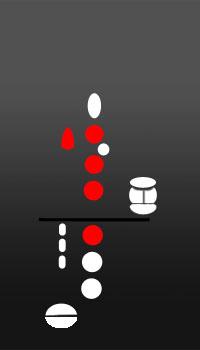 What is the note name? | back 17 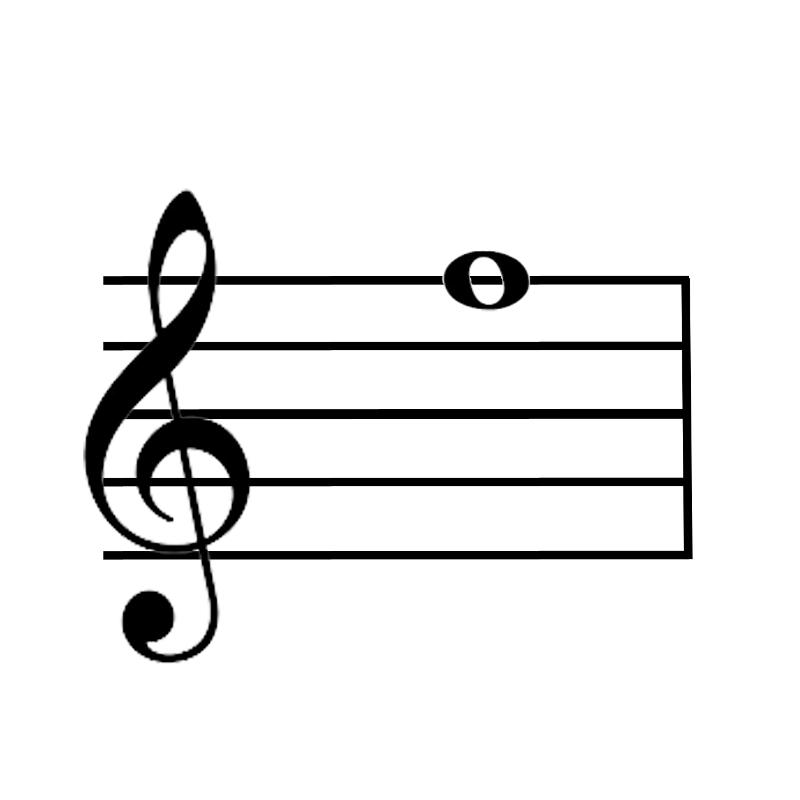 F |
front 18  What is the note name? | back 18 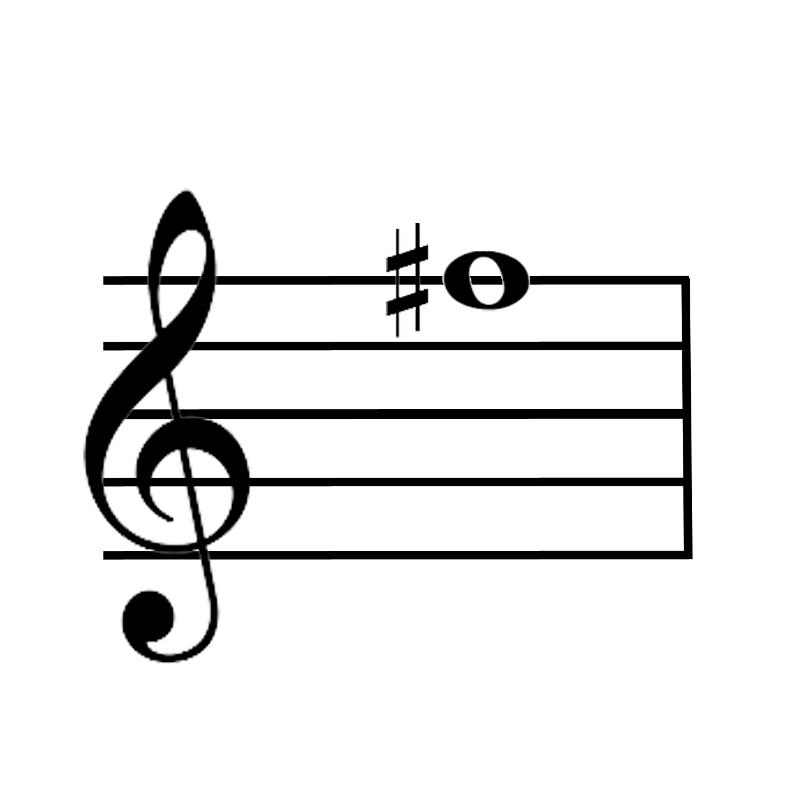 F# |
front 19 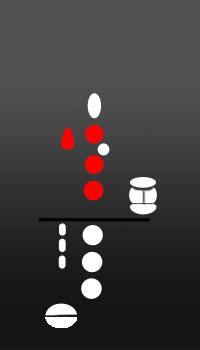 What is the note name? | back 19 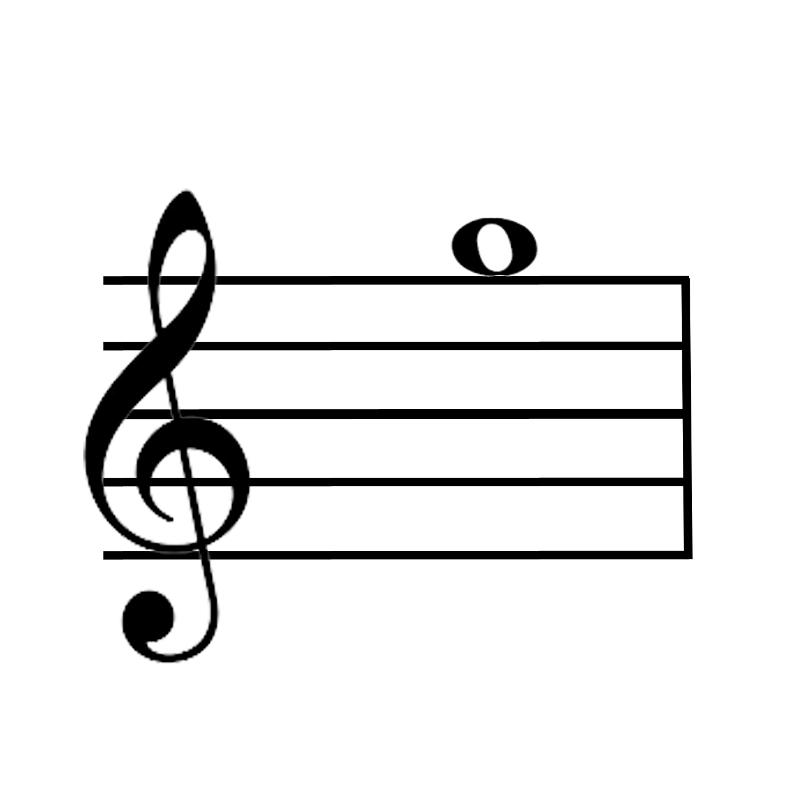 G |
front 20 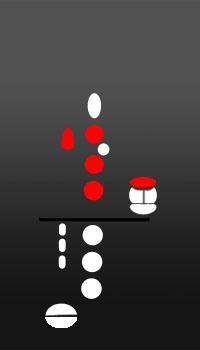 What is the note name? | back 20 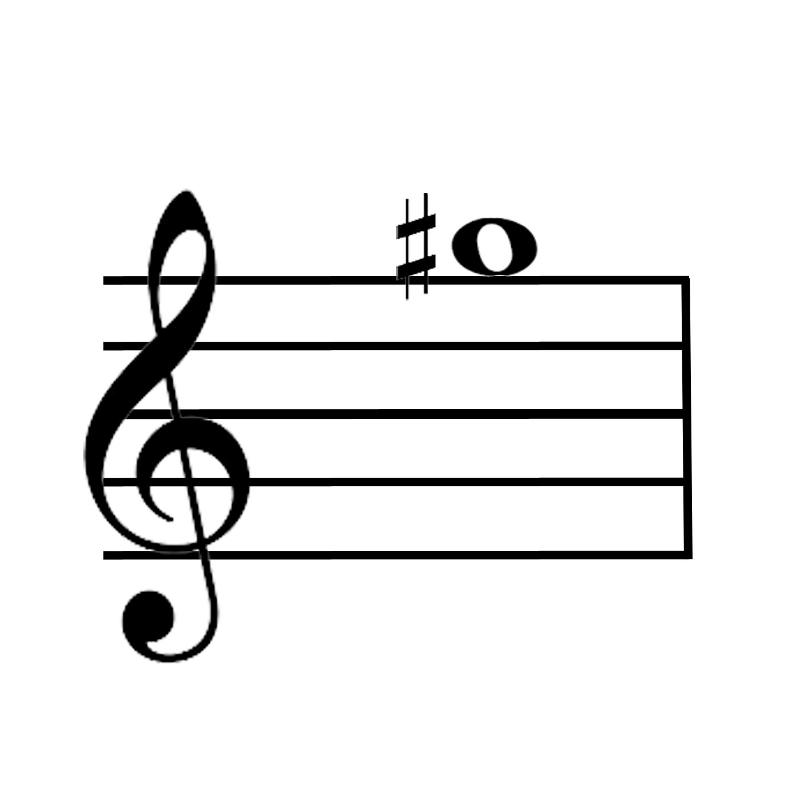 G# |
front 21 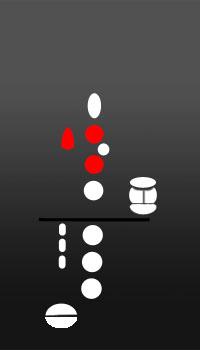 What is the note name? | back 21 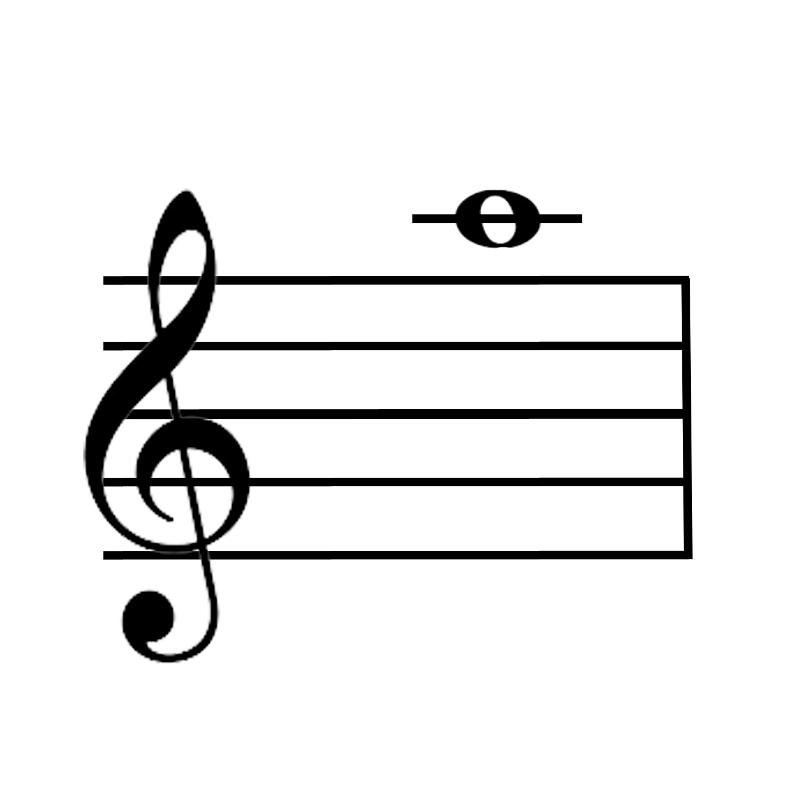 A |
front 22 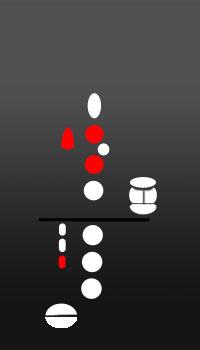 What is the note name? | back 22 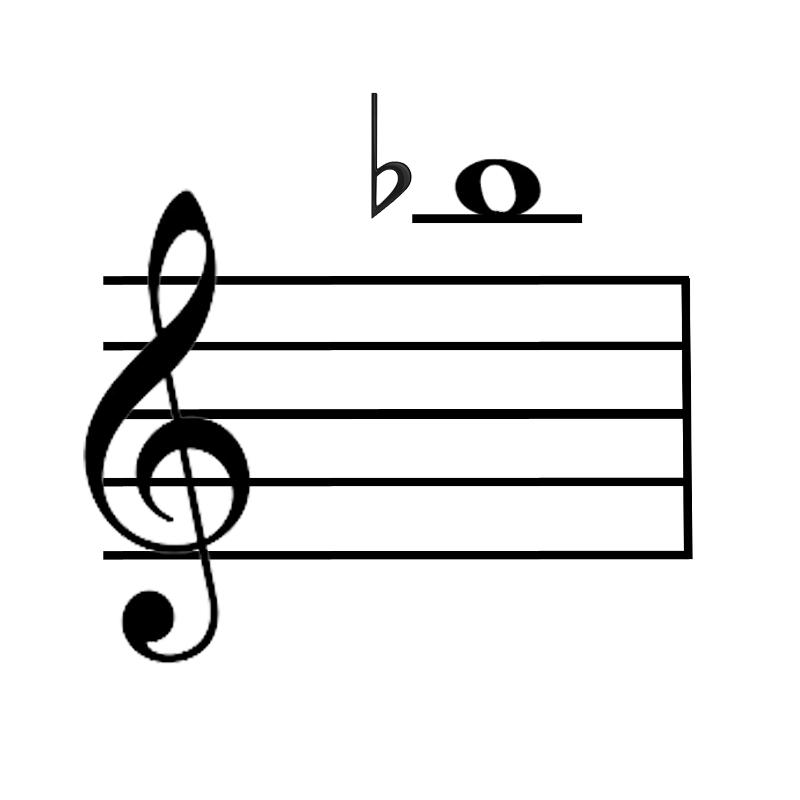 Bb |
front 23 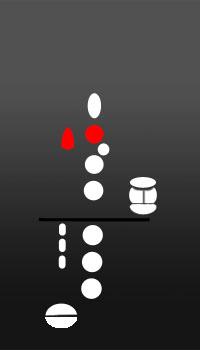 What is the note name? | back 23 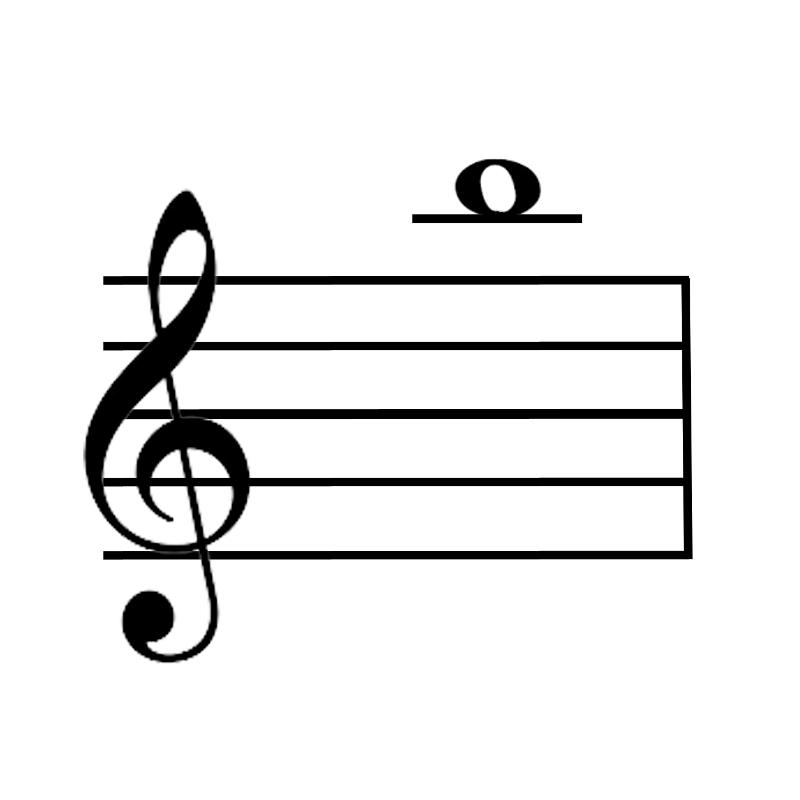 B |
front 24 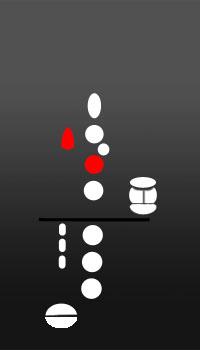 What is the note name? | back 24  C |