Instructions for Side by Side Printing
- Print the notecards
- Fold each page in half along the solid vertical line
- Cut out the notecards by cutting along each horizontal dotted line
- Optional: Glue, tape or staple the ends of each notecard together
E and I
front 1 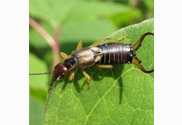 earwig | back 1 earwig |
front 2  easel | back 2 easel |
front 3  ebony | back 3 ebony |
front 4  echidna | back 4 echidna |
front 5  eclipse | back 5 eclipse |
front 6  eel | back 6 eel |
front 7  eggplant | back 7 eggplant |
front 8  egret | back 8 egret |
front 9  elephant | back 9 elephant |
front 10 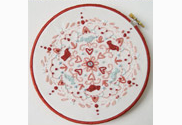 embroidery | back 10 embroidery |
front 11  emerald | back 11 emerald |
front 12 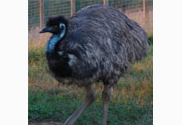 emu | back 12 emu |
front 13  envelope | back 13 envelope |
front 14  escalator | back 14 escalator |
front 15  espresso | back 15 espresso |
front 16  explosion | back 16 explosion |
front 17  eyeball | back 17 eyeball |
front 18  ibex | back 18 ibex |
front 19 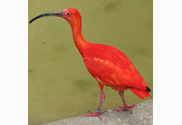 ibis | back 19 ibis |
front 20  iceberg | back 20 iceberg |
front 21  icicle | back 21 icicle |
front 22  icing | back 22 icing |
front 23 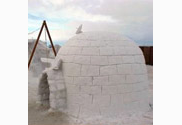 igloo | back 23 igloo |
front 24 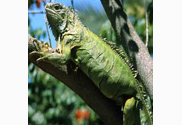 iguana | back 24 iguana |
front 25  incense | back 25 incense |
front 26 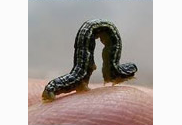 inchworm | back 26 inchworm |
front 27  infant | back 27 infant |
front 28 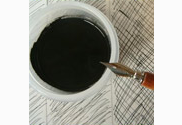 ink | back 28 ink |
front 29  insulation | back 29 insulation |
front 30  island | back 30 island |
front 31 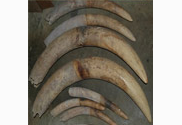 ivory | back 31 ivory |
front 32  ivy | back 32 ivy |