Instructions for Side by Side Printing
- Print the notecards
- Fold each page in half along the solid vertical line
- Cut out the notecards by cutting along each horizontal dotted line
- Optional: Glue, tape or staple the ends of each notecard together
Energy Transfer & Temperature (Bundle 2, Scope 4)
front 1 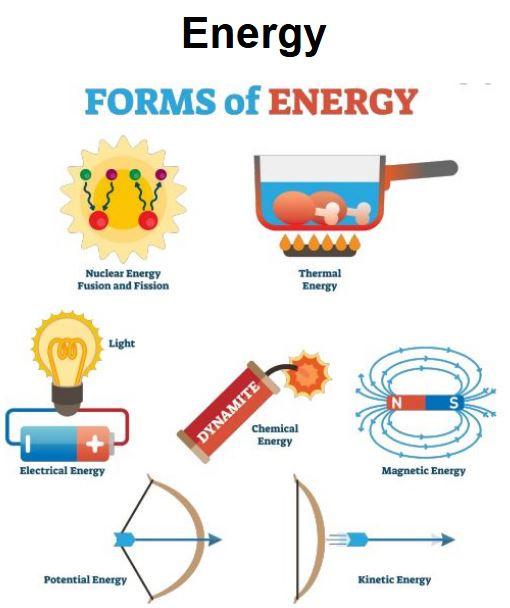 | back 1 The ability of a system to do work; required for changes to happen within a system |
front 2 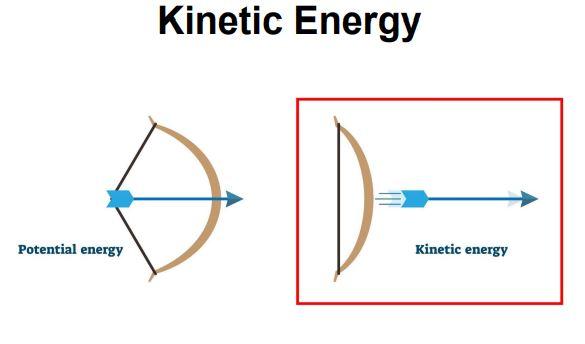 | back 2 Energy of motion |
front 3 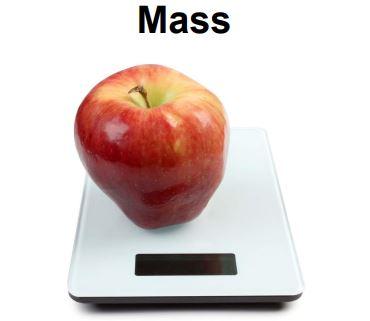 | back 3 A measure of how much matter is present in a substance. |
front 4 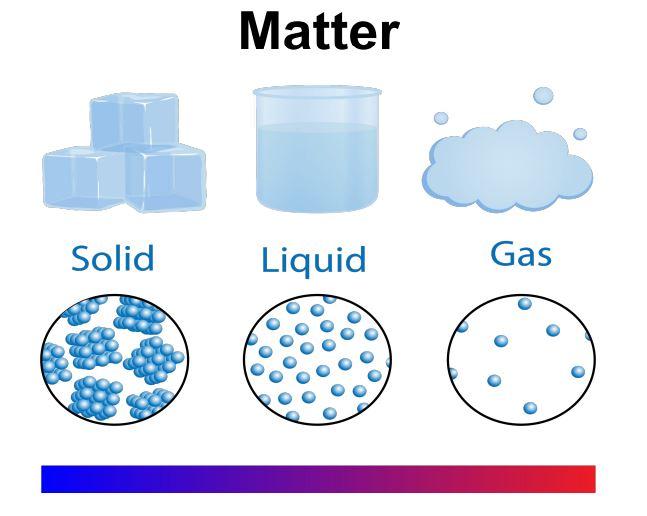 | back 4 Anything that has volume and mass |
front 5 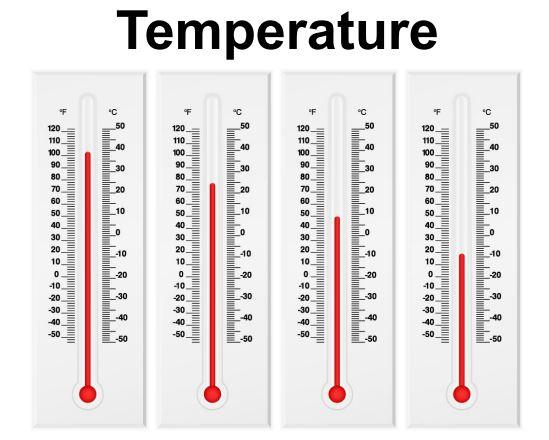 | back 5 Average kinetic energy of all the particles in a material; measured by a thermometer in degrees (usually degrees Celsius or degrees Fahrenheit) |