Instructions for Side by Side Printing
- Print the notecards
- Fold each page in half along the solid vertical line
- Cut out the notecards by cutting along each horizontal dotted line
- Optional: Glue, tape or staple the ends of each notecard together
Skeletal System
front 1 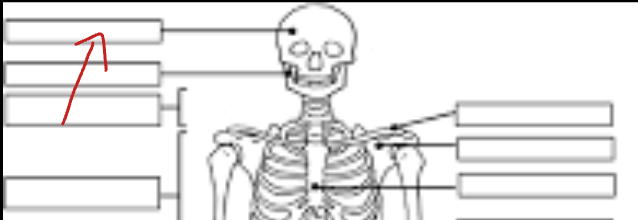 | back 1 Skull |
front 2 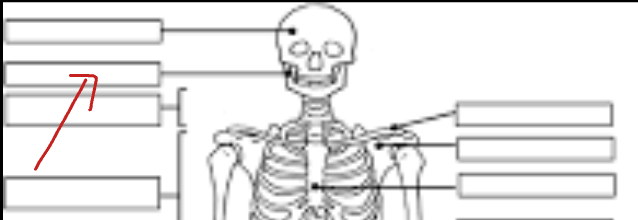 | back 2 Mandible |
front 3 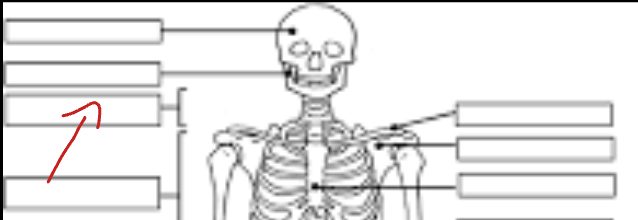 | back 3 cervical vertebrae |
front 4 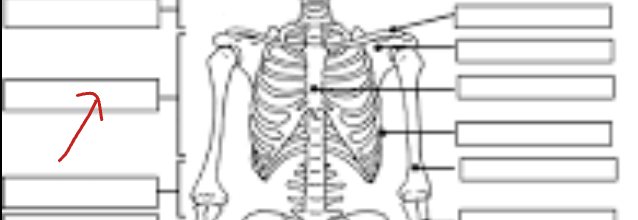 | back 4 Thoracic vertebrae |
front 5 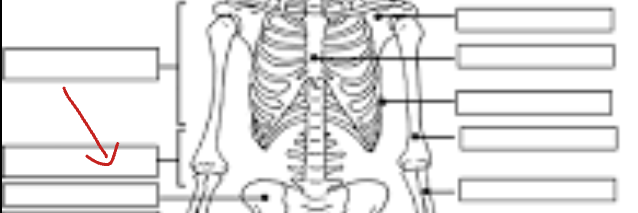 | back 5 lumbar vertebrae |
front 6 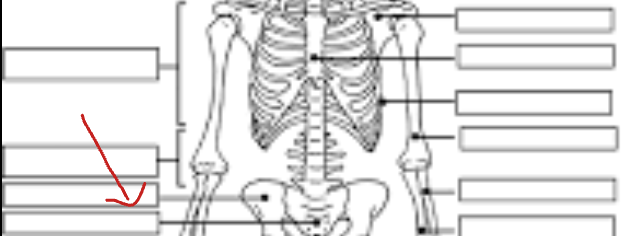 | back 6 Pelvis |
front 7 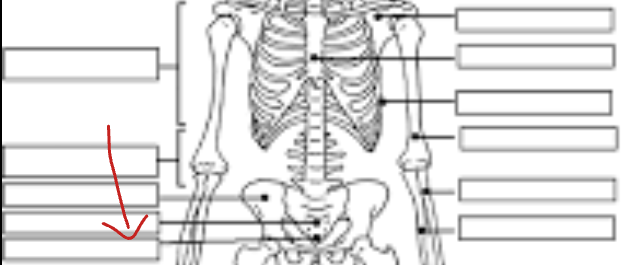 | back 7 Sacrum |
front 8 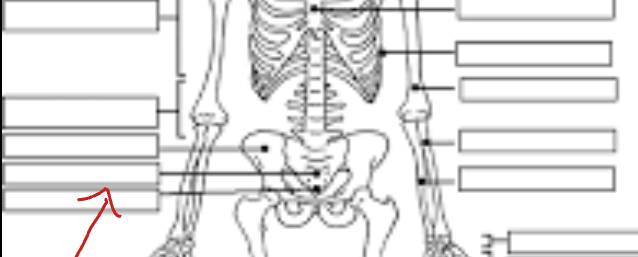 | back 8 Coccyx |
front 9 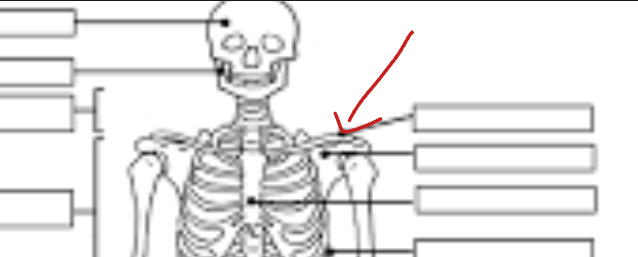 | back 9 Clavicle |
front 10 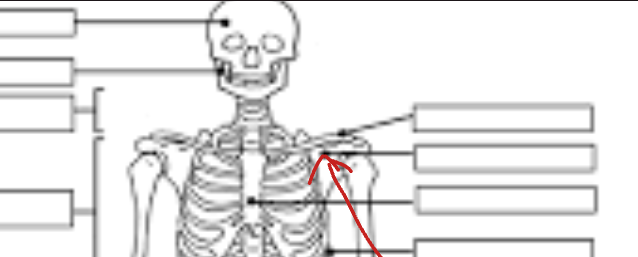 | back 10 Scapula |
front 11 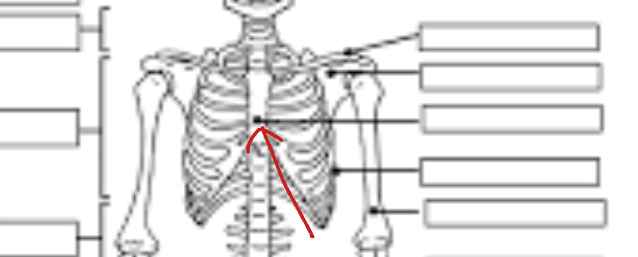 | back 11 Sternum |
front 12 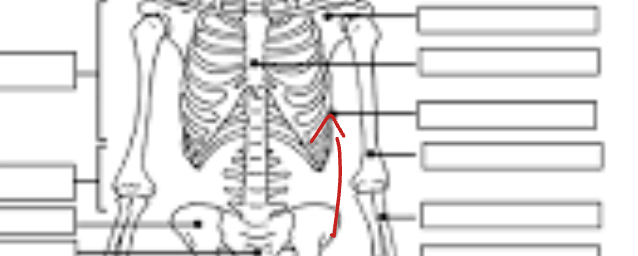 | back 12 Ribs |
front 13 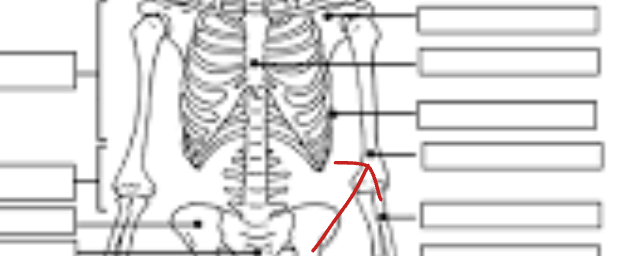 | back 13 Humerus |
front 14 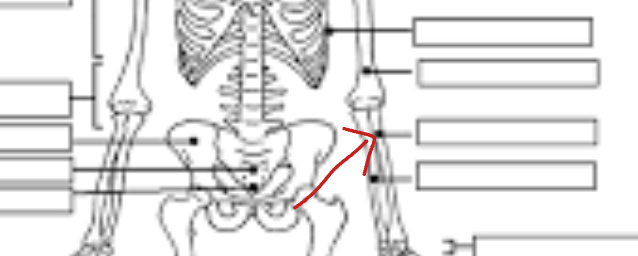 | back 14 Radius |
front 15 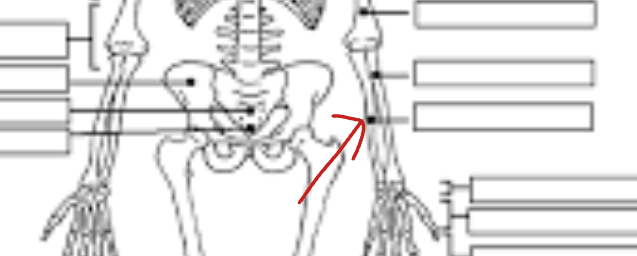 | back 15 Ulna |
front 16 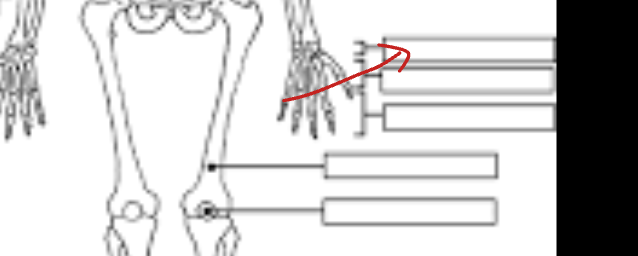 | back 16 Carpals |
front 17 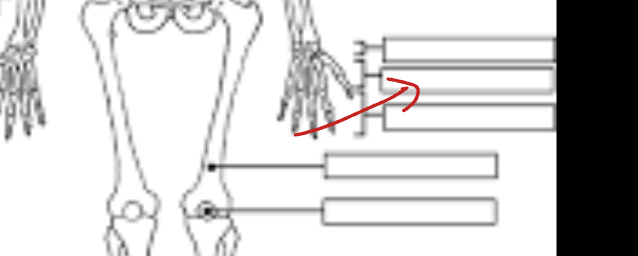 | back 17 Metacarpals |
front 18 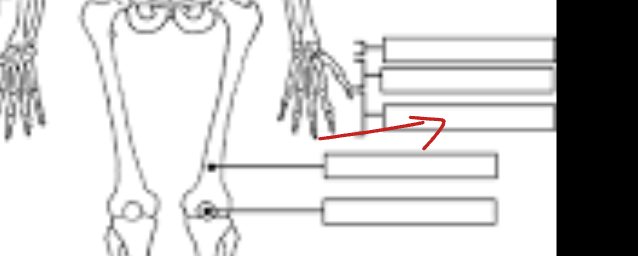 | back 18 Phalanges |
front 19 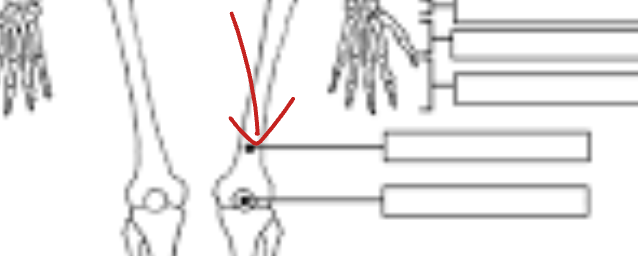 | back 19 Femur |
front 20 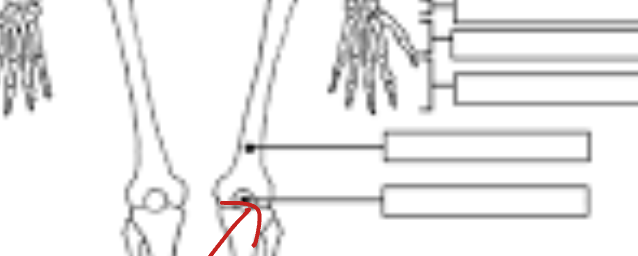 | back 20 Patella |
front 21 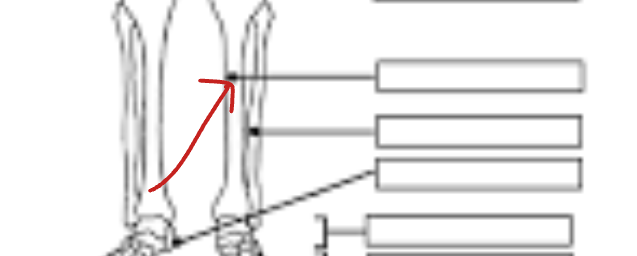 | back 21 Tibia |
front 22 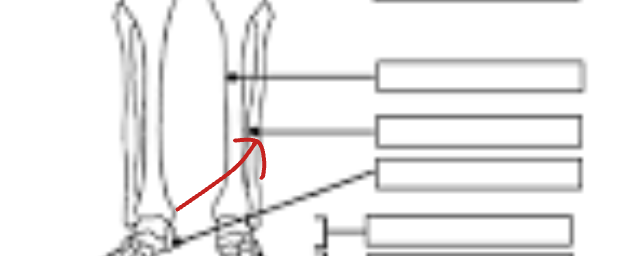 | back 22 Fibula |
front 23 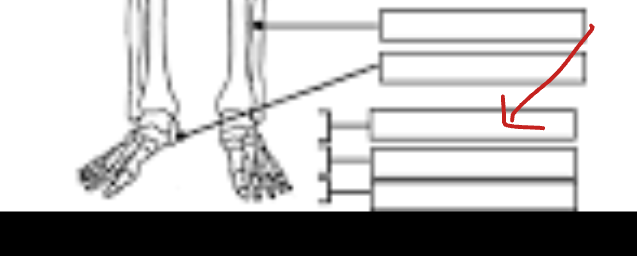 | back 23 Tarsals |
front 24 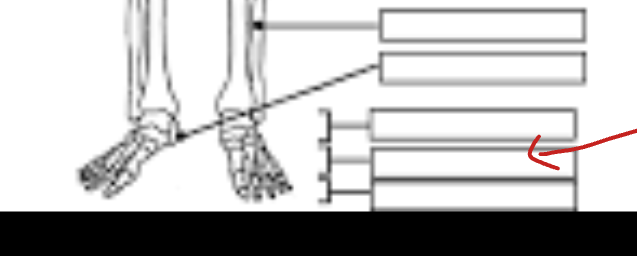 | back 24 Metatarsals |
front 25 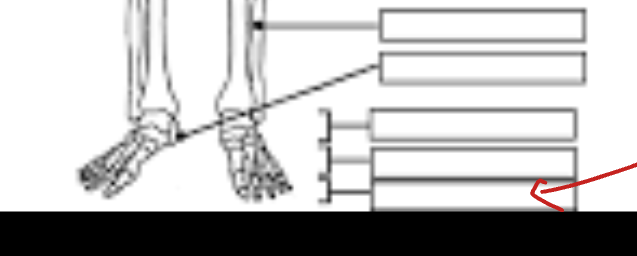 | back 25 Phalanges |