Instructions for Side by Side Printing
- Print the notecards
- Fold each page in half along the solid vertical line
- Cut out the notecards by cutting along each horizontal dotted line
- Optional: Glue, tape or staple the ends of each notecard together
go getter 1
front 1 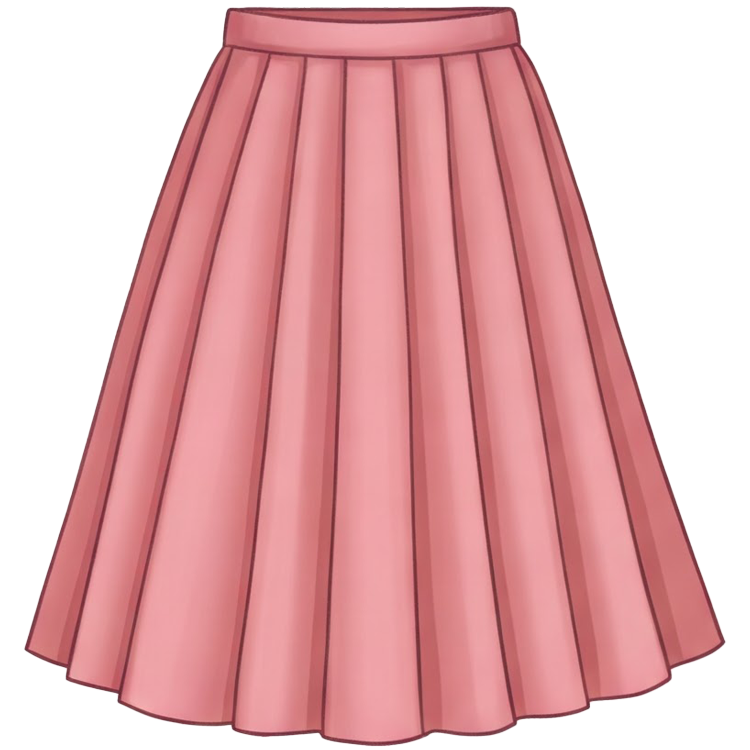 skirt | back 1 юбка |
front 2 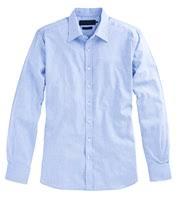 shirt | back 2 рубашка |
front 3  coat | back 3 пальто |
front 4  jacket | back 4 куртка |
front 5 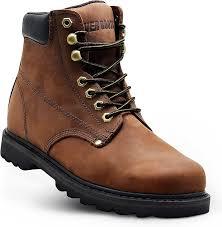 boots | back 5 ботинки |
front 6 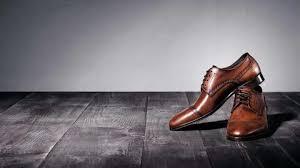 shoes | back 6 туфли |
front 7 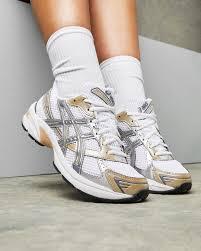 trainers | back 7 кроссовки |
front 8  top | back 8 топ |
front 9 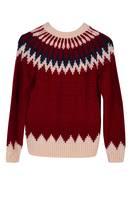 jumper | back 9 джемпер |
front 10 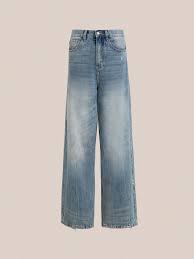 jeans | back 10 джинсы |
front 11 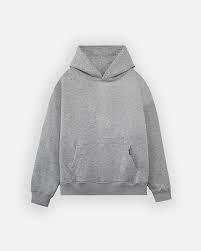 hoodie | back 11 худи |
front 12 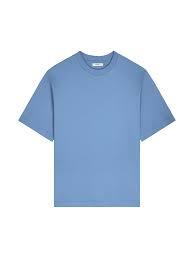 T-shirt | back 12 футболка |
front 13 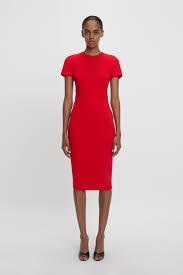 dress | back 13 платье |
front 14  tracksuit | back 14 спортивный костюм |