Instructions for Side by Side Printing
- Print the notecards
- Fold each page in half along the solid vertical line
- Cut out the notecards by cutting along each horizontal dotted line
- Optional: Glue, tape or staple the ends of each notecard together
Sensory Receptors
front 1  Behavior | back 1 What a plant or animal does |
front 2  Brain | back 2 The organ that serves as the primary control center of the nervous system in all vertebrate and most invertebrate animals |
front 3 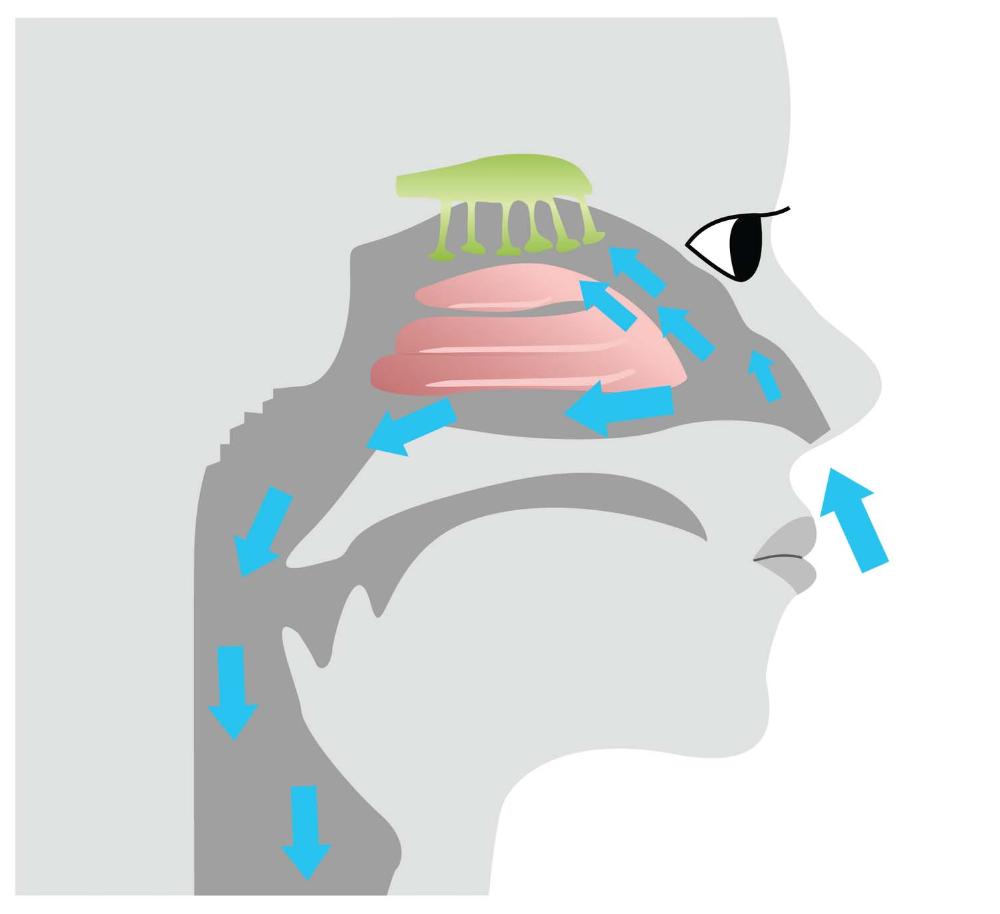 Chemical Input | back 3 A chemical that enters the body |
front 4  Electromagnetic Input | back 4 Signals that enter the body in the form of electromagnetic stimuli |
front 5  Mechanical Input | back 5 Signals that enter the body through physical touch or vibration |
front 6 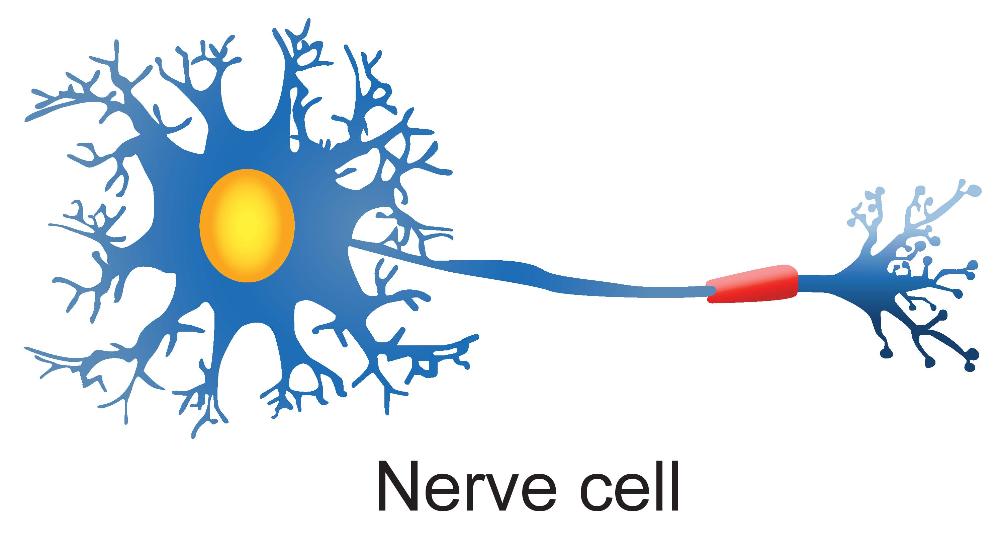 Nerve Cell | back 6 A cell specialized for transmitting fast electrochemical signals |
front 7 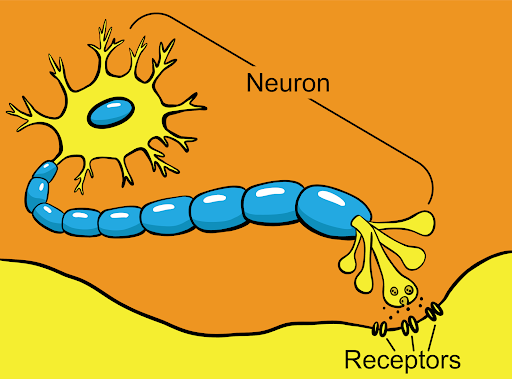 Sensory Receptor | back 7 A nerve ending that sends signals to the central nervous system when it is stimulated |
front 8  Stimulus | back 8 An action or condition that provokes a response |