Instructions for Side by Side Printing
- Print the notecards
- Fold each page in half along the solid vertical line
- Cut out the notecards by cutting along each horizontal dotted line
- Optional: Glue, tape or staple the ends of each notecard together
Wisconsin Government
front 1 Who is the current President of the United States? (National Government) | back 1 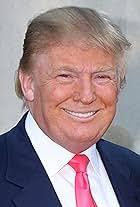 Donald Trump |
front 2 Who is the current Vice President of the United States? (National Government) | back 2  JD Vance |
front 3 Major issues facing Wisconsin today? | back 3  Budget, Schools |
front 4 Ways you can be a good citizen | back 4  Obey Laws, Pick Up Gabage, Do Well in School so You can Get a Good Job Someday |
front 5 What are the 3 Branches of Government? | back 5 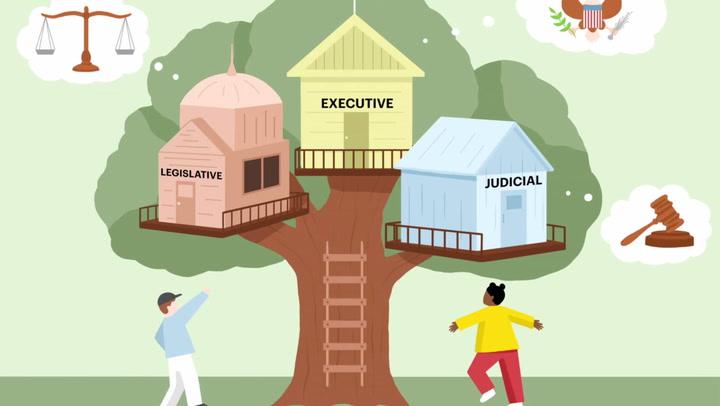 Legislative Branch Executive Branch Judicial Branch |
front 6 Who is the current governor of Wisconsin? What Branch of Government? | back 6  Tony Evers Executive Branch |
front 7 Who is the current State Senator for Stevens Point? What Branch of Government | back 7  Patrick Testin Legislative Branch |
front 8 Who is the current State Representative for Stevens Point? What Branch of State Government? | back 8 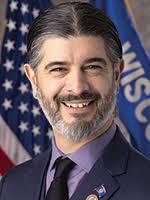 Vincent Miresse Legislative Branch |