Instructions for Side by Side Printing
- Print the notecards
- Fold each page in half along the solid vertical line
- Cut out the notecards by cutting along each horizontal dotted line
- Optional: Glue, tape or staple the ends of each notecard together
Art History Test, Content Area 3 Pt.2
front 1 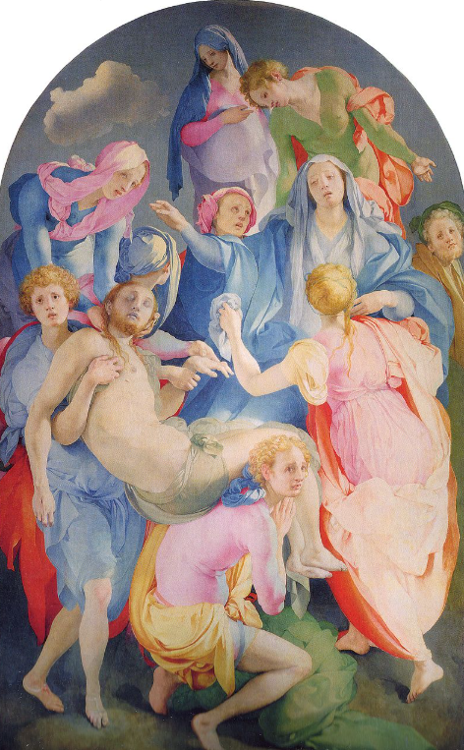 | back 1 Entombment of Christ |
front 2 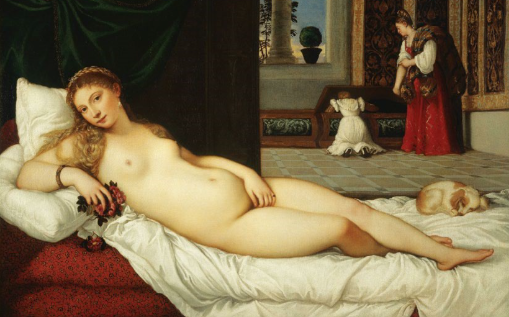 | back 2 Venus of Urbino |
front 3 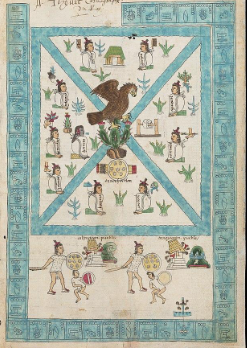 | back 3 Frontispiece of the Codex Mendoza |
front 4 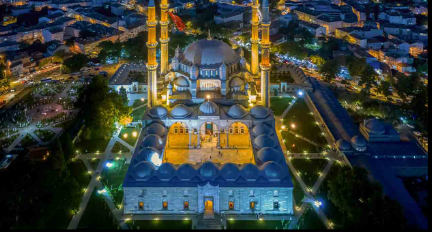 | back 4 Mosque of Selim II |
front 5 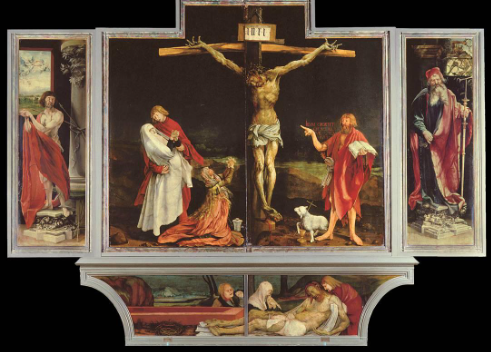 | back 5 Isenheim Altarpiece |
front 6 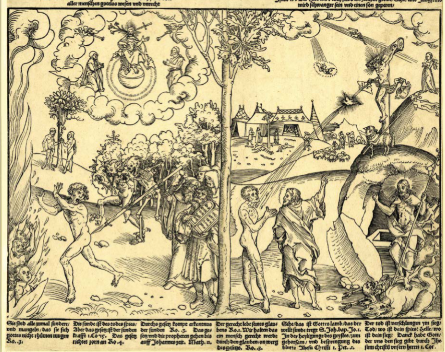 | back 6 Allegory of Law and Grace |
front 7 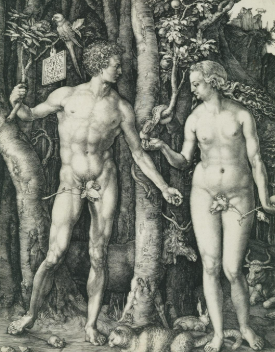 | back 7 Adam and Eve |
front 8 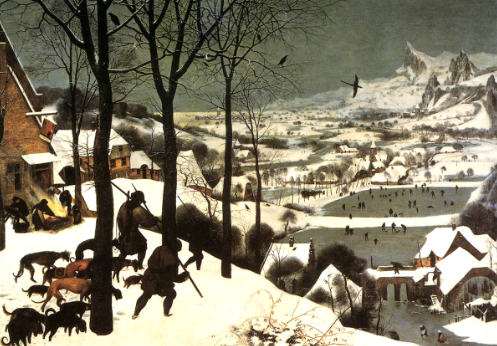 | back 8 Hunters in the Snow |
front 9 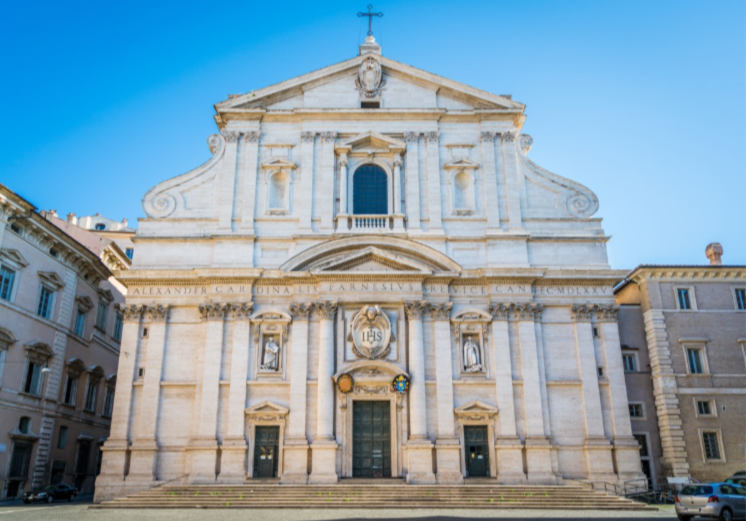 | back 9 Il Gesu |
front 10 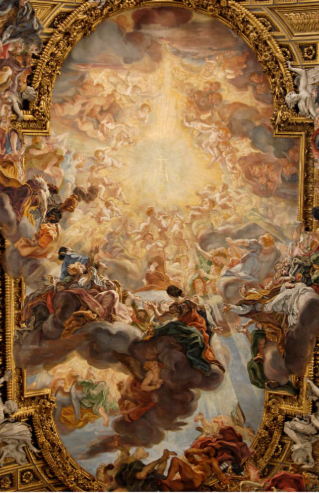 | back 10 Triumph of the Name of Jesus |
front 11 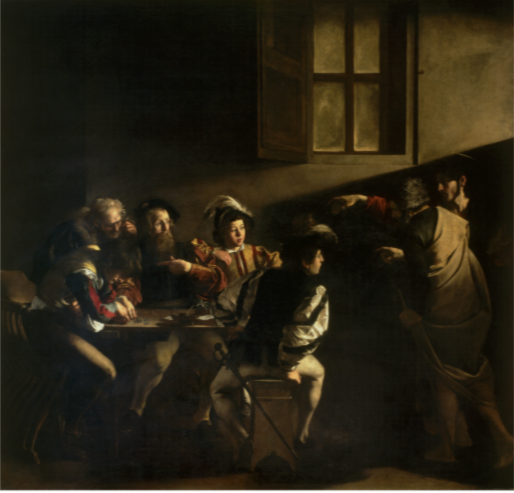 | back 11 Calling of St. Matthew |
front 12 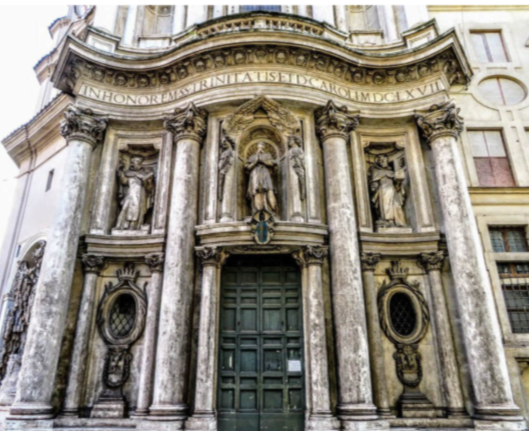 | back 12 San Carlo alle Quattro Fontane |
front 13 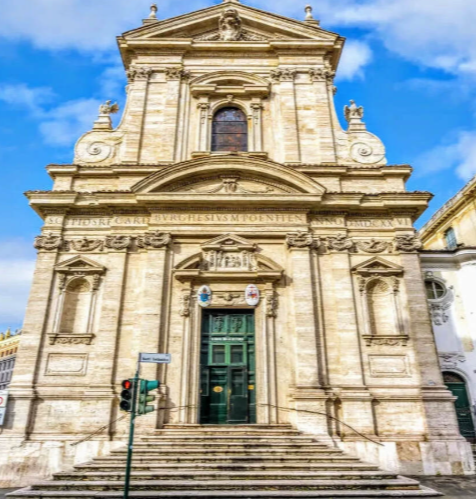 | back 13 Santa Maria della Vittoria |
front 14 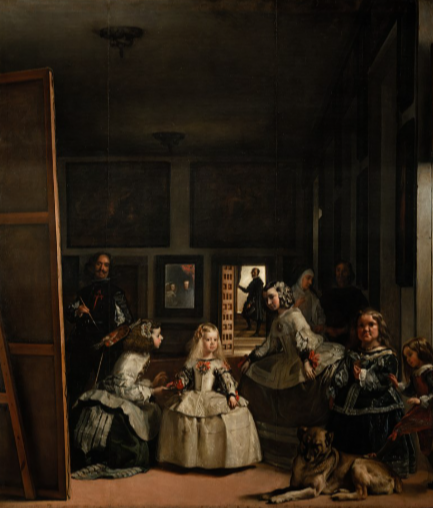 | back 14 Las Meninas |
front 15 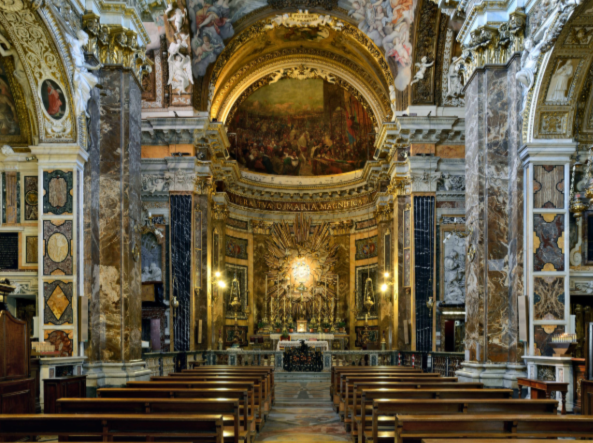 | back 15 Cornaro Chapel (Santa Maria della Vittoria) |
front 16 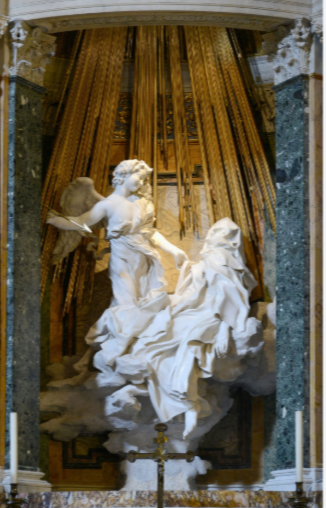 | back 16 Ecstasy of St. Teresa (Santa Maria della Vittoria) |
front 17 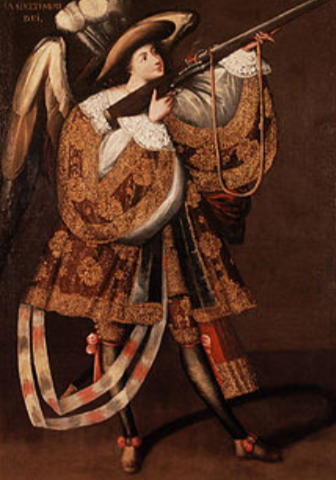 | back 17 Angel with Arquebus, Asiel Timor Dei |
front 18 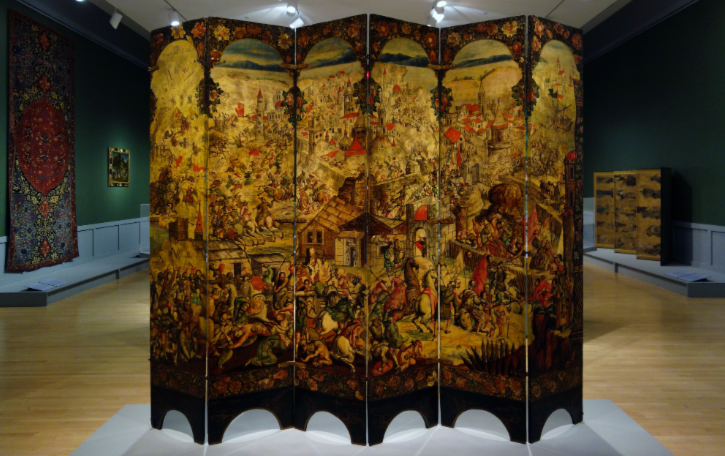 | back 18 Screen with the Siege of Belgrade and hunting scene |
front 19 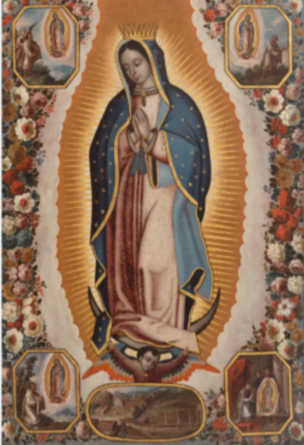 | back 19 The Virgin of Guadalupe |
front 20 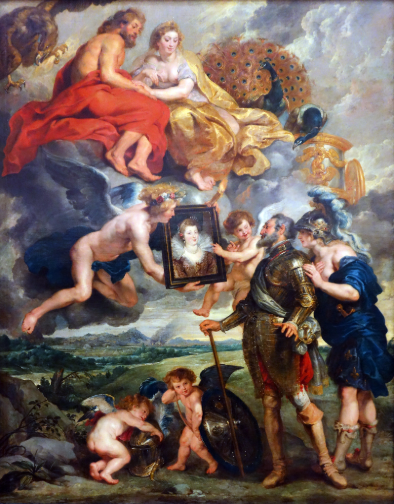 | back 20 Henri IV Receives the Portrait of Marie de' Medici |
front 21 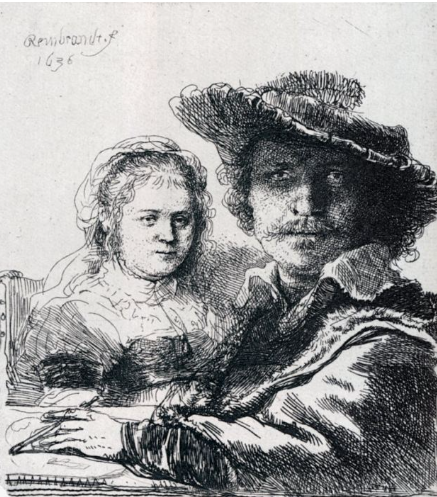 | back 21 Self-Portrait with Saskia |
front 22 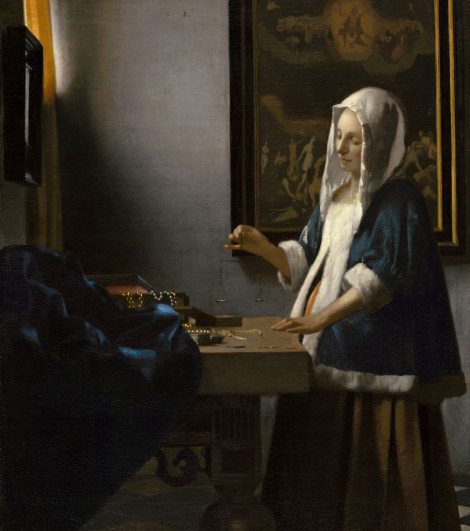 | back 22 Woman Holding a Balance |