Instructions for Side by Side Printing
- Print the notecards
- Fold each page in half along the solid vertical line
- Cut out the notecards by cutting along each horizontal dotted line
- Optional: Glue, tape or staple the ends of each notecard together
anesthetic machine parts
front 1 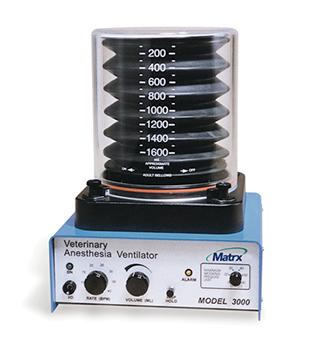 | back 1 ventilator |
front 2 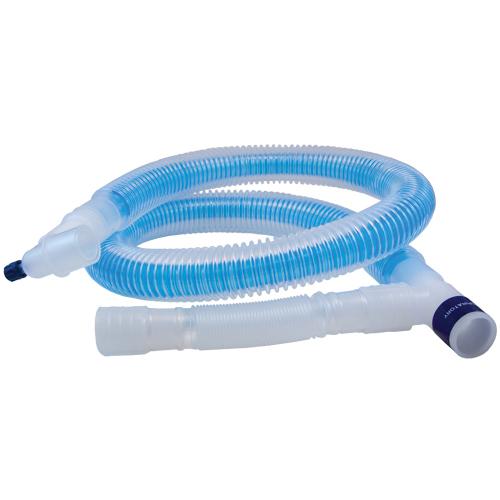 | back 2 rebreather |
front 3 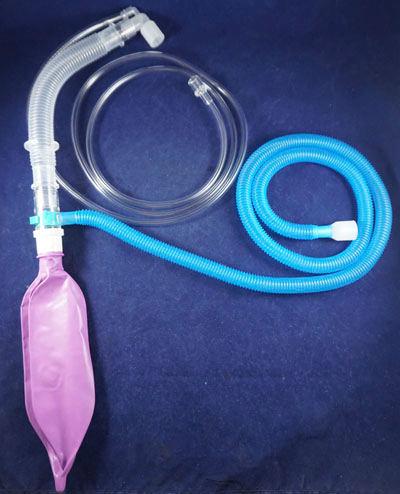 | back 3 non-rebreather |
front 4 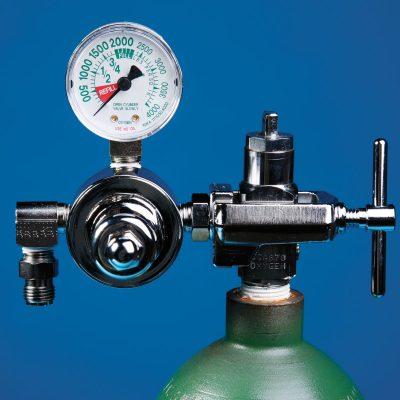 | back 4 pressure regulator |
front 5 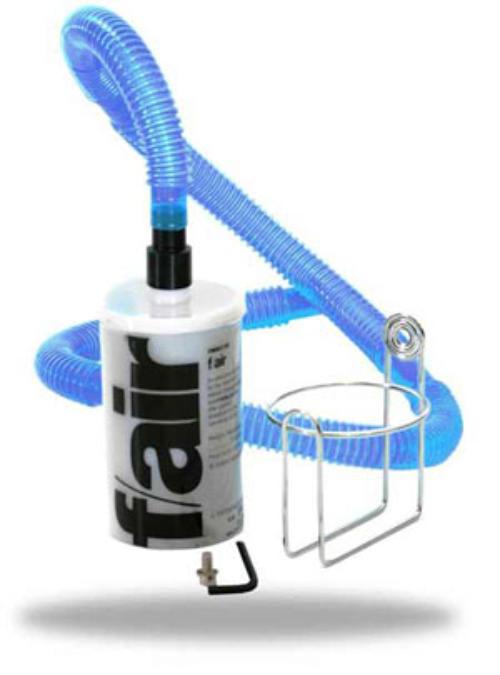 | back 5 scavenging system |
front 6 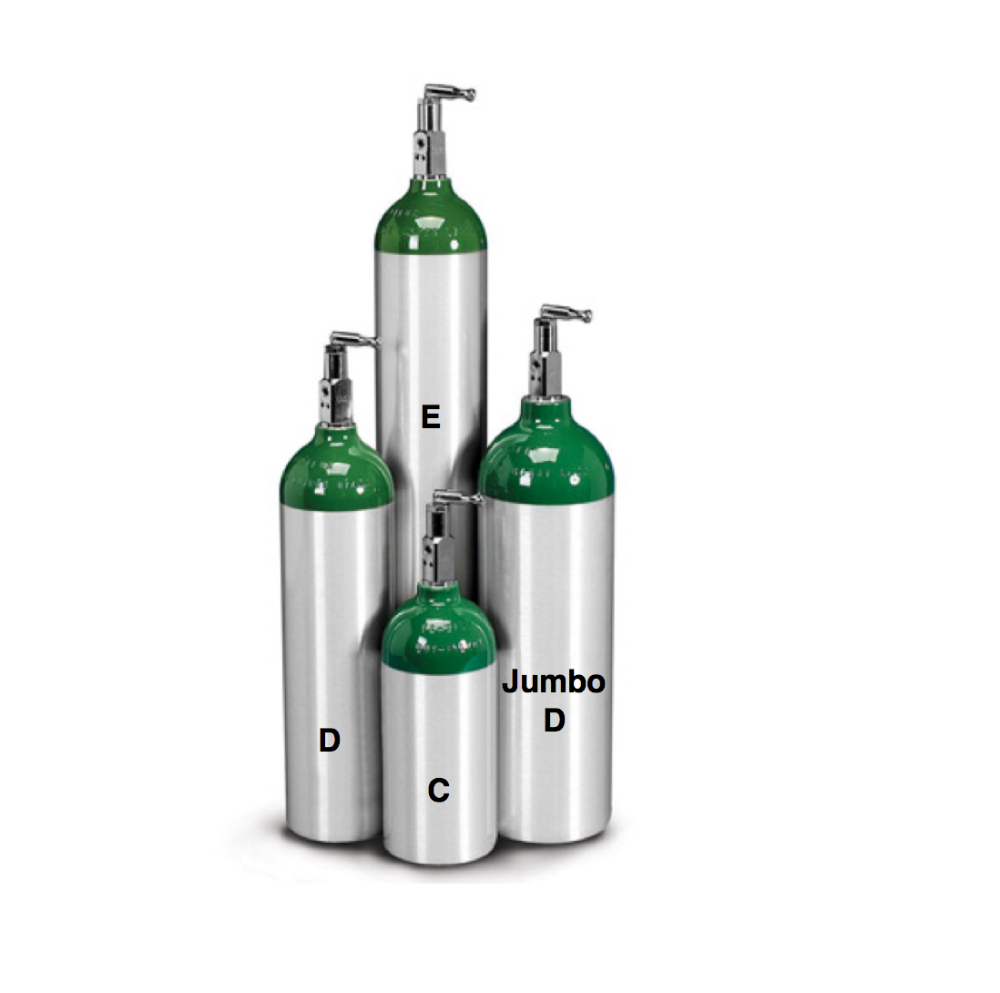 | back 6 oxygen tank under/on the machine or in a closet with a central drop line from the ceiling O2 is green |
front 7 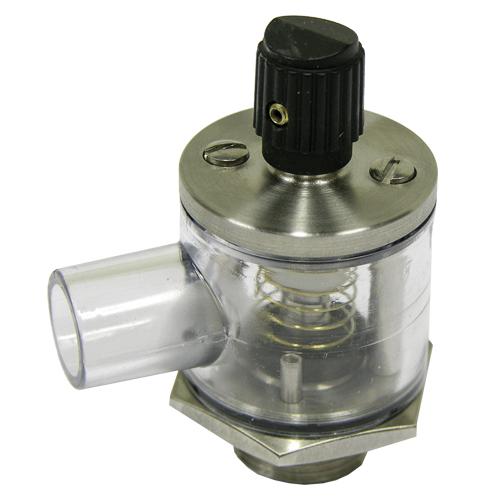 | back 7 pressure valve Indicates the amount of oxygen left in the tank |
front 8 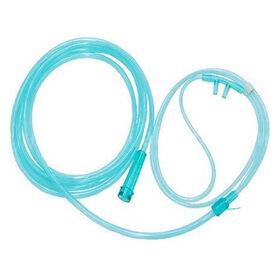 | back 8 oxygen line the tube that delivers oxygen to an animal |
front 9 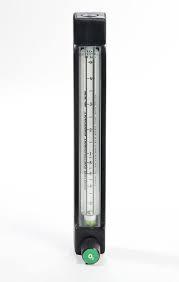 | back 9 oxygen flow meter a device that measures and controls the flow of oxygen to a patient during anesthesia or oxygen therapy |
front 10 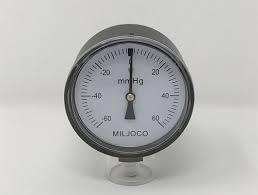 | back 10 monometer used to measure the pressure of gases in an animal's lungs and airways |
front 11 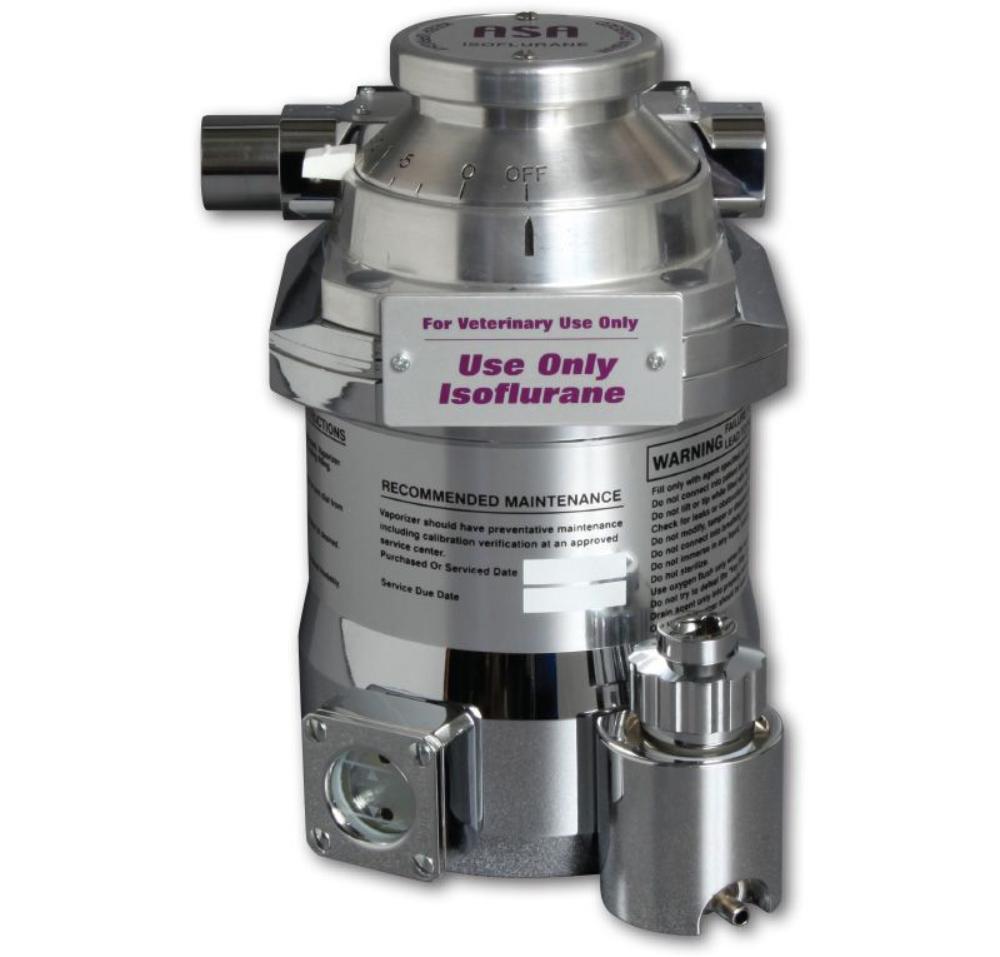 | back 11 vaporizer The most critical component |
front 12 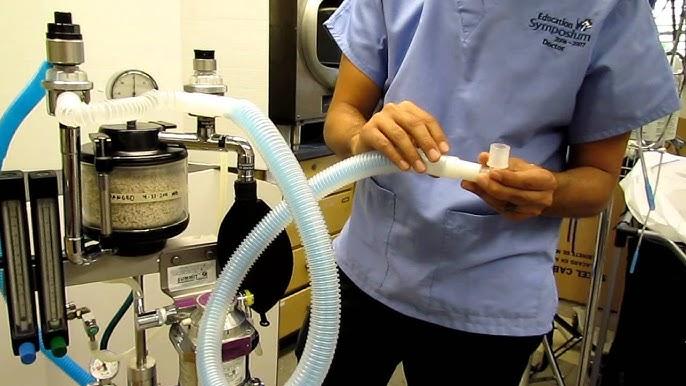 | back 12 Anesthetic gas outlet medical tubing connecting the anesthetic system to the patient |