Instructions for Side by Side Printing
- Print the notecards
- Fold each page in half along the solid vertical line
- Cut out the notecards by cutting along each horizontal dotted line
- Optional: Glue, tape or staple the ends of each notecard together
parasite id cards
front 1 flea | back 1 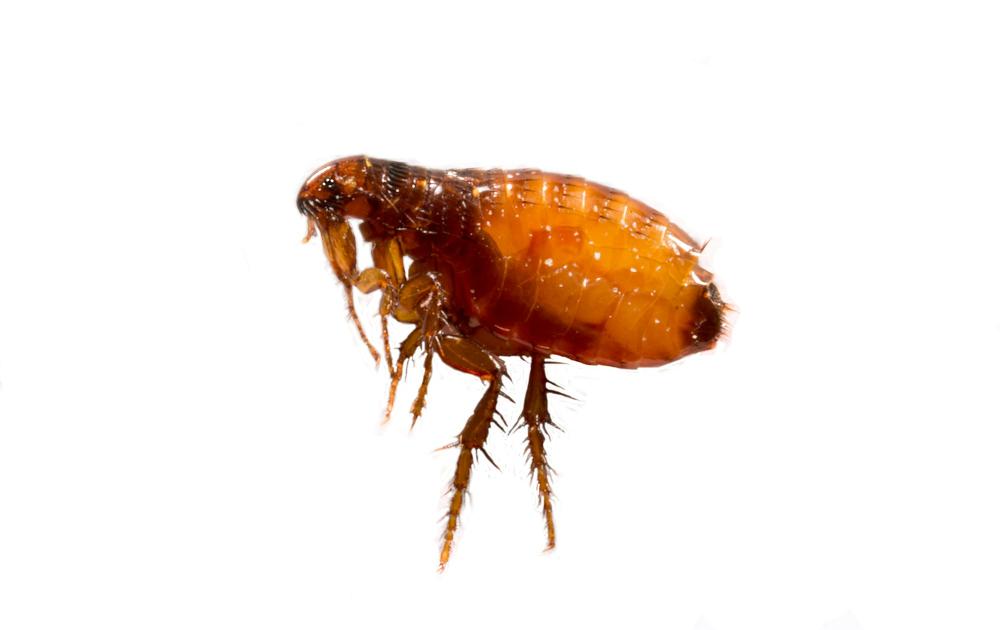 |
front 2 tick | back 2 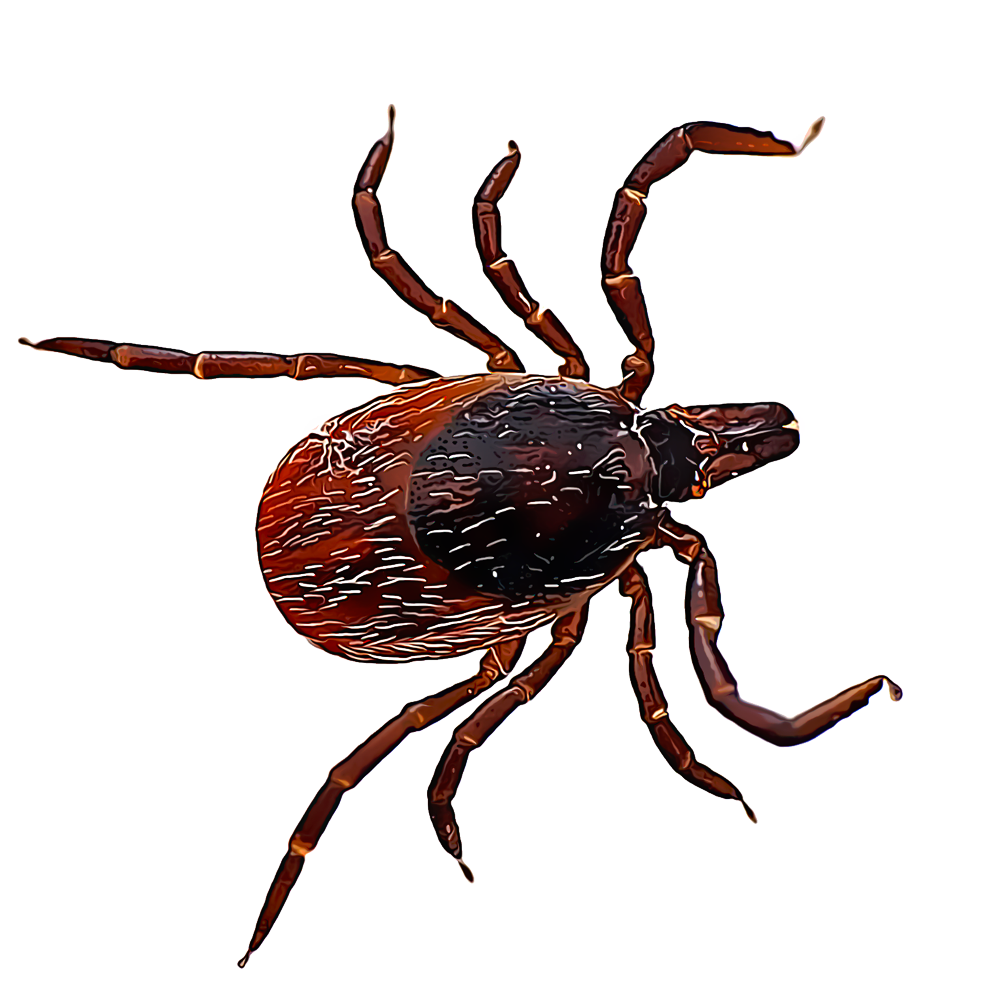 |
front 3 botfly | back 3 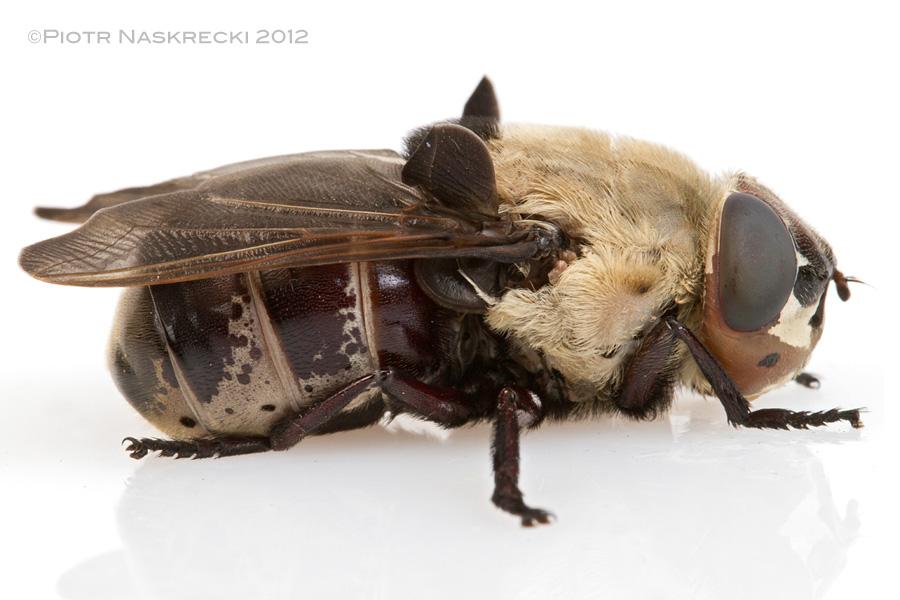 |
front 4 botfly larvae | back 4 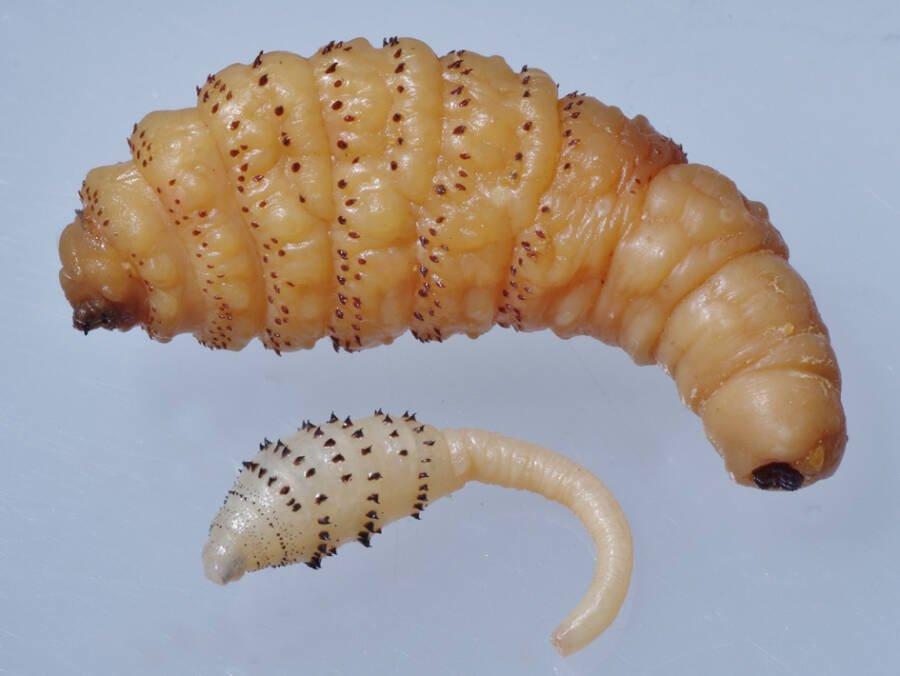 |
front 5 Demodex | back 5 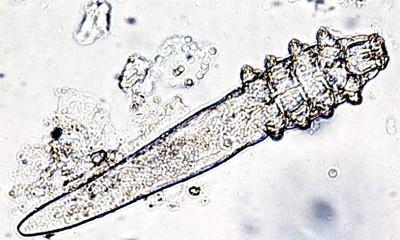 |
front 6 taenia tapeworm | back 6 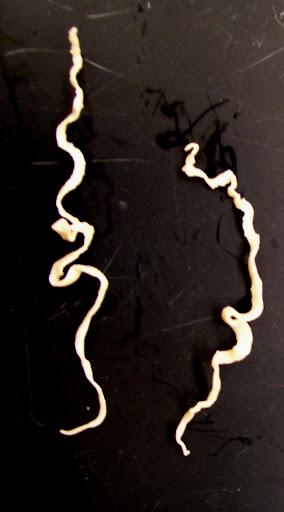 |
front 7 scabies mite | back 7 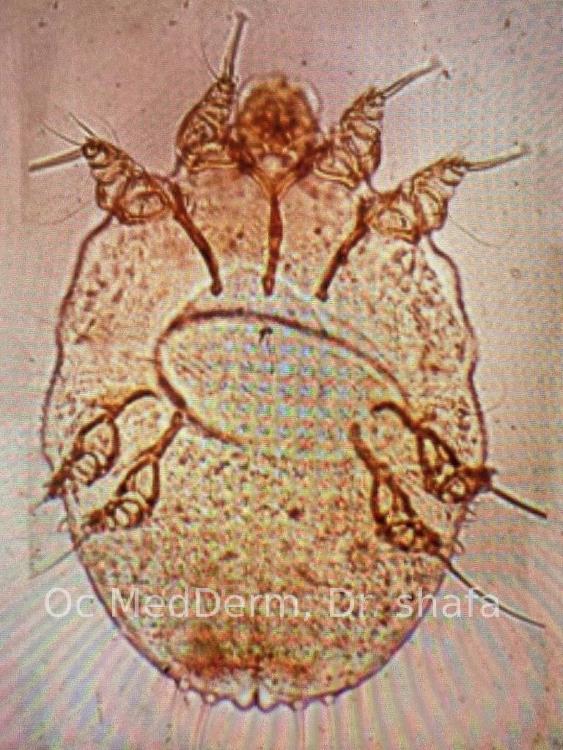 |
front 8 ear mite/ododectus | back 8 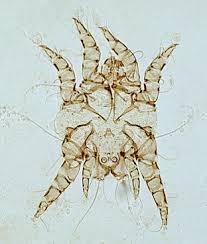 |
front 9 biting louse | back 9 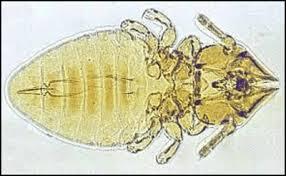 |
front 10 sucking louse | back 10 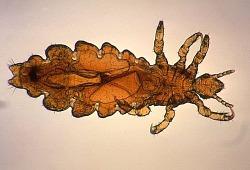 |
front 11 whipworm | back 11 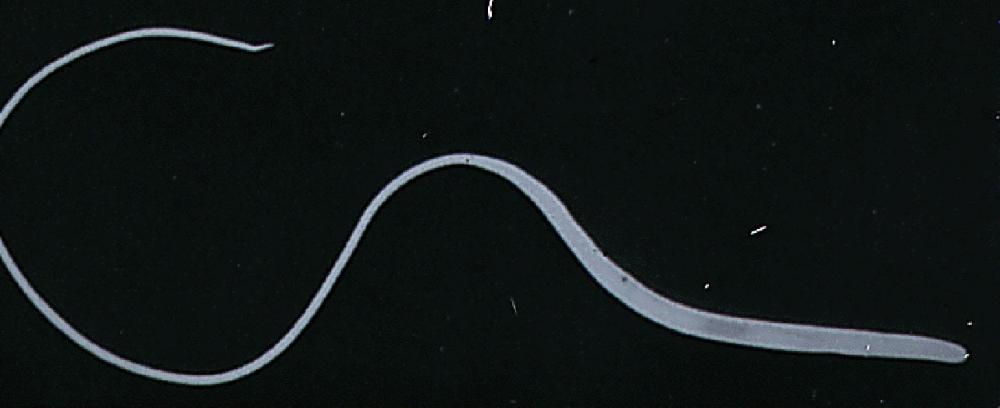 |
front 12 strongyles | back 12 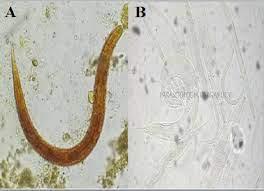 |
front 13 dipylidium caninum | back 13 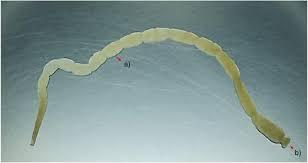 |
front 14 diofilaria immitis | back 14 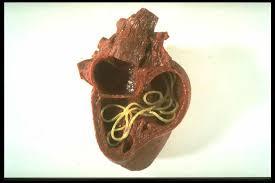 |
front 15 tapeworm segment | back 15 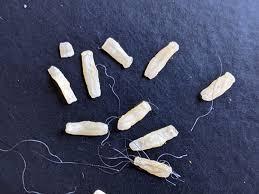 |
front 16 oxyrius equi | back 16 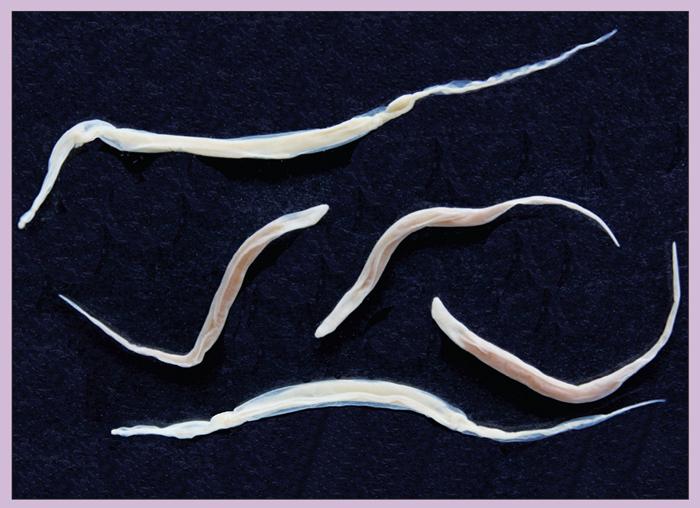 |
front 17 giardia | back 17 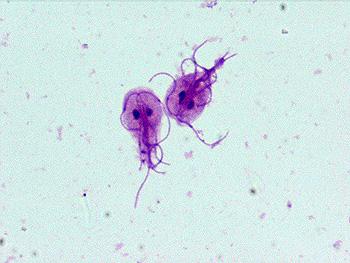 |
front 18 ancylostoma caninum | back 18 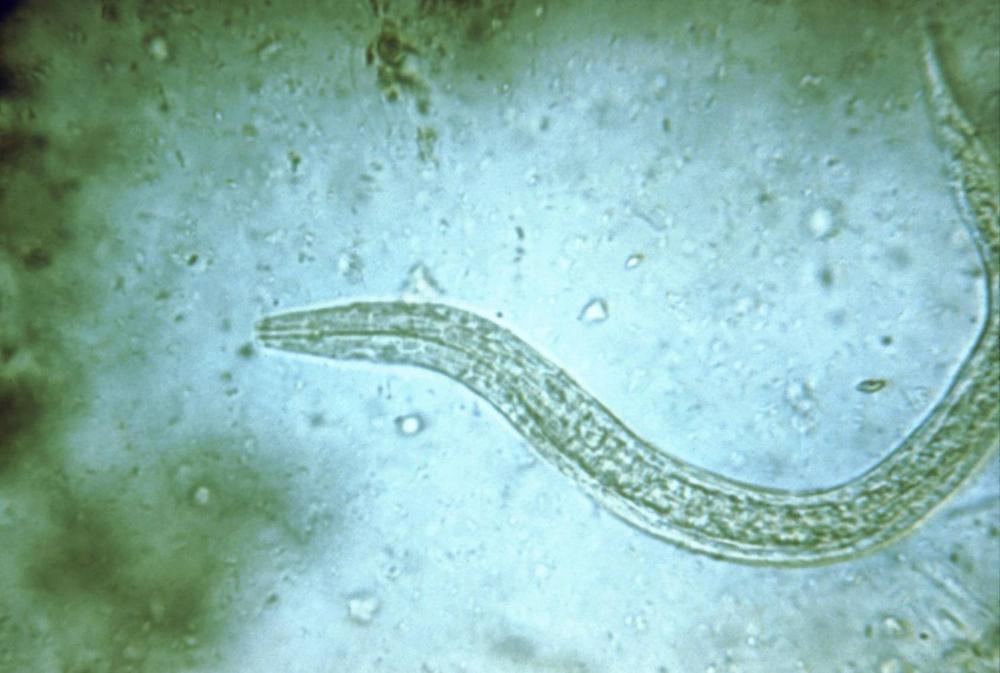 |
front 19 Toxocara canis | back 19 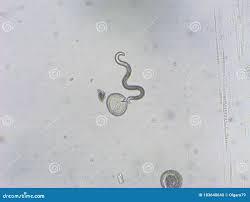 |