Instructions for Side by Side Printing
- Print the notecards
- Fold each page in half along the solid vertical line
- Cut out the notecards by cutting along each horizontal dotted line
- Optional: Glue, tape or staple the ends of each notecard together
J K L M N P Q R S T
front 1 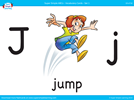 JUMP | back 1 |
front 2 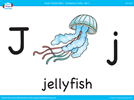 JELLYFISH | back 2 |
front 3 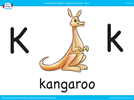 KANGAROO | back 3 |
front 4 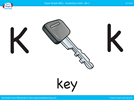 KEY | back 4 |
front 5 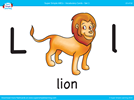 LION | back 5 |
front 6 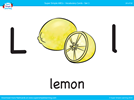 LEMON | back 6 |
front 7 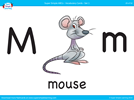 MOUSE | back 7 |
front 8 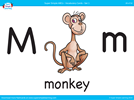 MONKEY | back 8 |
front 9 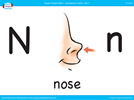 NOSE | back 9 |
front 10 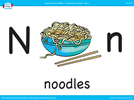 NOODLES | back 10 |
front 11 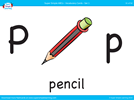 PENCIL | back 11 |
front 12 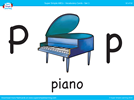 PIANO | back 12 |
front 13 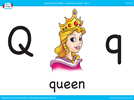 QUEEN | back 13 |
front 14 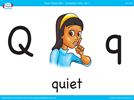 QUIET | back 14 |
front 15 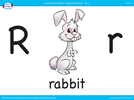 RABBIT | back 15 |
front 16 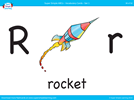 ROCKET | back 16 |
front 17 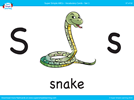 SNAKE | back 17 |
front 18 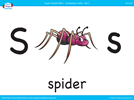 SPIDER | back 18 |
front 19 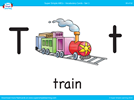 TRAIN | back 19 |
front 20 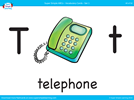 TELEPHONE | back 20 |
front 21 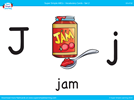 JAM | back 21 |
front 22 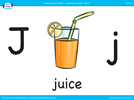 JUICE | back 22 |
front 23 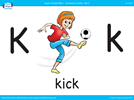 KICK | back 23 |
front 24 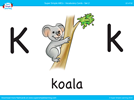 KOALA | back 24 |
front 25 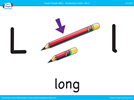 LONG | back 25 |
front 26 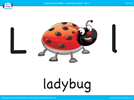 LADYBUG | back 26 |
front 27 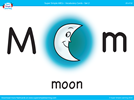 MOON | back 27 |
front 28 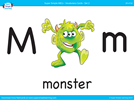 MONSTER | back 28 |
front 29 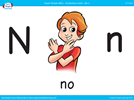 NO | back 29 |
front 30 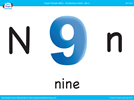 NINE | back 30 |
front 31 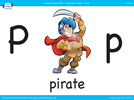 PIRATE | back 31 |
front 32 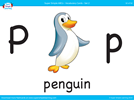 PENGUIN | back 32 |
front 33 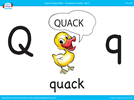 QUACK | back 33 |
front 34 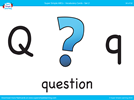 QUESTION | back 34 |
front 35  ROBOT | back 35 |
front 36 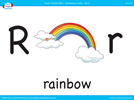 RAINBOW | back 36 |
front 37 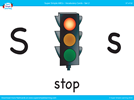 STOP | back 37 |
front 38 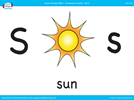 SUN | back 38 |
front 39 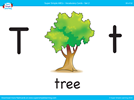 TREE | back 39 |
front 40 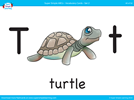 TURTLE | back 40 |