Instructions for Side by Side Printing
- Print the notecards
- Fold each page in half along the solid vertical line
- Cut out the notecards by cutting along each horizontal dotted line
- Optional: Glue, tape or staple the ends of each notecard together
B C D F G H J K L M N P Q R S T
front 1  bubble bulldog | back 1 |
front 2  cactus cuddle | back 2 |
front 3 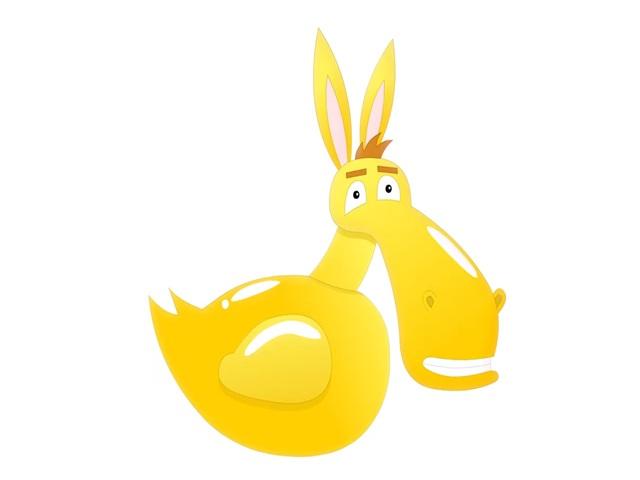 donkey duckie | back 3 |
front 4  froggy fries | back 4 |
front 5 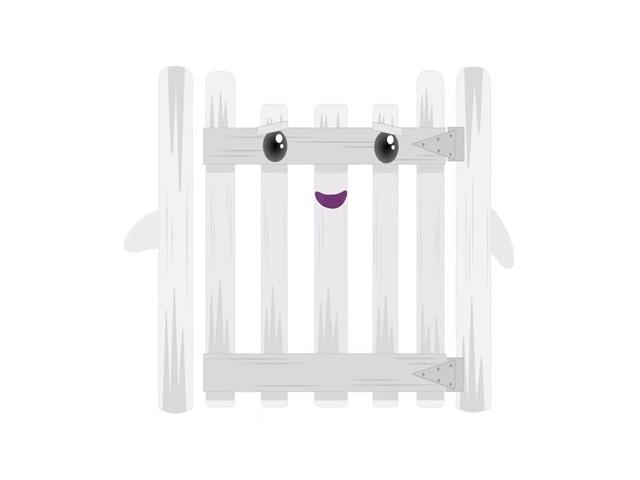 ghosty gate | back 5 |
front 6  hippo hat | back 6 |
front 7  jumping jigsaw | back 7 |
front 8 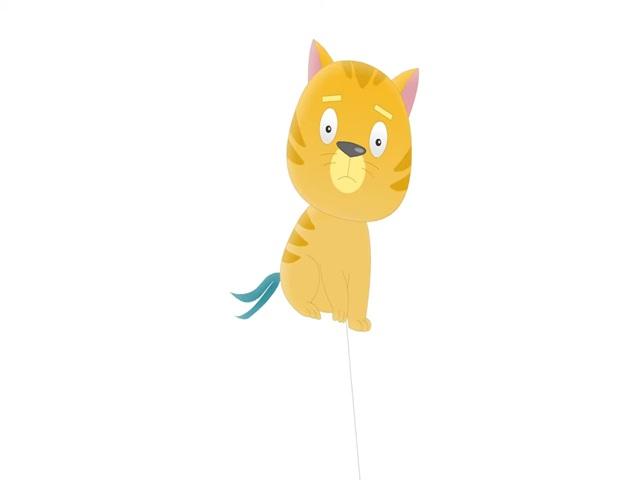 kitten kite | back 8 |
front 9  lizard light bulb | back 9 |
front 10  monster mountain | back 10 |
front 11  ninja nana | back 11 |
front 12  pizza pillow | back 12 |
front 13  queen quad bike | back 13 |
front 14 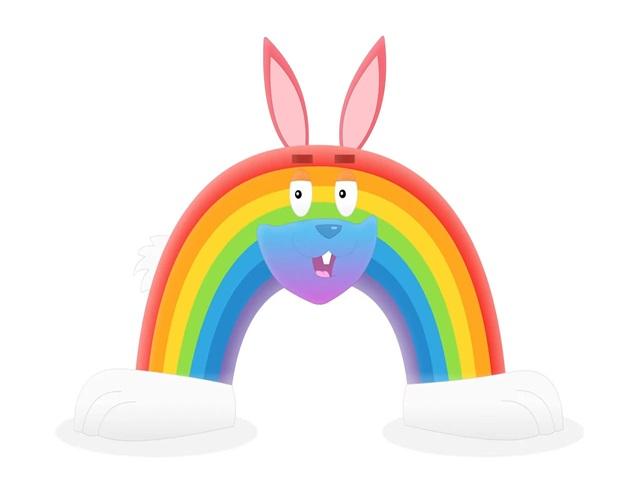 rabbit rainbow | back 14 |
front 15  snowman socks | back 15 |
front 16 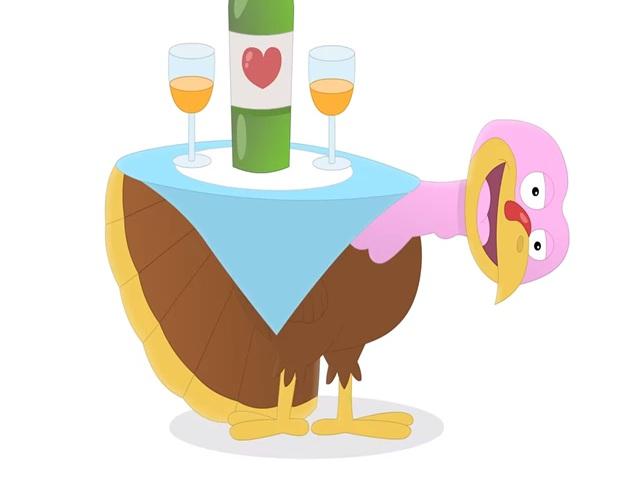 turkey table | back 16 |