Instructions for Side by Side Printing
- Print the notecards
- Fold each page in half along the solid vertical line
- Cut out the notecards by cutting along each horizontal dotted line
- Optional: Glue, tape or staple the ends of each notecard together
A B C D E F G H I J K L M N O P Q R S T
front 1 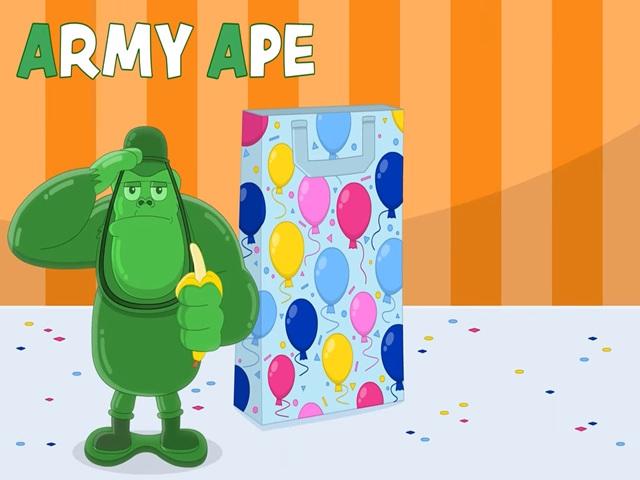 Army ape | back 1 |
front 2 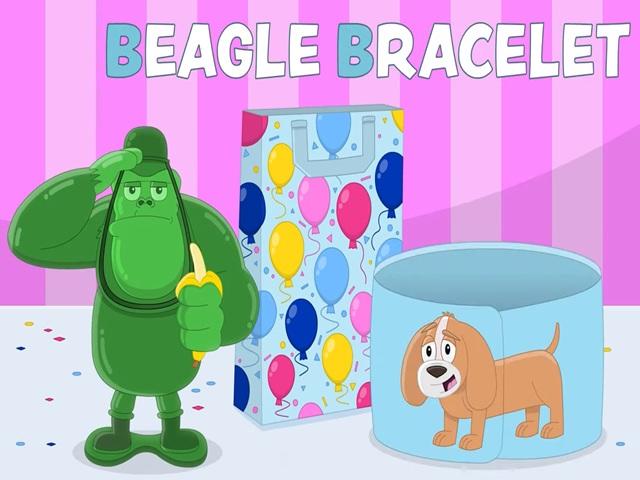 Beagle bracelet | back 2 |
front 3 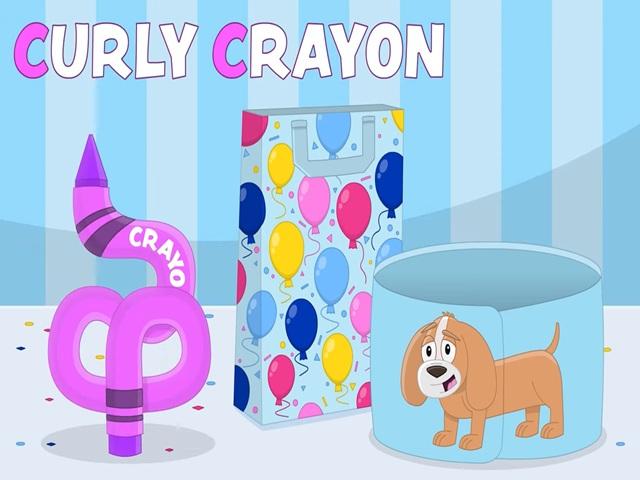 Curly crayon | back 3 |
front 4  Dancing ducky | back 4 |
front 5 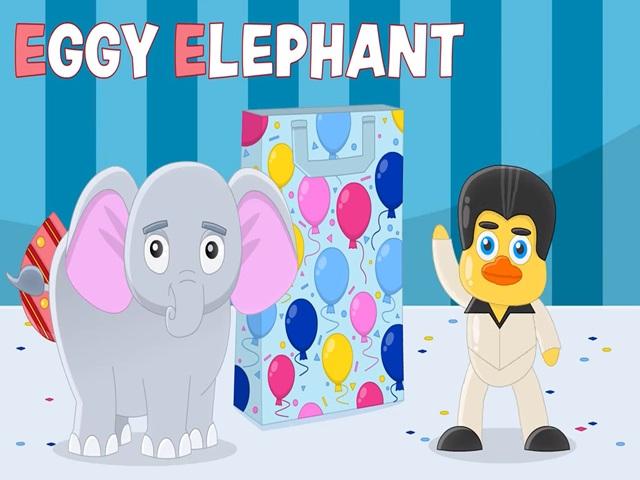 Eggy elephant | back 5 |
front 6 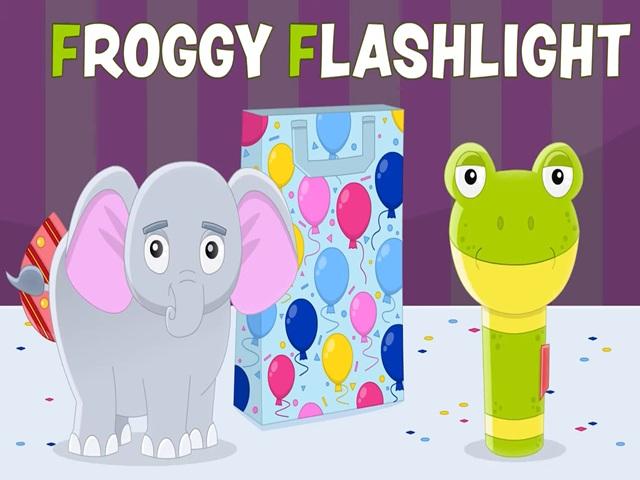 Froggy flashlight | back 6 |
front 7 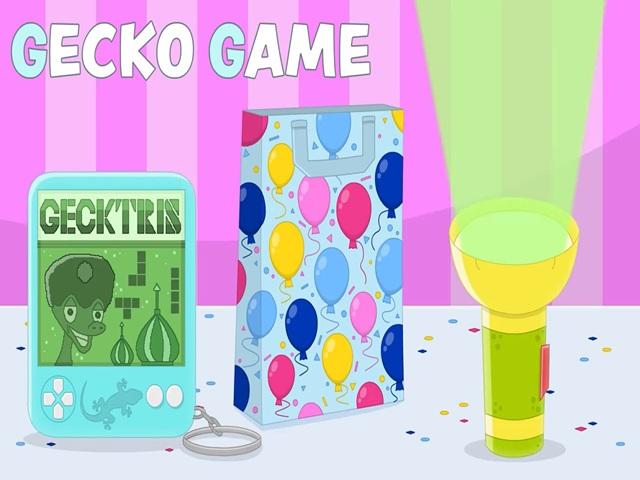 Gecko game | back 7 |
front 8 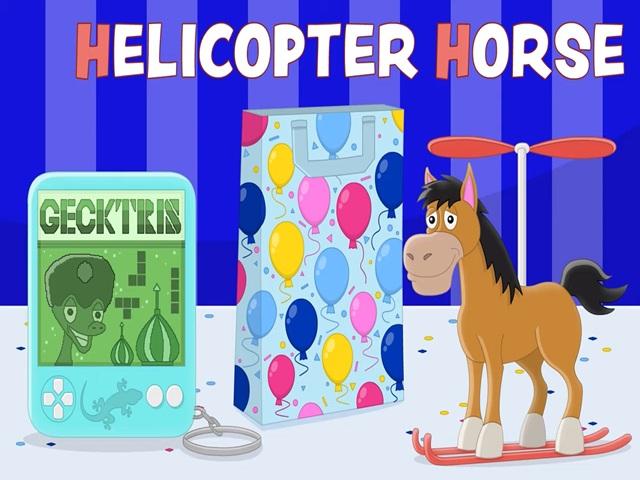 Helicopter horse | back 8 |
front 9 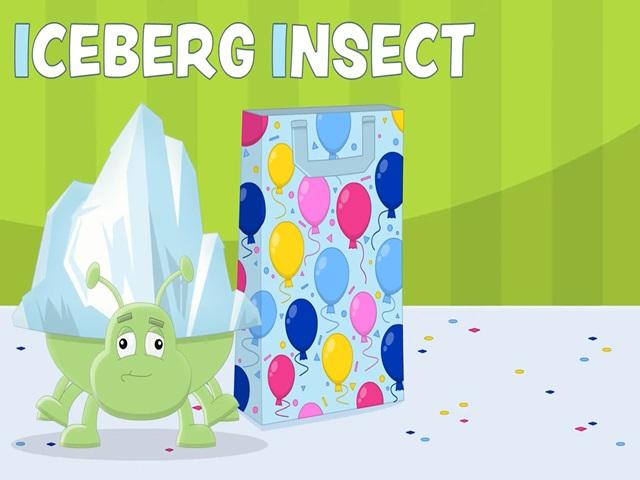 Iceberg insect | back 9 |
front 10 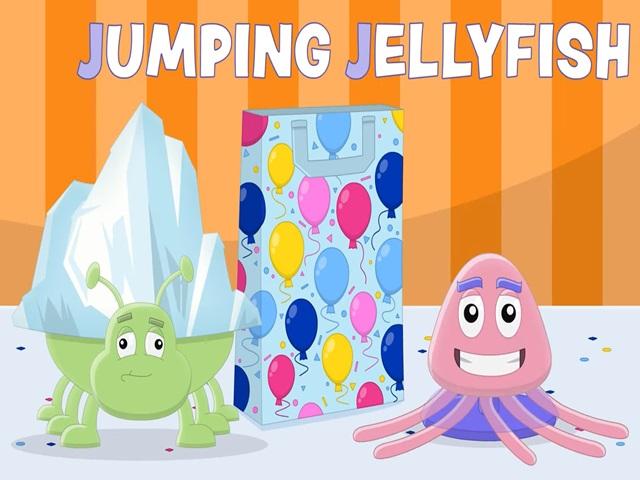 Jumping jellyfish | back 10 |
front 11 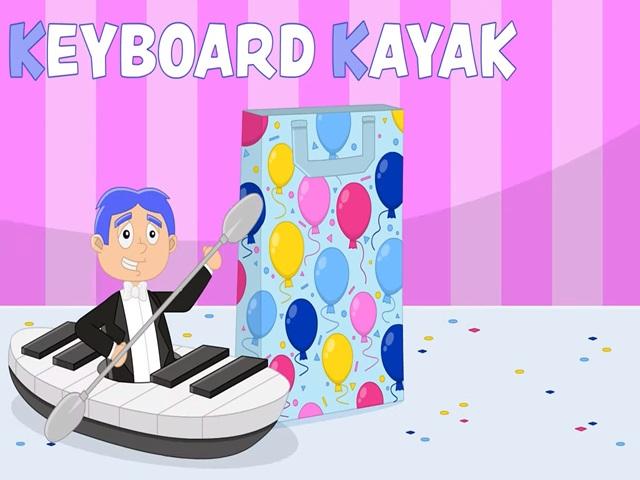 Keyboard kayak | back 11 |
front 12 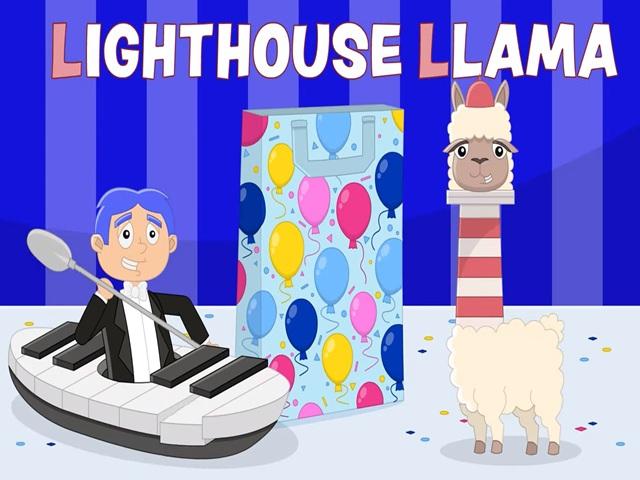 Lighthouse llama | back 12 |
front 13 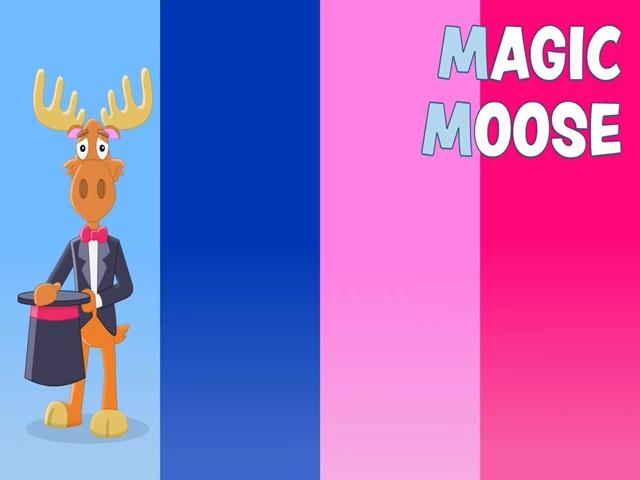 Magic moose | back 13 |
front 14 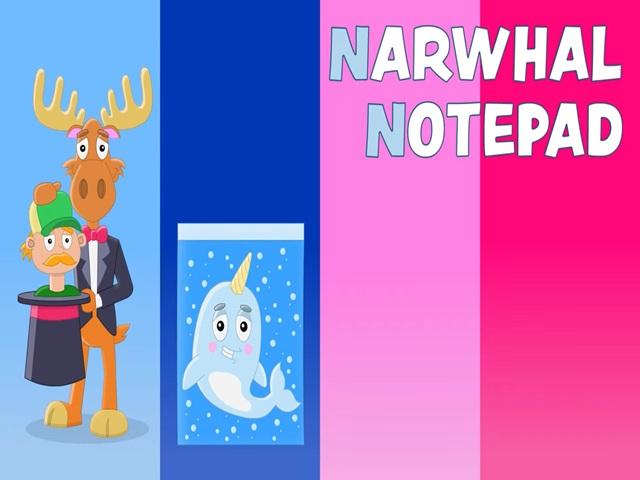 Narwhal notepad | back 14 |
front 15 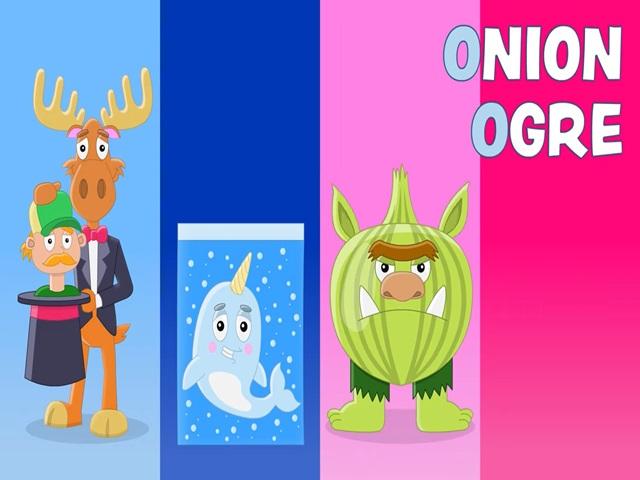 Onion ogre | back 15 |
front 16 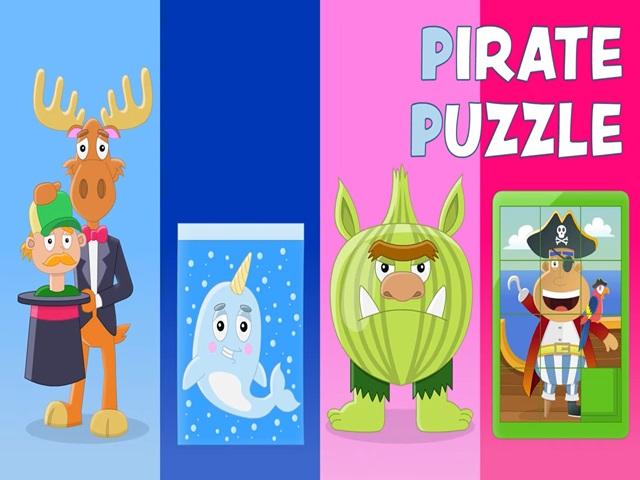 Pirate puzzle | back 16 |
front 17 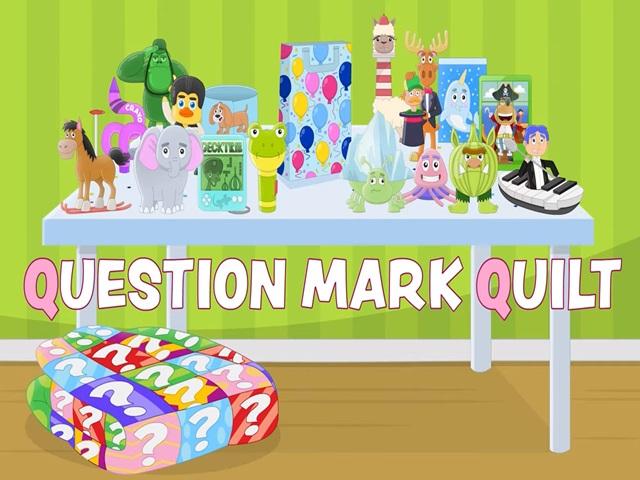 Question mark quilt | back 17 |
front 18 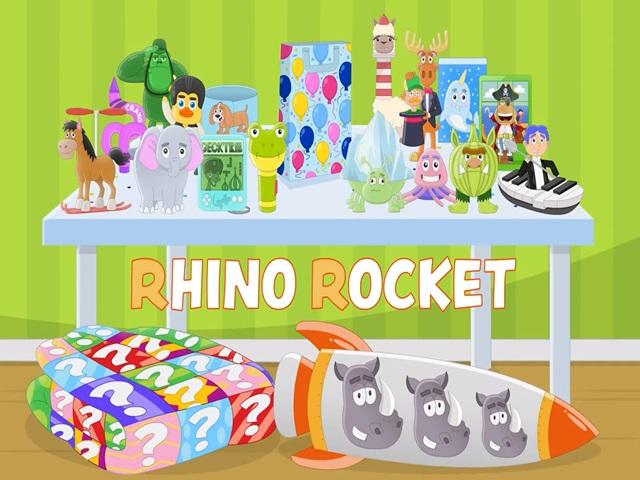 Rhino rocket | back 18 |
front 19  Silly steam train | back 19 |
front 20 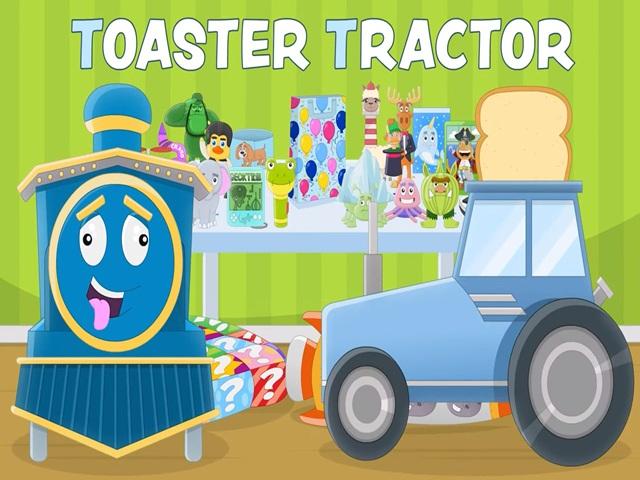 Toaster tractor | back 20 |