Instructions for Side by Side Printing
- Print the notecards
- Fold each page in half along the solid vertical line
- Cut out the notecards by cutting along each horizontal dotted line
- Optional: Glue, tape or staple the ends of each notecard together
Two To Nine
front 1 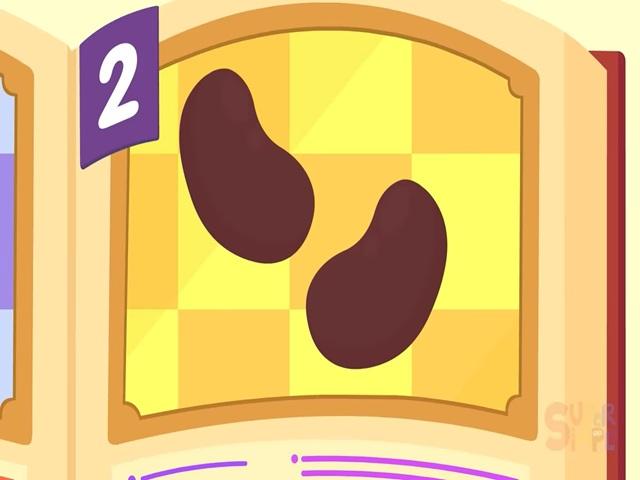 two big bouncing beans | back 1 |
front 2 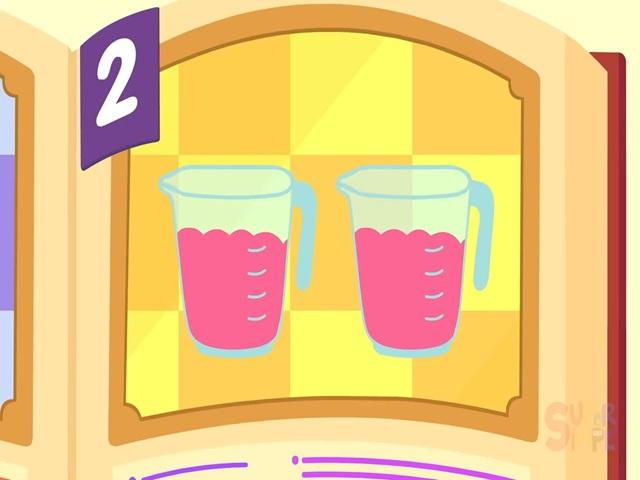 two cups raspberry jam | back 2 |
front 3 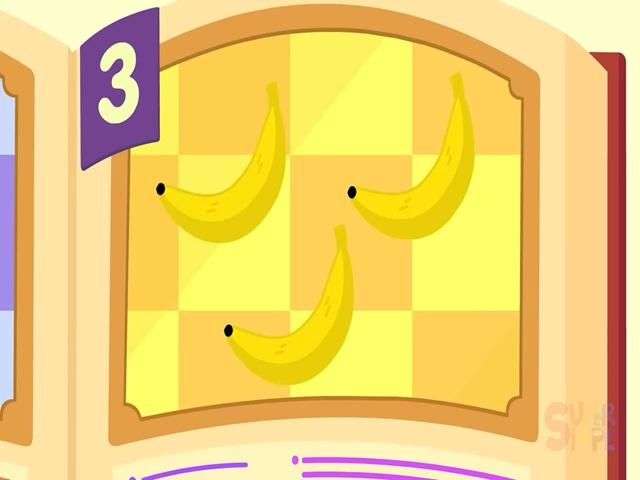 three boomeranging bananas | back 3 |
front 4 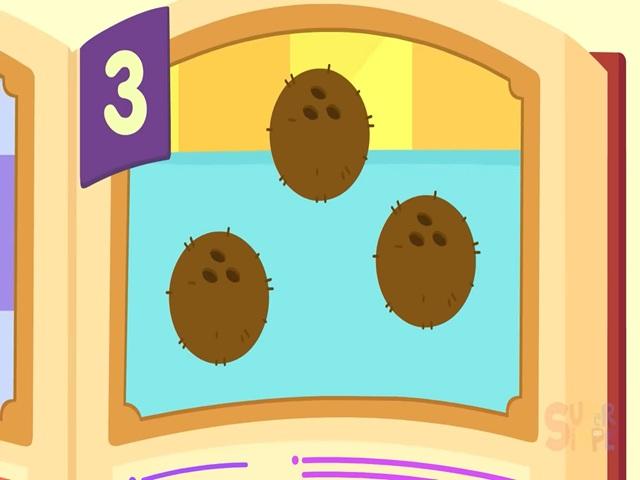 three floating coconuts | back 4 |
front 5 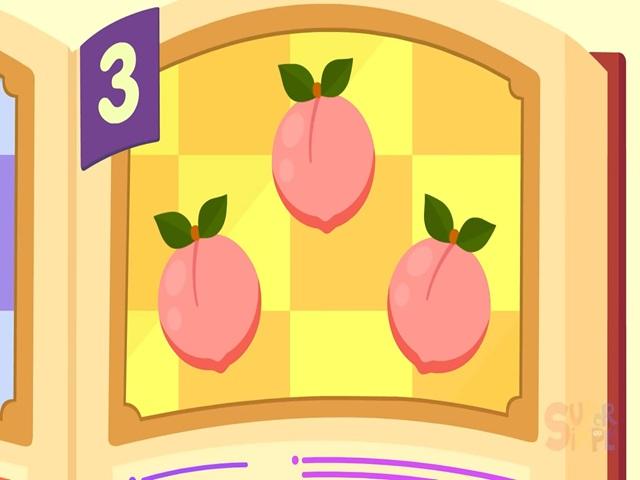 three powerhouse peaches | back 5 |
front 6 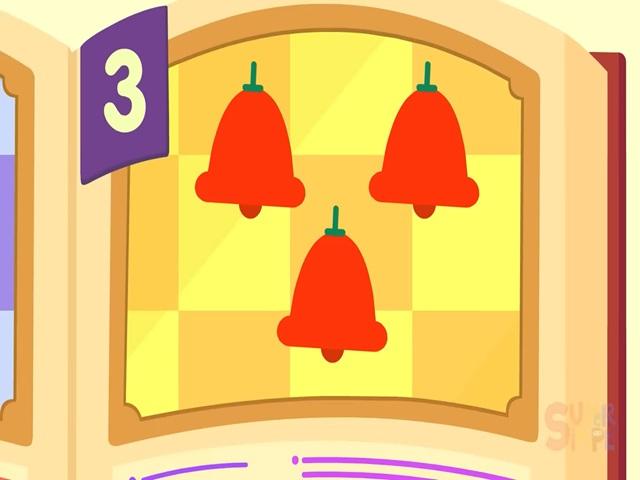 three ringing bell peppers | back 6 |
front 7 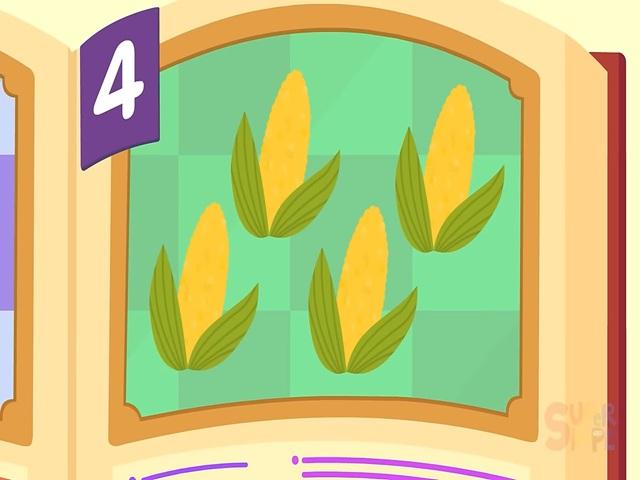 four popcorn cobs | back 7 |
front 8 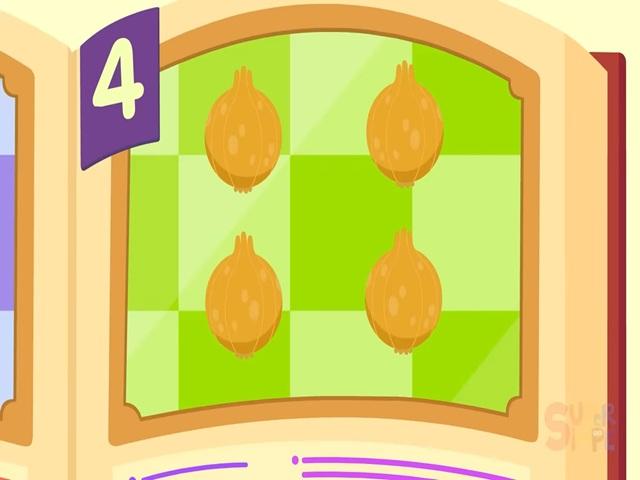 four weepy onions | back 8 |
front 9 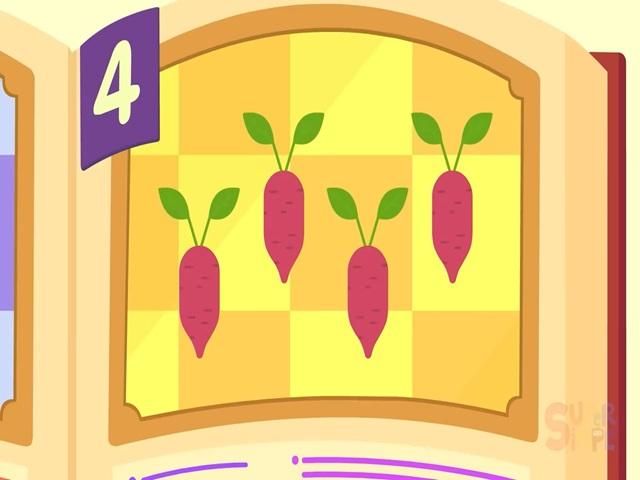 four yawning yams | back 9 |
front 10 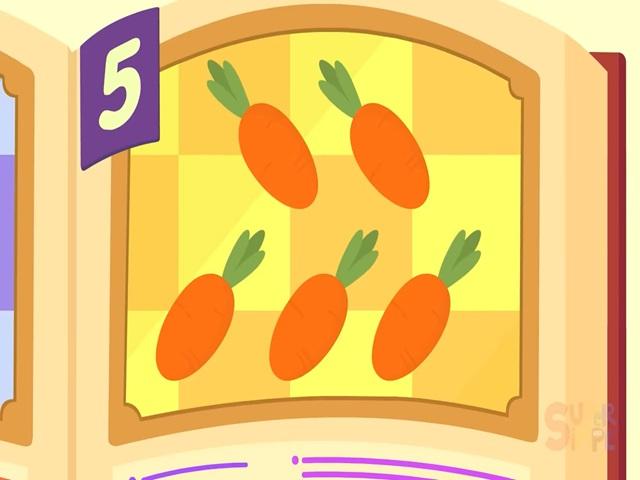 five chunky carrots | back 10 |
front 11 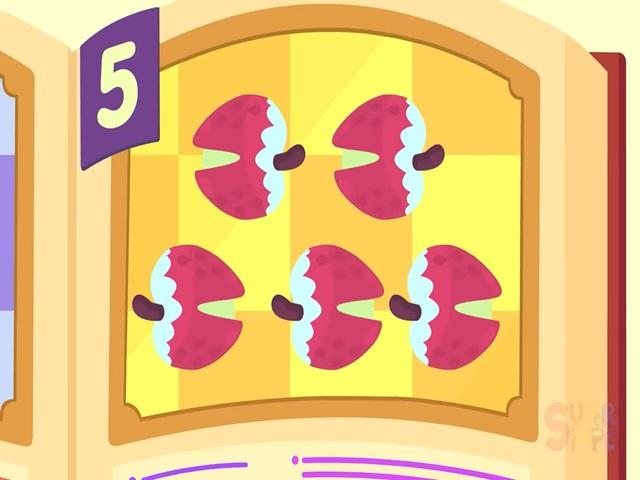 five frozen lychees | back 11 |
front 12 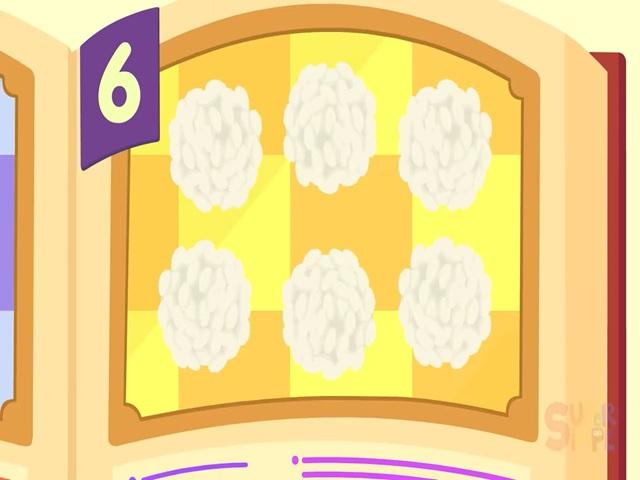 six handfuls tricky sticky rice | back 12 |
front 13 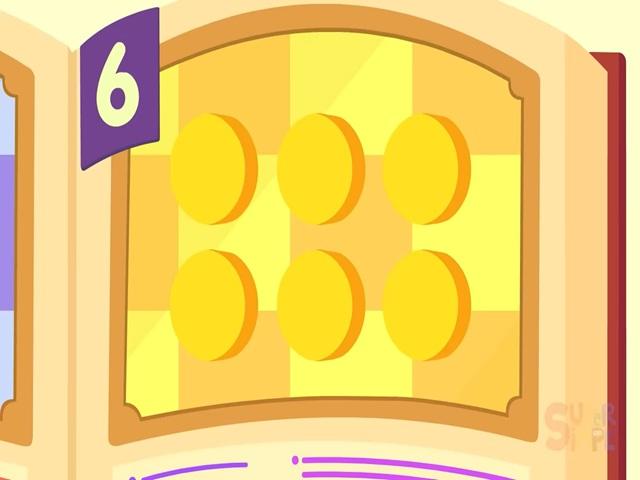 six speedy cheesy cheese wheels | back 13 |
front 14 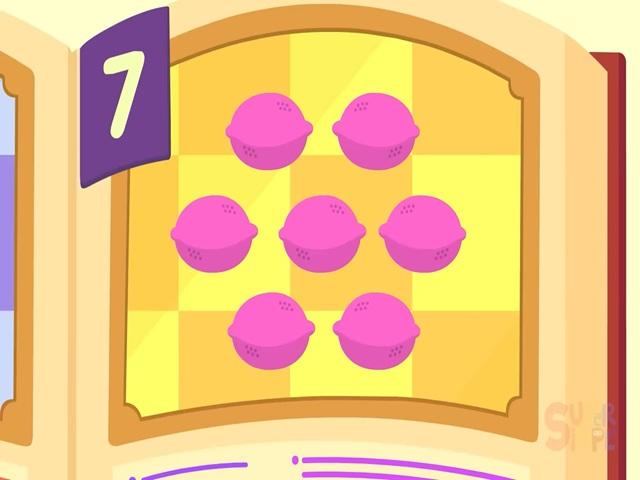 seven pink leaping lemons | back 14 |
front 15 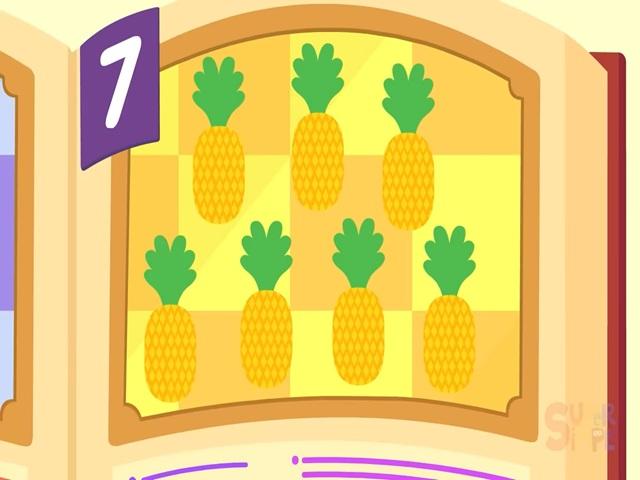 seven spinning pineapples | back 15 |
front 16 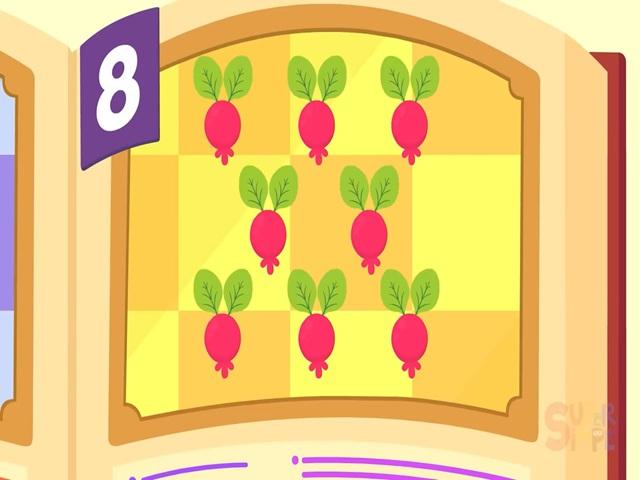 eight honking gooseberries | back 16 |
front 17 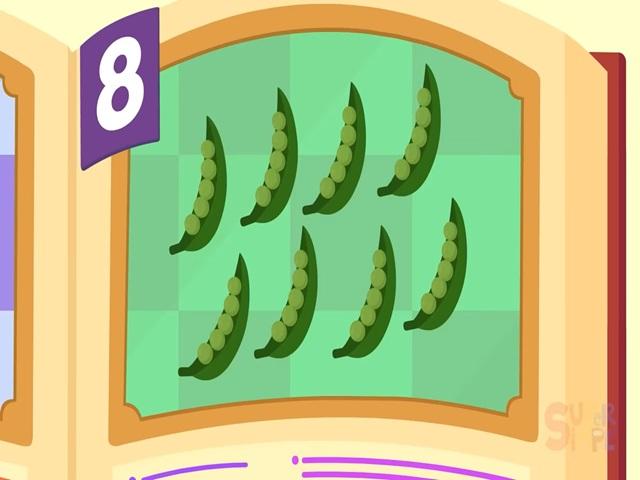 eight sneaky snap peas | back 17 |
front 18 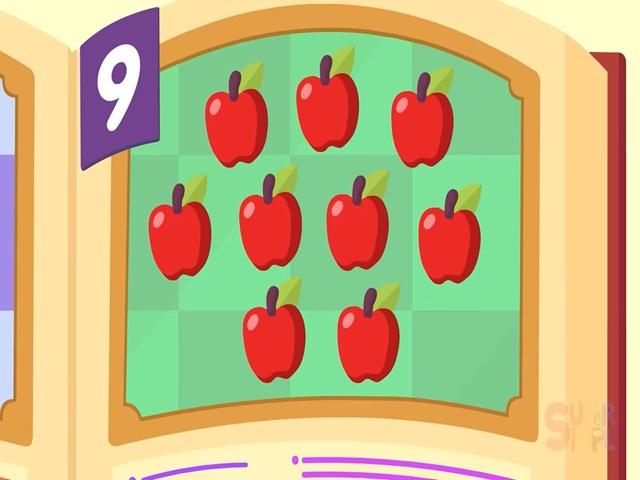 nine amphibious apples | back 18 |
front 19 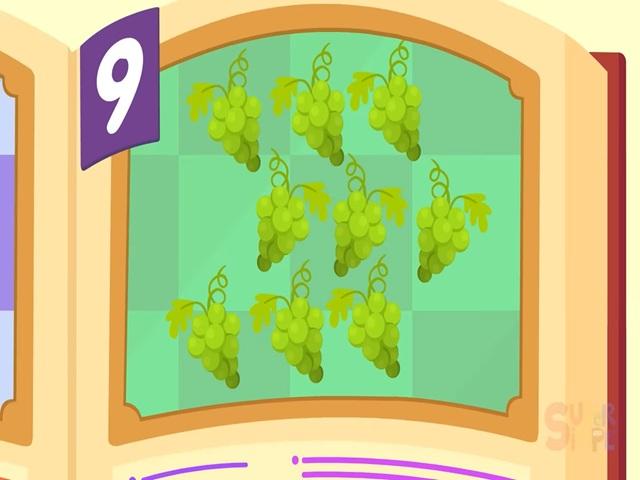 nine bunches grapes | back 19 |
front 20 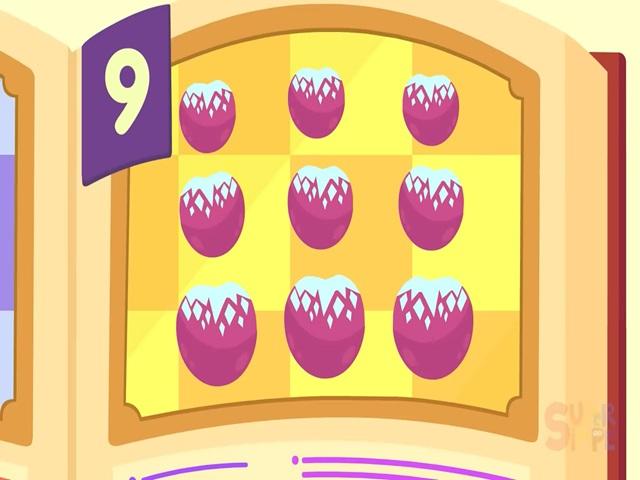 nine chilly cherries | back 20 |