Instructions for Side by Side Printing
- Print the notecards
- Fold each page in half along the solid vertical line
- Cut out the notecards by cutting along each horizontal dotted line
- Optional: Glue, tape or staple the ends of each notecard together
Mindset Plus - Unit 1 - Word Power - P.25
front 1  adjective | back 1 תואר |
front 2 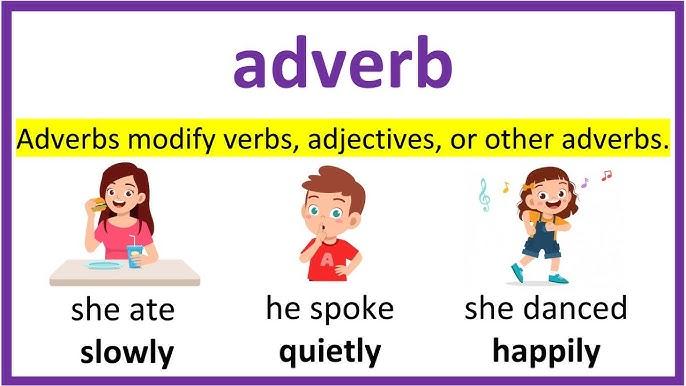 adverb | back 2 תואר פועל |
front 3  dictation | back 3 הכתבה |
front 4 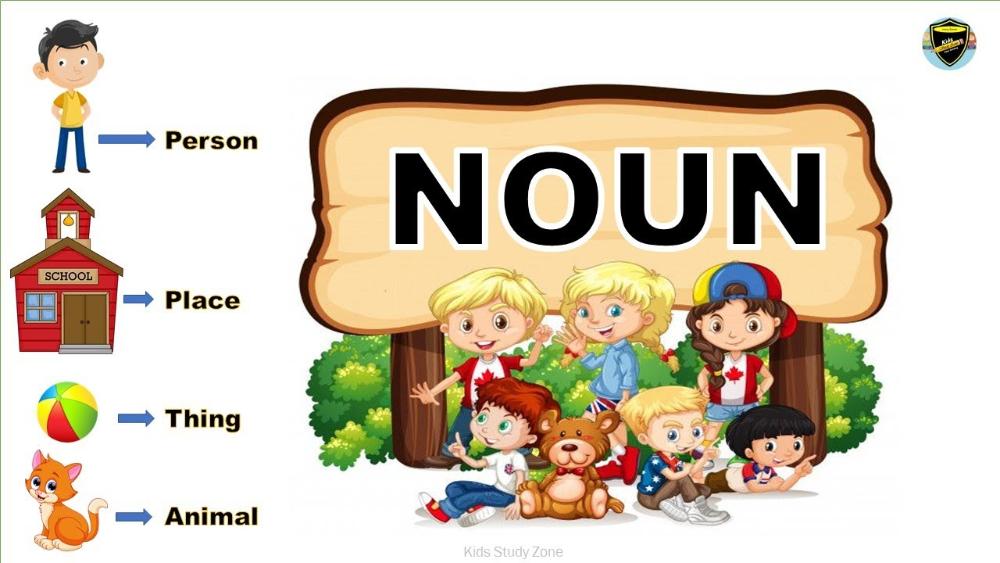 noun | back 4 שם עצם |
front 5 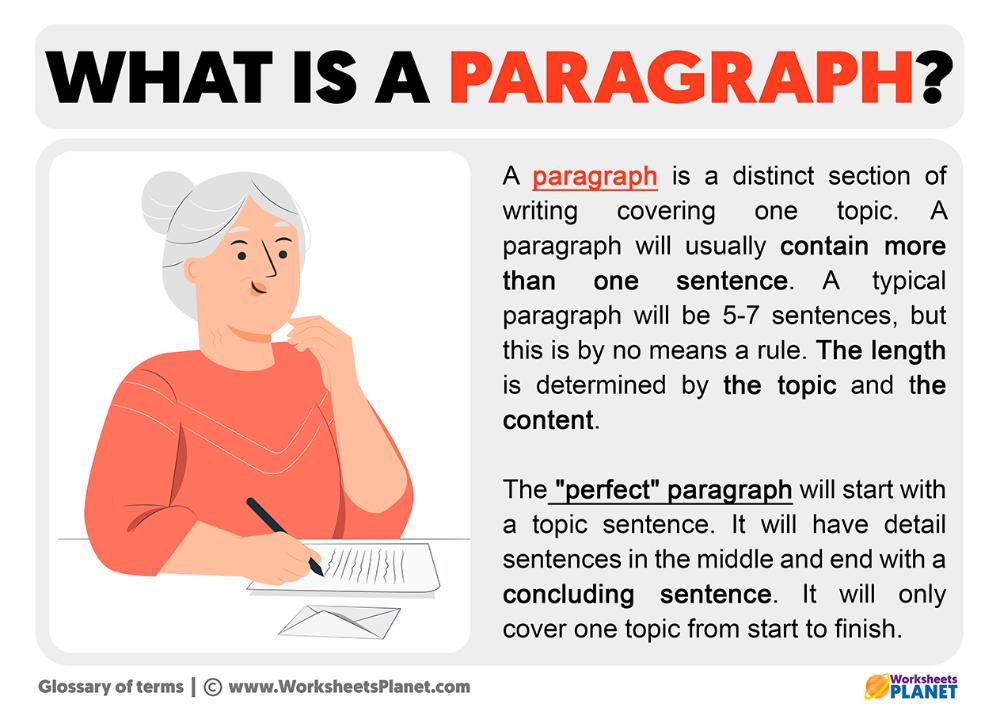 paragraph | back 5 פסקה |
front 6  period | back 6 נקודה |
front 7 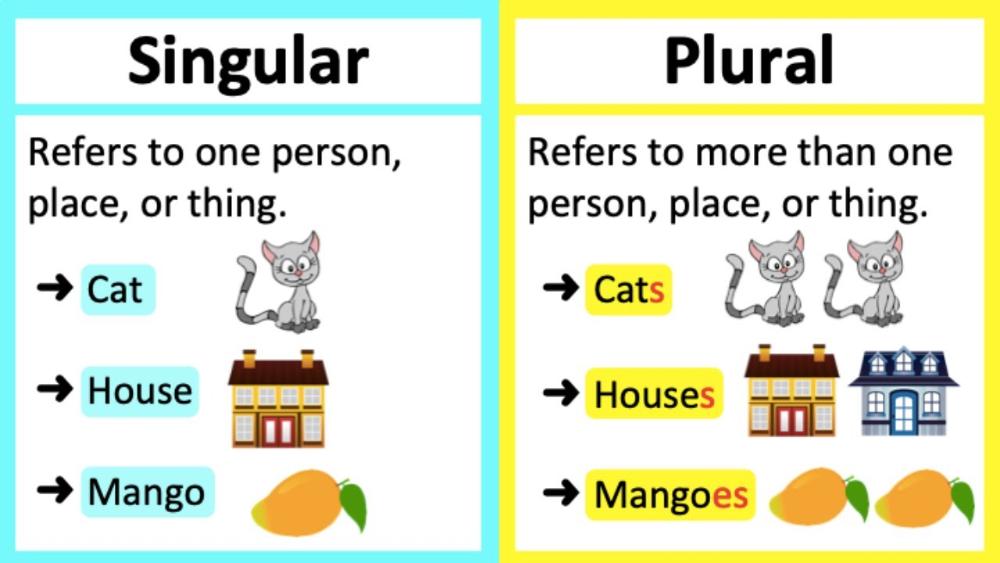 plural | back 7 צורת הרבים, רבים |
front 8  question mark | back 8 סימן שאלה |
front 9 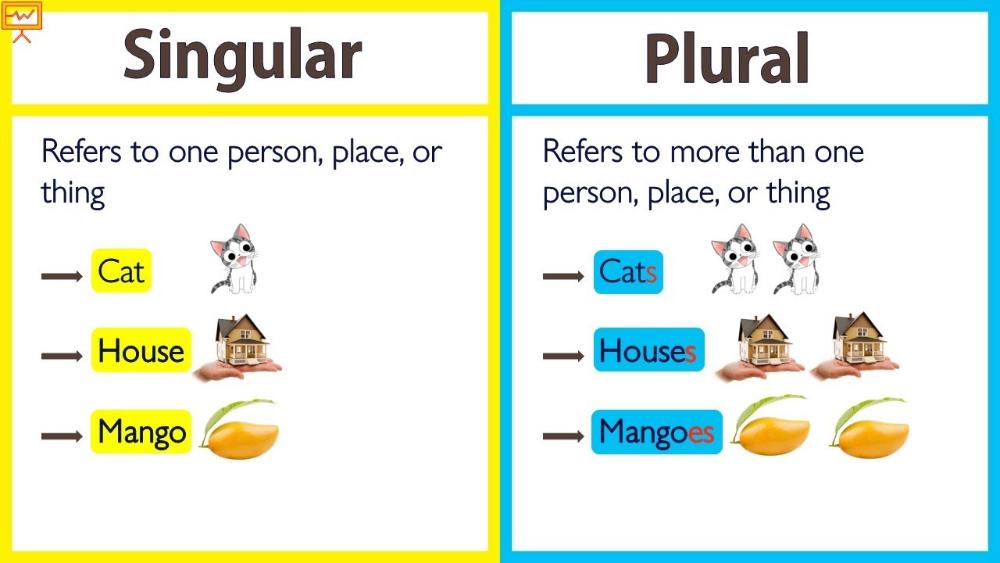 singular | back 9 צורת יחיד, יחיד |
front 10 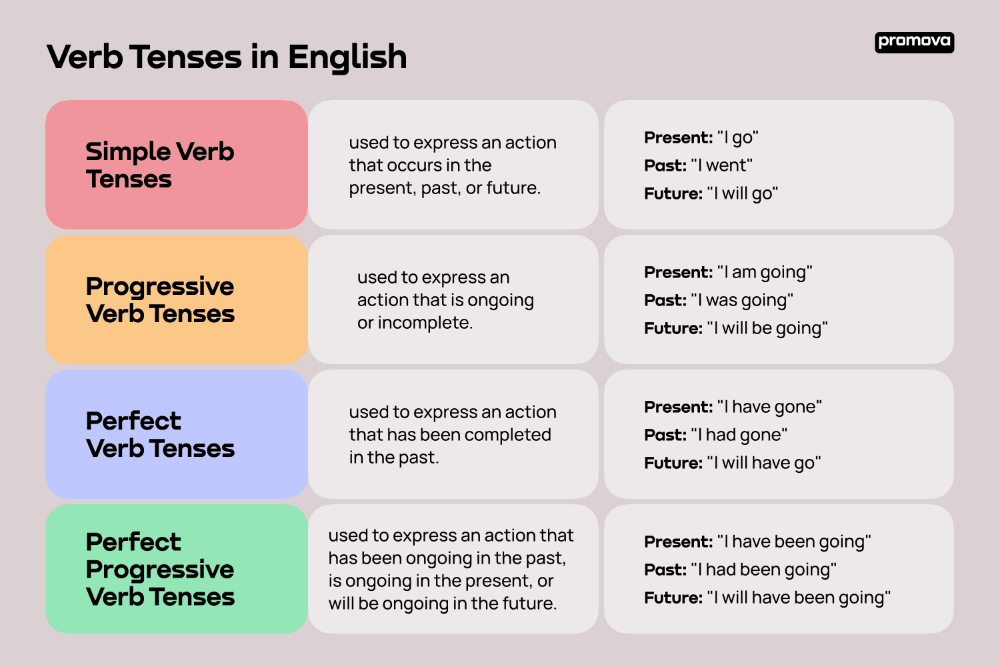 tense | back 10 זמן (דקדוקי) |
front 11 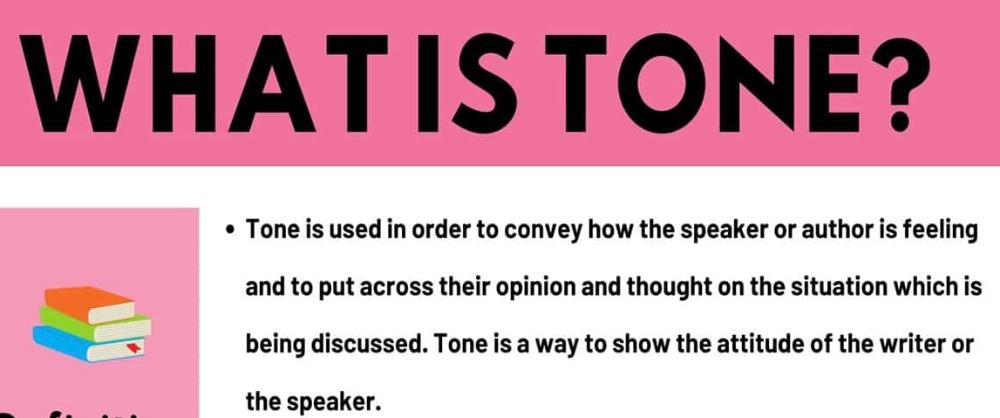 tone | back 11 טון |