Instructions for Side by Side Printing
- Print the notecards
- Fold each page in half along the solid vertical line
- Cut out the notecards by cutting along each horizontal dotted line
- Optional: Glue, tape or staple the ends of each notecard together
Klmnpqrst
front 1  kangaroo | back 1 |
front 2  kettle | back 2 |
front 3 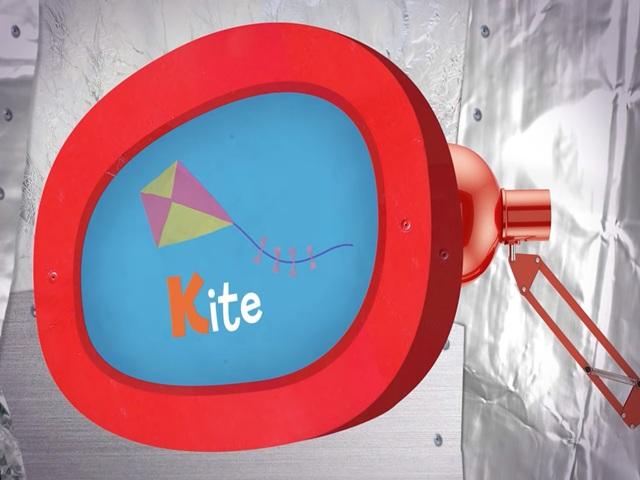 kite | back 3 |
front 4  lamp | back 4 |
front 5 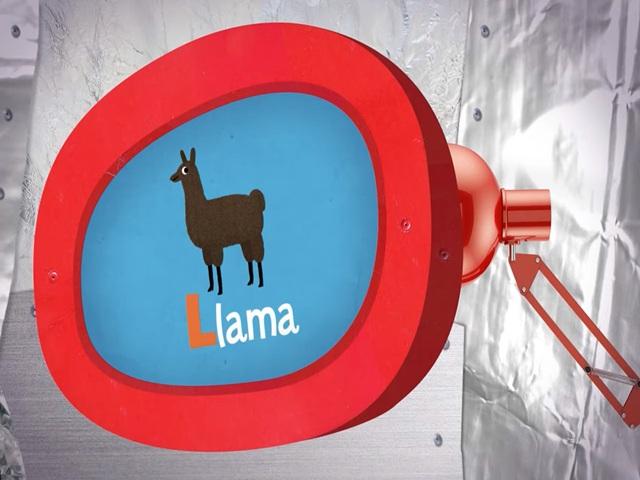 llama | back 5 |
front 6  lollipop | back 6 |
front 7 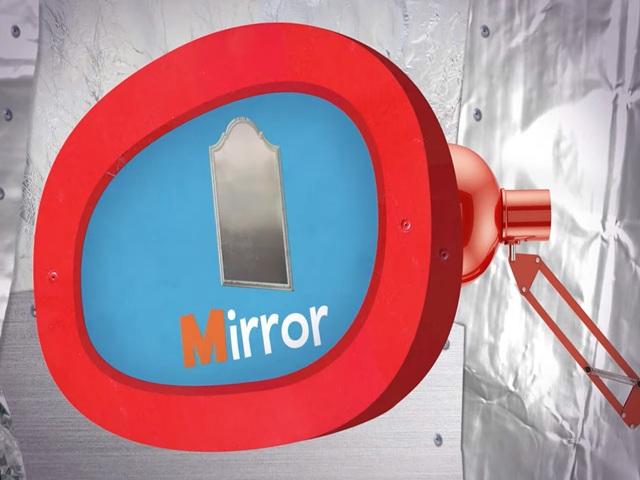 mirror | back 7 |
front 8 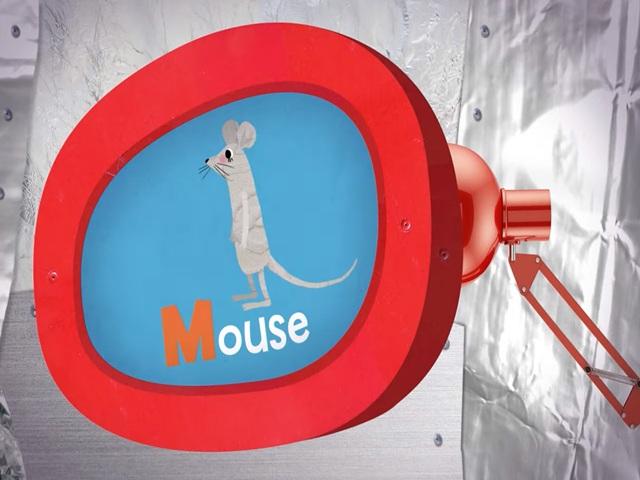 mouse | back 8 |
front 9  muffins | back 9 |
front 10 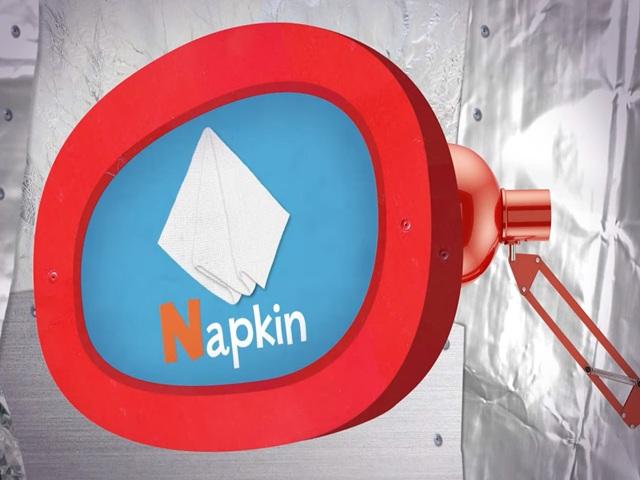 napkin | back 10 |
front 11 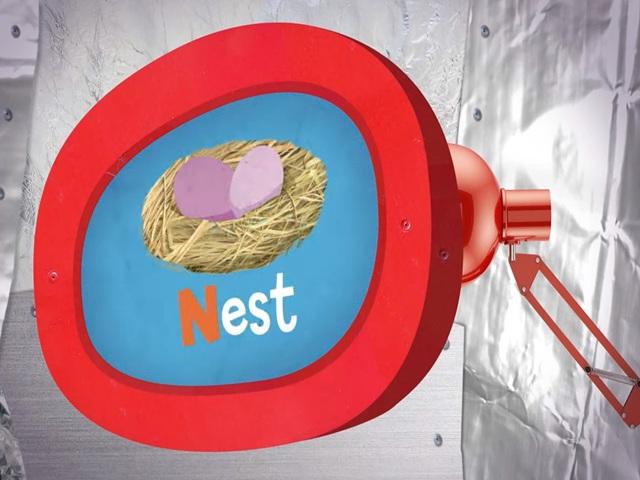 nest | back 11 |
front 12 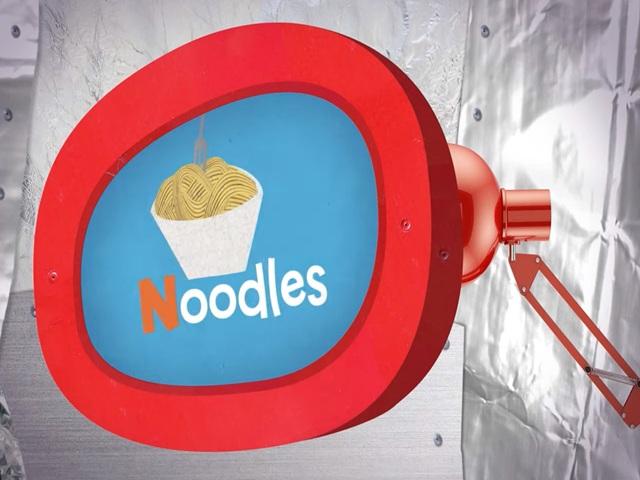 noodles | back 12 |
front 13 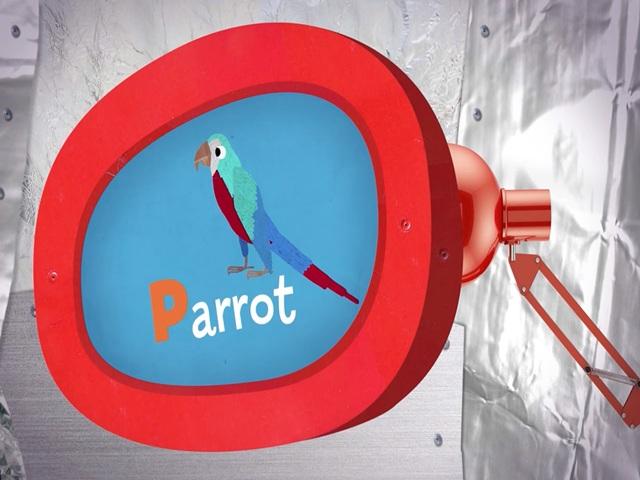 parrot | back 13 |
front 14 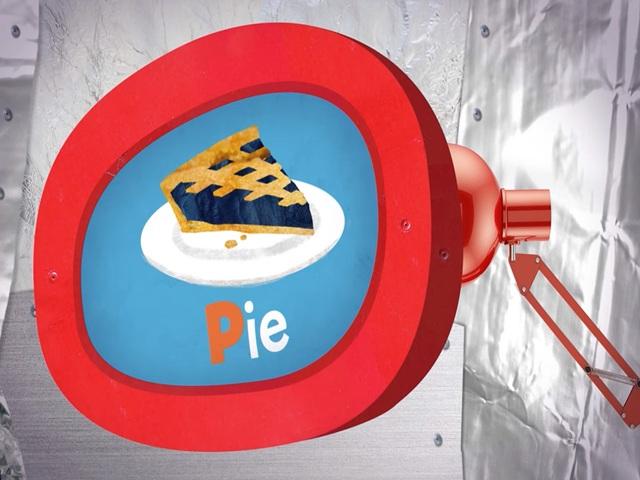 pie | back 14 |
front 15 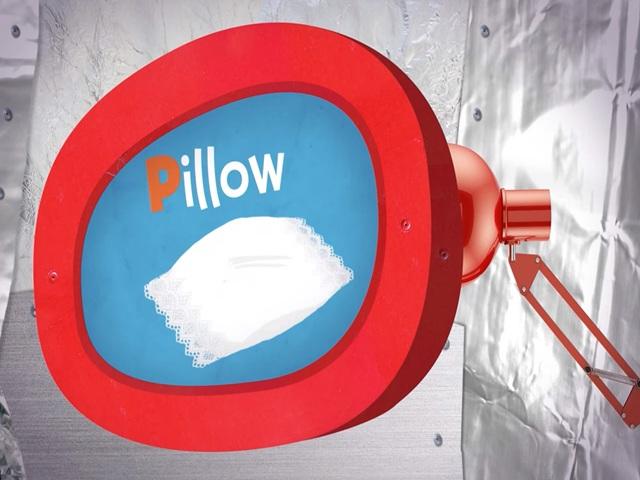 pillow | back 15 |
front 16 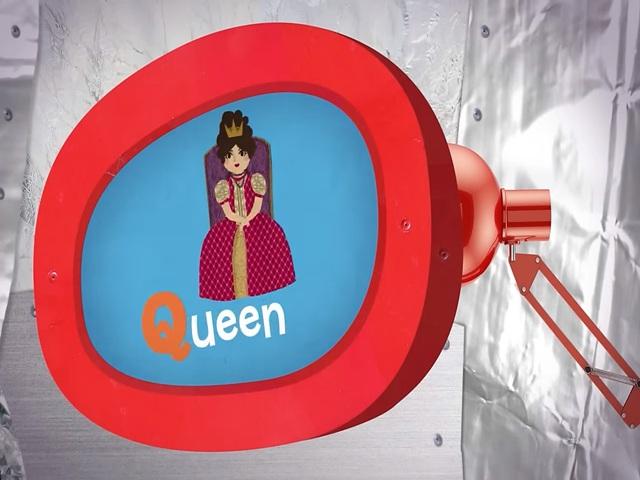 queen | back 16 |
front 17  quiche | back 17 |
front 18  quilt | back 18 |
front 19  radio | back 19 |
front 20 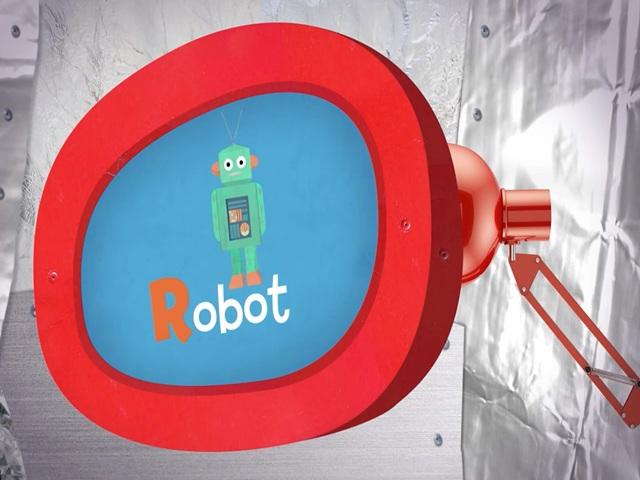 robot | back 20 |
front 21 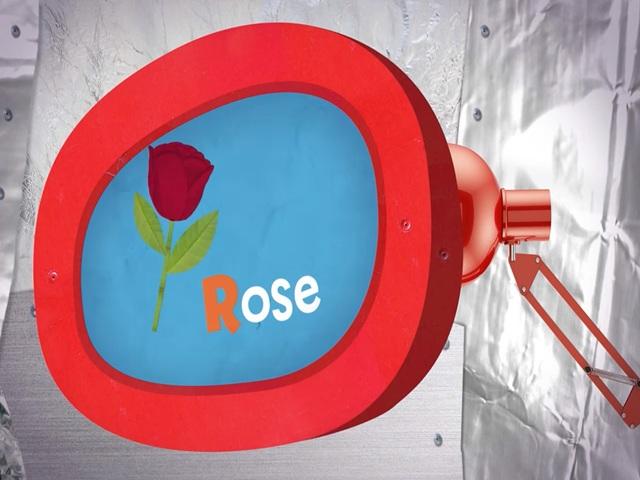 rose | back 21 |
front 22  spaceship | back 22 |
front 23  spoon | back 23 |
front 24 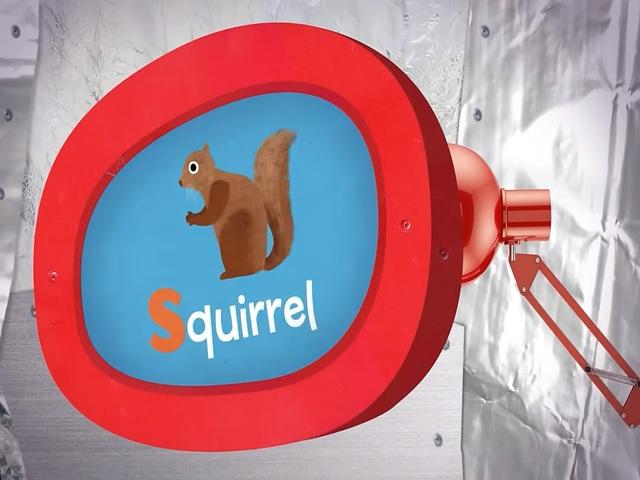 squirrel | back 24 |
front 25  tangerine | back 25 |
front 26 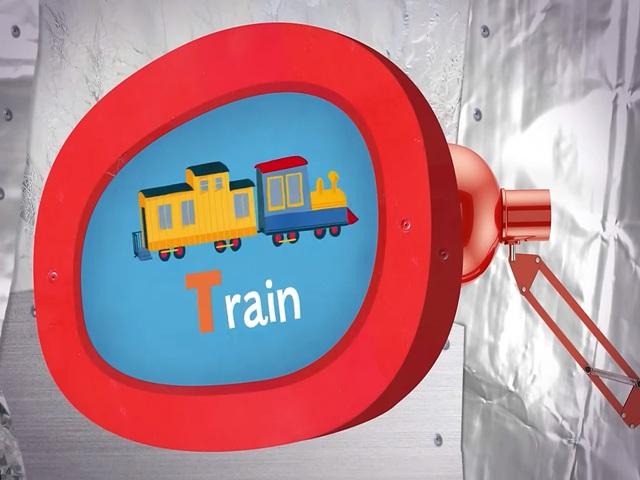 train | back 26 |
front 27 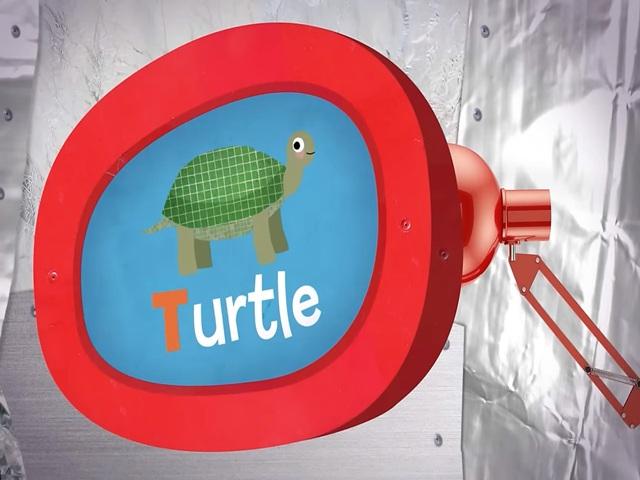 turtle | back 27 |