Instructions for Side by Side Printing
- Print the notecards
- Fold each page in half along the solid vertical line
- Cut out the notecards by cutting along each horizontal dotted line
- Optional: Glue, tape or staple the ends of each notecard together
Micro lab bacteria
front 1 Mycobacterium smegmatis Acid fast positive or Acid fast negative | back 1 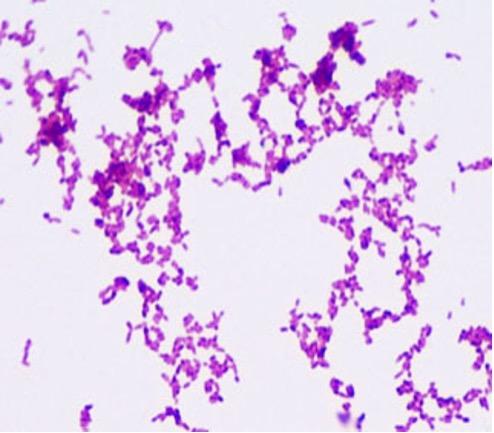 Positive |
front 2 Staphylococcus epidermis Acid fast positive or Acid fast negative | back 2 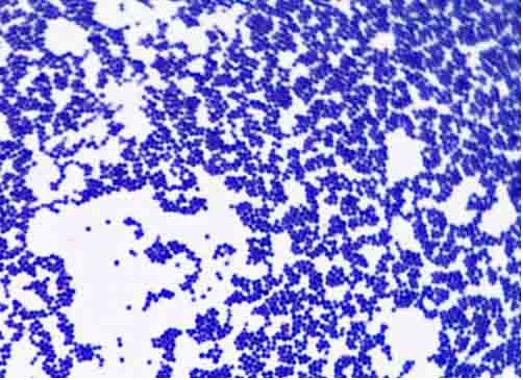 Negative |
front 3 Bacillus cereus endospore stain | back 3 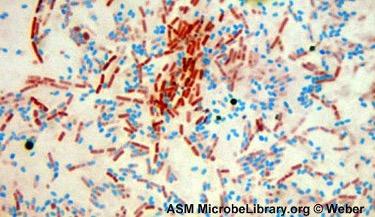 |
front 4 Bacillus cereus gram stain positive or negative | back 4 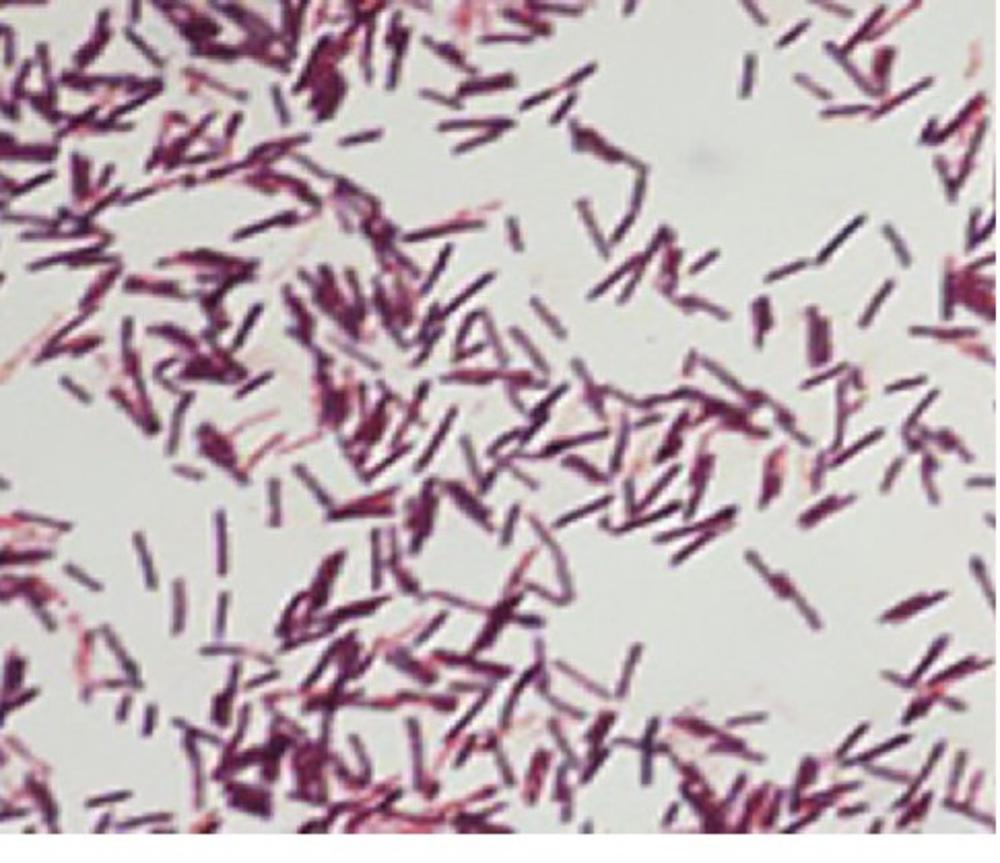 Positive |
front 5 Escherichia coli gram stain positive or negative | back 5 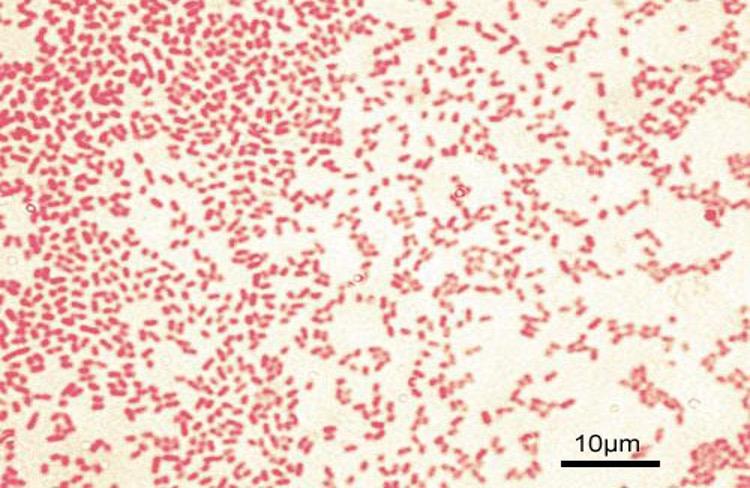 negative |
front 6 Micrococcus luteus gram stain positive or negative | back 6 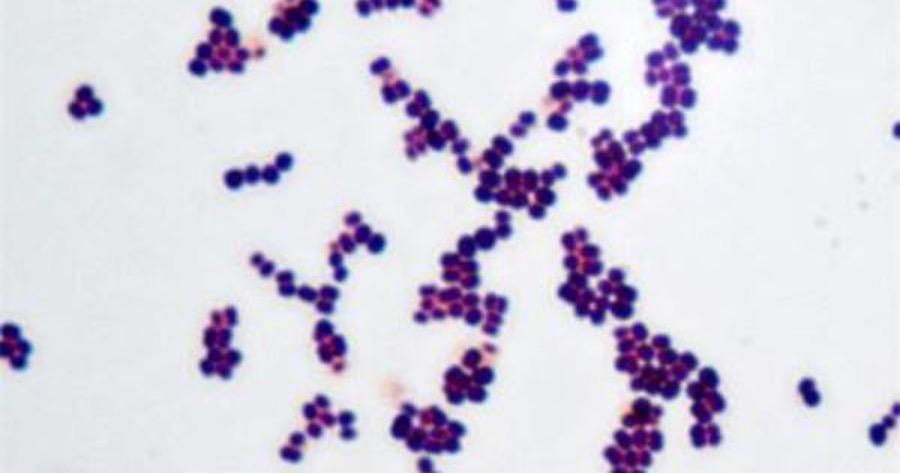 positive |
front 7 Rhodospirillum rubrun gram stain positive or negative | back 7 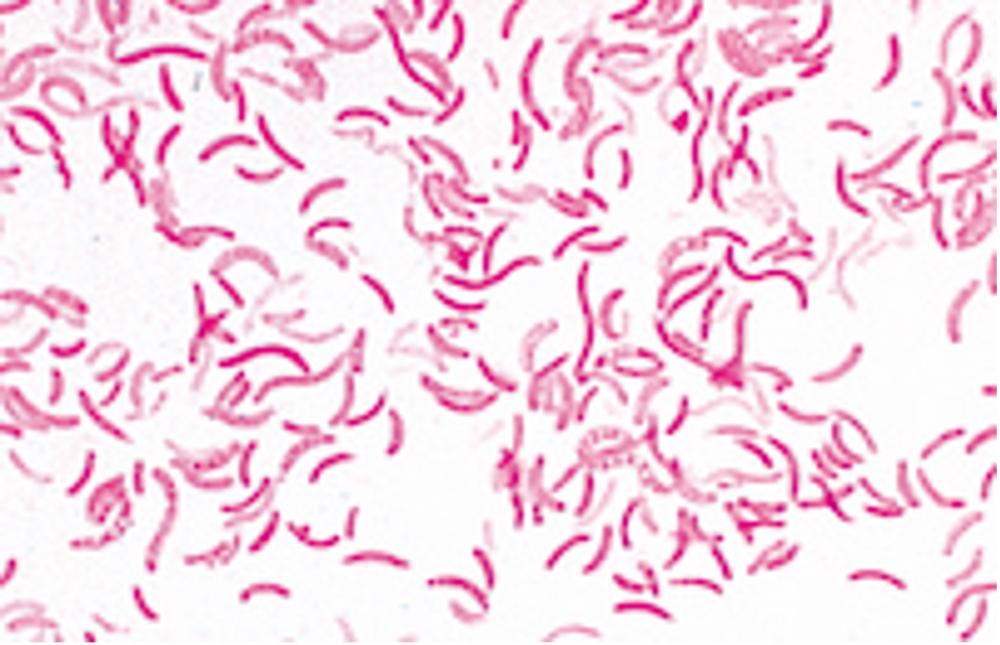 negative |
front 8 Micrococcus luteus negative stain | back 8 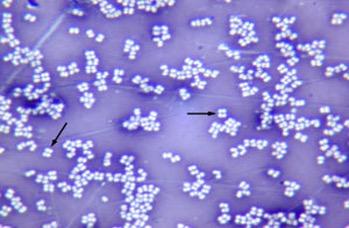 |
front 9 Bacillus cereus negative stain | back 9 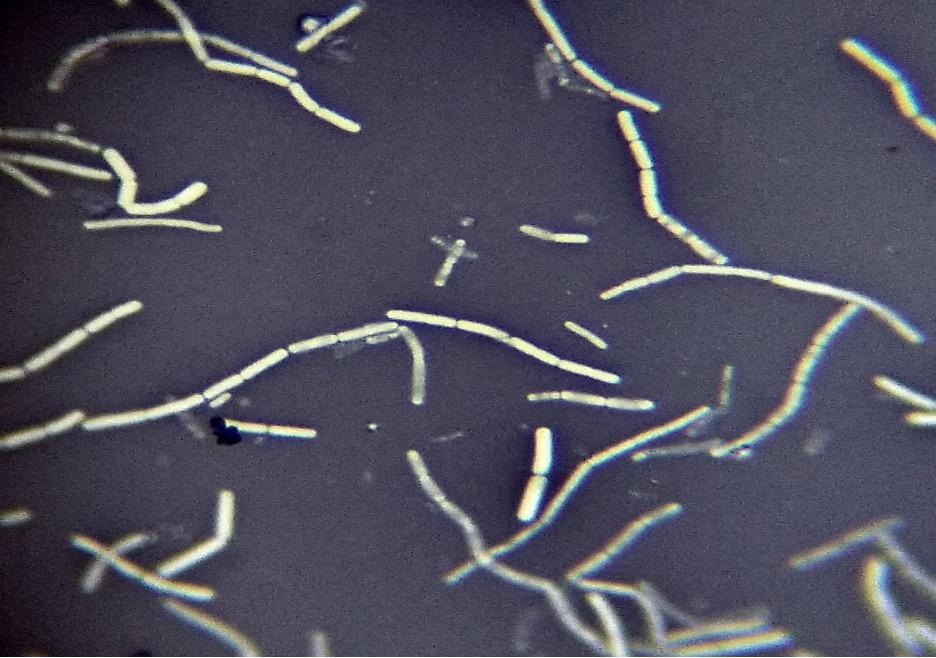 |
front 10 Rhodospirillum rubrum negative stain | back 10 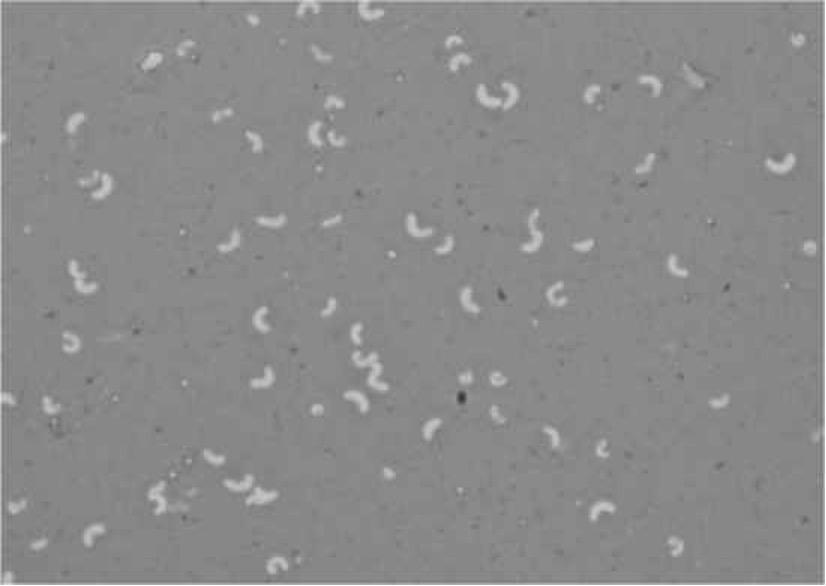 |
front 11 Bacillus cereus simple stain with crystal violet | back 11 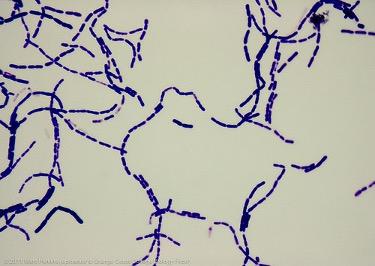 |
front 12 Micrococcus luteus simple stain with methylene blue | back 12 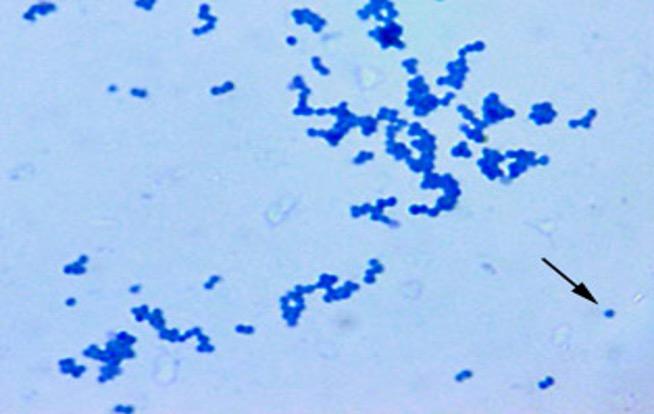 |
front 13 Rhodospirillum rubrum simple stain with safranin | back 13 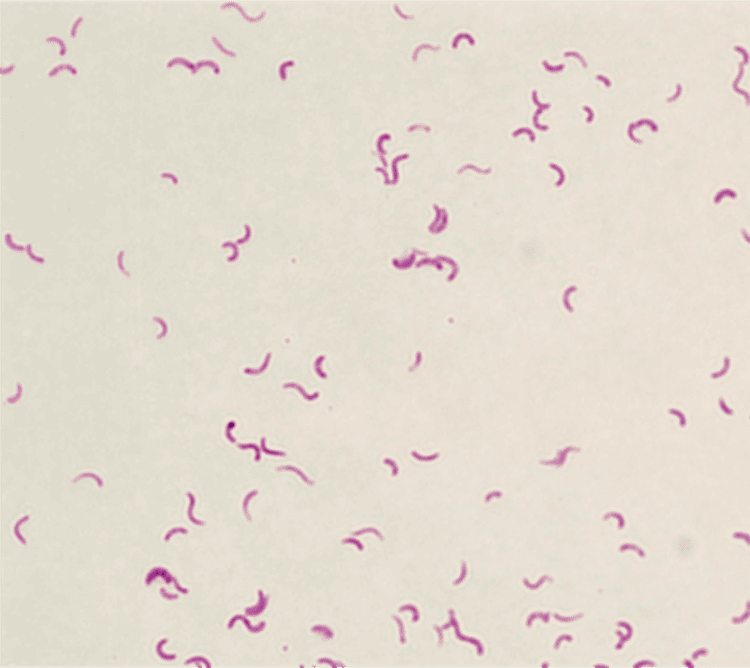 |